
Ask AI
— answers from the official manualAnswers from the official manual.
Common questions
Common Questions
9 totalHow do I initially pair the i12 TWS earbuds with my device?
Press the charging case button until you see a Blue or Red light. Open the lid while it's on, take the earbuds out and turn on Bluetooth on your device to find 'i12' for pairing.
What should I do if only one i12 TWS earbud works or doesn't connect properly?
Press both earbuds simultaneously until they turn off, then repeat the steps to synchronize them again. Charge them with the case and try pairing again afterwards.
What should I do if my i12 TWS does not pair properly with a device?
Ensure you have followed all steps correctly: turn the case on, then your earbuds by taking them out and activate Bluetooth on your device to find 'i12'. If problems persist, restart this process.
How do I reset my i12 TWS back to factory settings?
Press the charging case button until it turns off (red light shows). The earbuds will reset as well and you need to re-pair both with your device.
How can I turn off the i12 TWS if it disconnects from my Bluetooth-enabled device?
The earbuds automatically shut down when disconnected for more than five minutes to save power
What does the error message 'connection lost' mean on my i12 TWS?
If you see a 'connection lost' message, check that your earbuds are within Bluetooth range (15-25 meters) and ensure no other devices are interfering with the connection.
Full Manual
5 pages
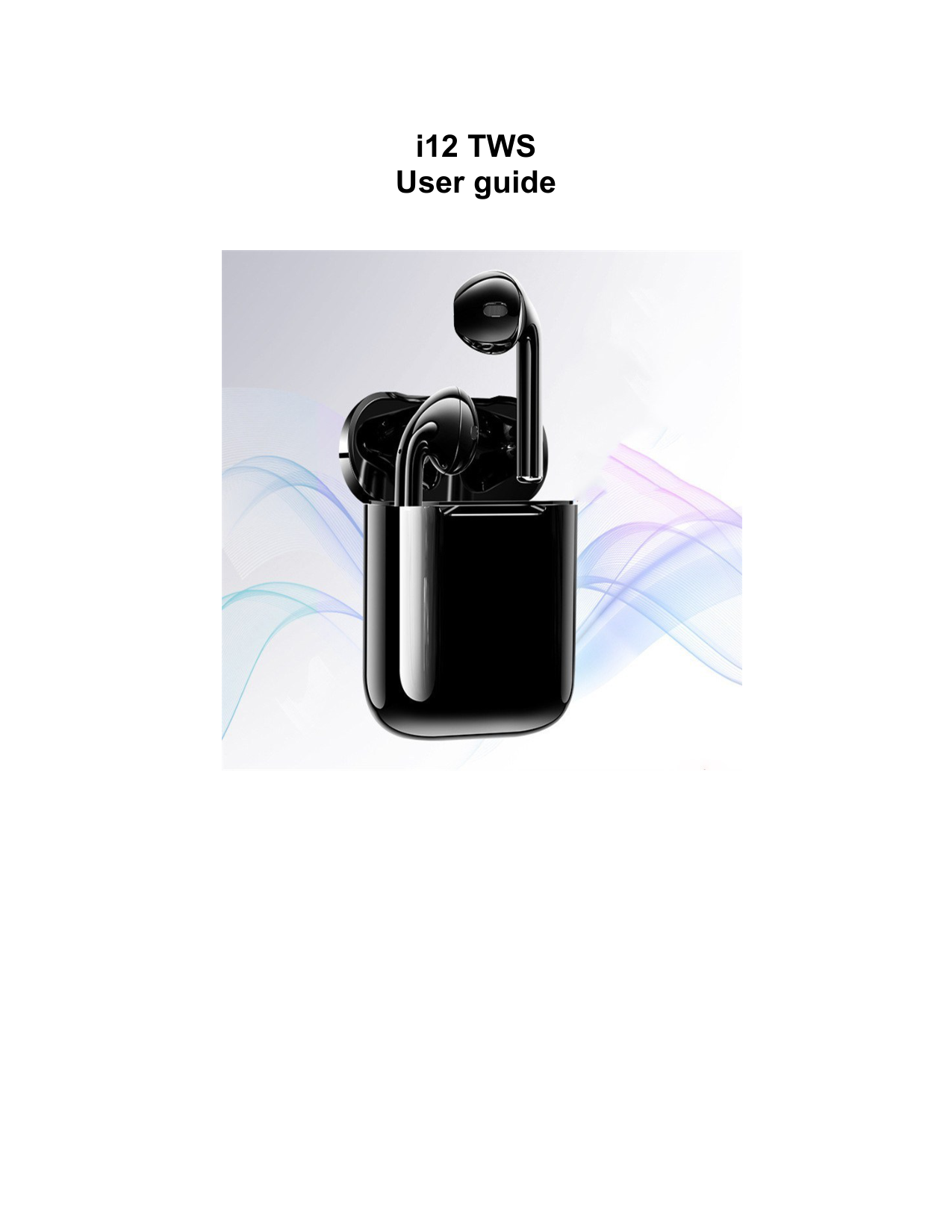
i12 TWS User guide

Model : I12 TWS
FUNCTIONS :
TIPS FOR PAIRING YOUR DEVICE
The left and right earbuds are activated via Bluetooth and can be used together or separately.
i12 wireless earbuds turn off automatically when disconnected from a Bluetooth device for more than 5 minutes.
USING THE TOUCH FUNCTION:
What to do if the pairing is not successful?
If pairing fails, synchronization may not have been done properly. In this case, start over from the beginning. The first step consists in turning on the charging case so that the earbuds turn on. Then, take the earbuds out of the case and turn on your device's Bluetooth functionnality. If all these steps have been respected, pairing should work.

The earbuds are connected but only one of them works, what should I do?
If during the pairing step only one of the earbuds works, several solutions are available.
Once your earbuds are turned off. Repeat the previous step to turn them back on and be synched together. Then you should be able to hear sound coming from both earbuds.
After charging, follow all the previous steps one more time from the beginning and everything should work.
Even after trying all the methods above, my earbuds still don't work
If your earbuds still don't synch properly together, there may be a factory defect or maybe one of the earbuds is damaged. In this case, contact customer service to try and find a solution.