Ask AI
— answers from the official manualAnswers from the official manual.
Common questions
Common Questions
15 totalHow do I change the batteries in my QFX Rem-10 remote?
To replace the batteries, remove the battery cover on the back of the remote using a small screwdriver. Insert two AAA batteries according to the polarity diagram inside the compartment and reattach the cover.
What if my QFX Rem-10 doesn't respond to commands?
Ensure the remote is correctly aligned with the TV or device and that batteries are functioning. Also, check that no obstructions are blocking the infrared signal.
What devices can the QFX REM-10 universal remote control?
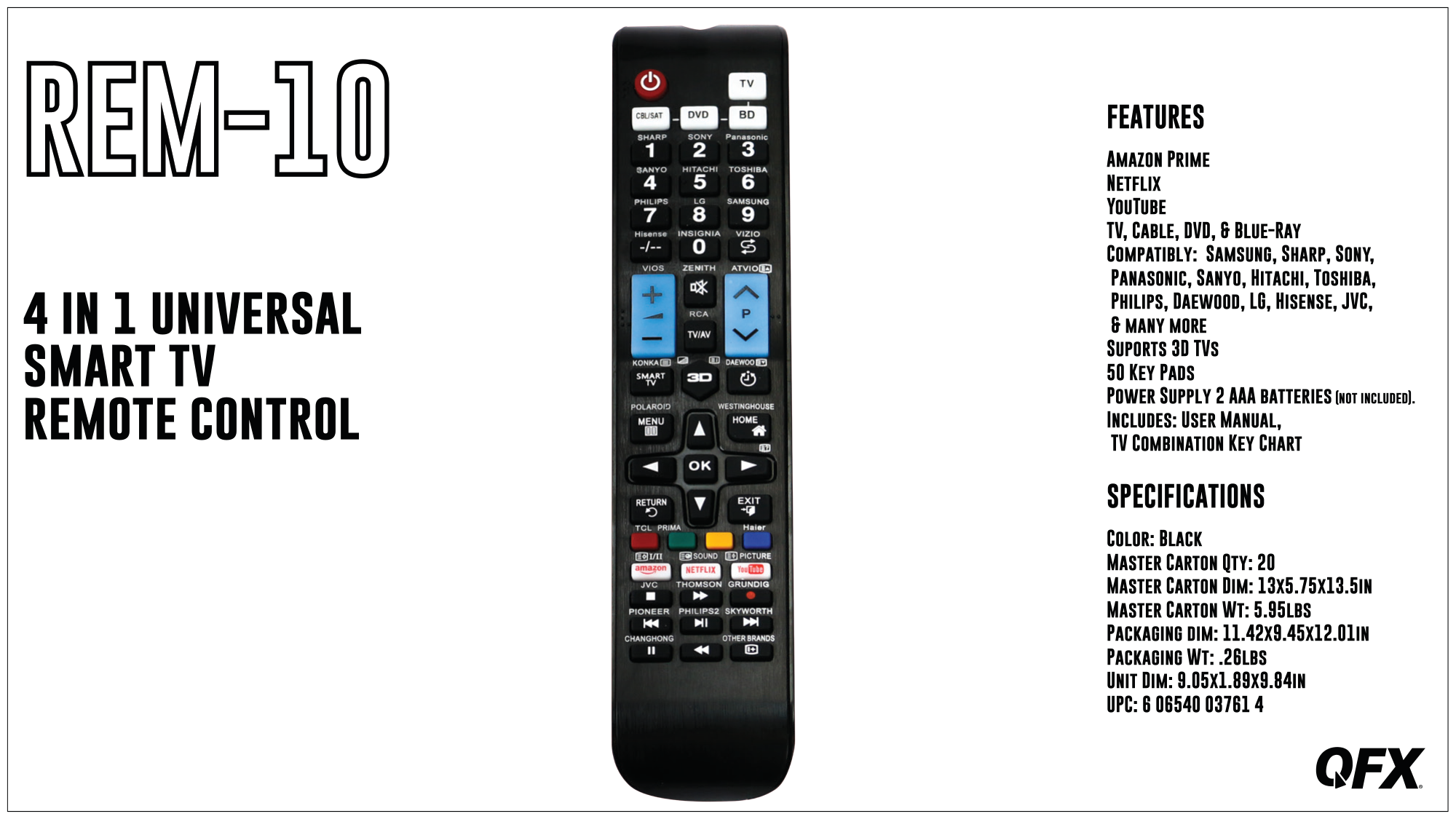
The REM-10 can control TV, Cable, DVD, and Blu-Ray devices. It is compatible with brands including Samsung, Sharp, Sony, Panasonic, Sanyo, Hitachi, Toshiba, Philips, Daewood, LG, Hisense, JVC, and many more. (Page 1)
What type of batteries does the QFX REM-10 remote require?
The REM-10 requires 2 AAA batteries for power. Note that the batteries are not included with the remote. (Page 1)
Does the QFX REM-10 support 3D TVs?
Yes, the REM-10 supports 3D TVs. This is listed as one of the key features of the remote. (Page 1)
What streaming service shortcut buttons are included on the QFX REM-10?
The REM-10 includes dedicated shortcut buttons for Amazon Prime, Netflix, and YouTube. These allow quick access to popular streaming platforms directly from the remote. (Page 1)
Show 9 more questions
How many keys does the QFX REM-10 remote have?
What are the physical dimensions of the QFX REM-10 remote?
What color is the QFX REM-10 universal remote?
What is included in the box with the QFX REM-10 remote?
How many devices can the QFX REM-10 control at once?
What is the UPC code for the QFX REM-10 universal remote?
How do I set up the QFX Rem-10 for cable box control?
Is it safe to use this QFX Rem-10 with my child around?
Can I customize button functions on my QFX Rem-10?
Full Manual
1 pages