
Universal Remote Control Code List
Ask AI
— answers from the official manualAnswers from the official manual.
Common questions
Common Questions
10 totalHow do I factory reset the [product]?
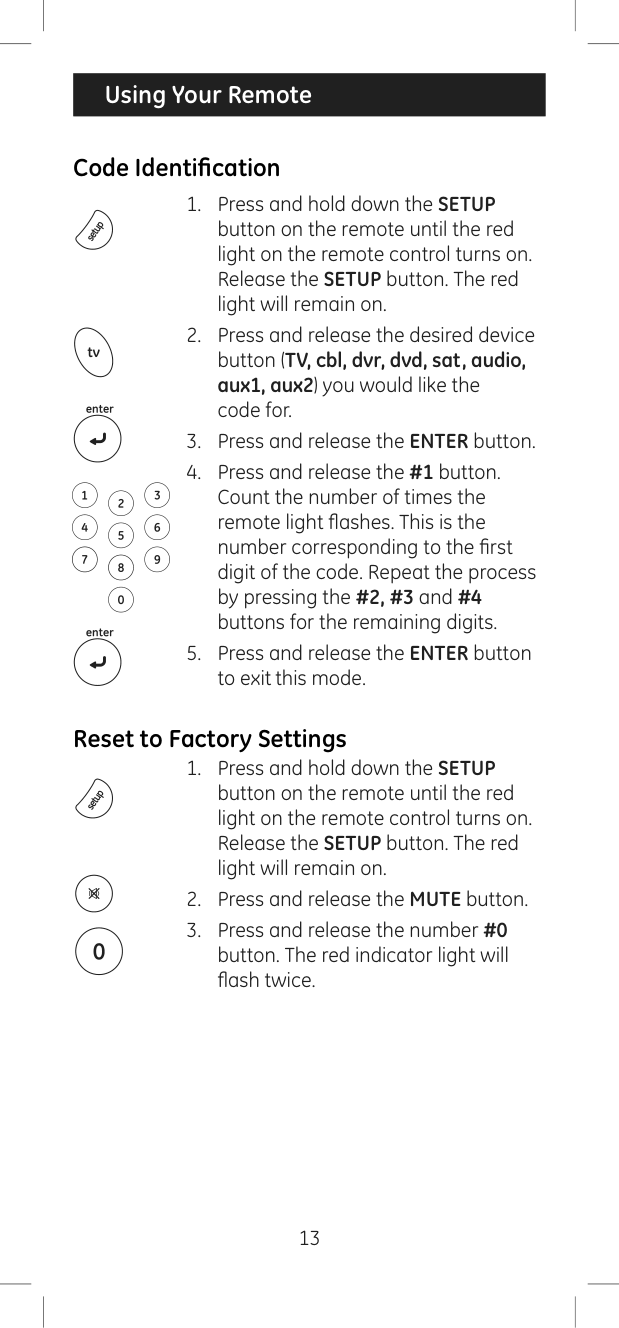
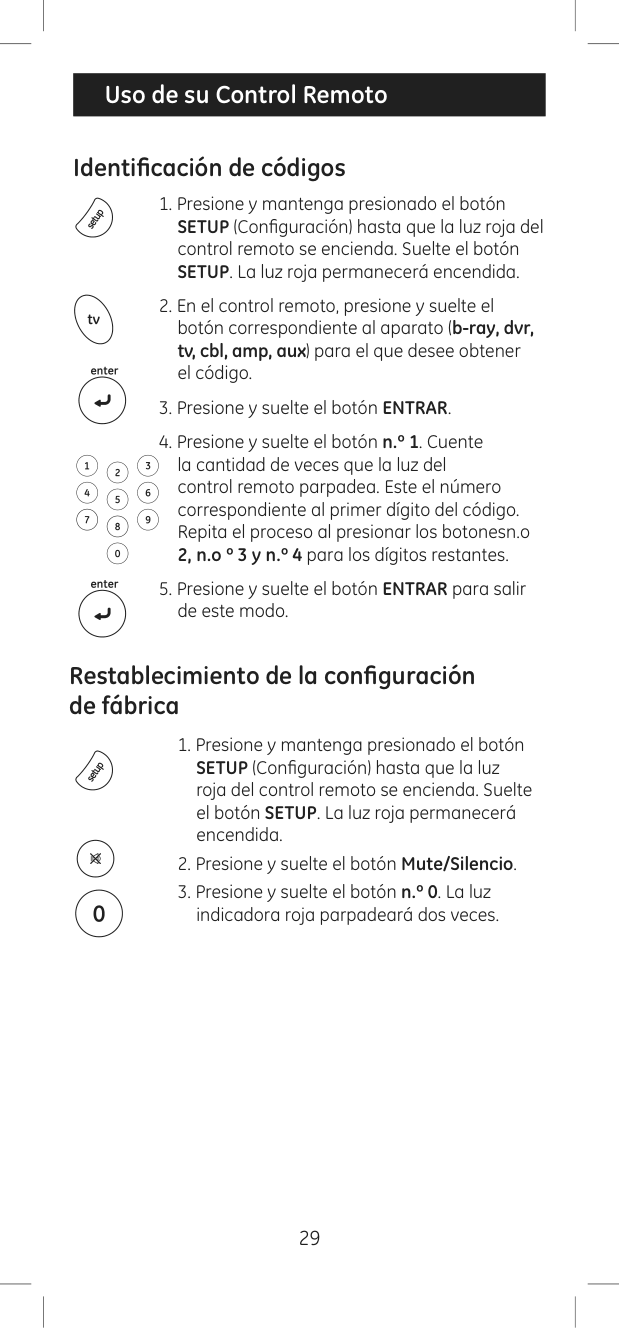
Press and hold down the SETUP button until the red light turns on, then release it. After that, press and release the MUTE button and finally press and release the #0 button. The red indicator light will flash twice to confirm the operation has been completed.
How do I program my remote using direct code entry?
Locate your device on the Code List, circle all available codes for it. Press and hold down the SETUP button until the red light turns on, then release it. Select the desired device's button; the red light will blink once and remain on. Use the number buttons to enter one of your chosen 4-digit codes. The red light will turn off after entering the fourth digit.
How do I use the Auto Code Search method?
Start by manually turning on your device, then press and hold down SETUP until the red light turns on. Choose your desired device button, the red light will blink once and remain on. Press and release POWER to send 10 different codes; if the device doesn't turn off, continue pressing POWER for subsequent batches of 10 codes.
Can I control my TV/DVD combo with this remote?
For a combo device like TV/DVD, you might need to set up two different mode buttons—one for the TV part and another under any other mode button for controlling the DVD player. Program codes as needed for each component.
How do I use the Favorite Function?
Press and release the device button, the indicator light blinks once. Then press and hold SETUP for 2 seconds until the red light turns on, choose a numerical button (0-9) to store your favorite channel number.
What is the Master Volume Feature?
The Master Volume Feature allows you to set up one device that always controls volume changes. Hold down SETUP until the red light turns on, select another device button (TV or cbl), and then press and release MUTE followed by VOL+.
Full Manual
32 pages
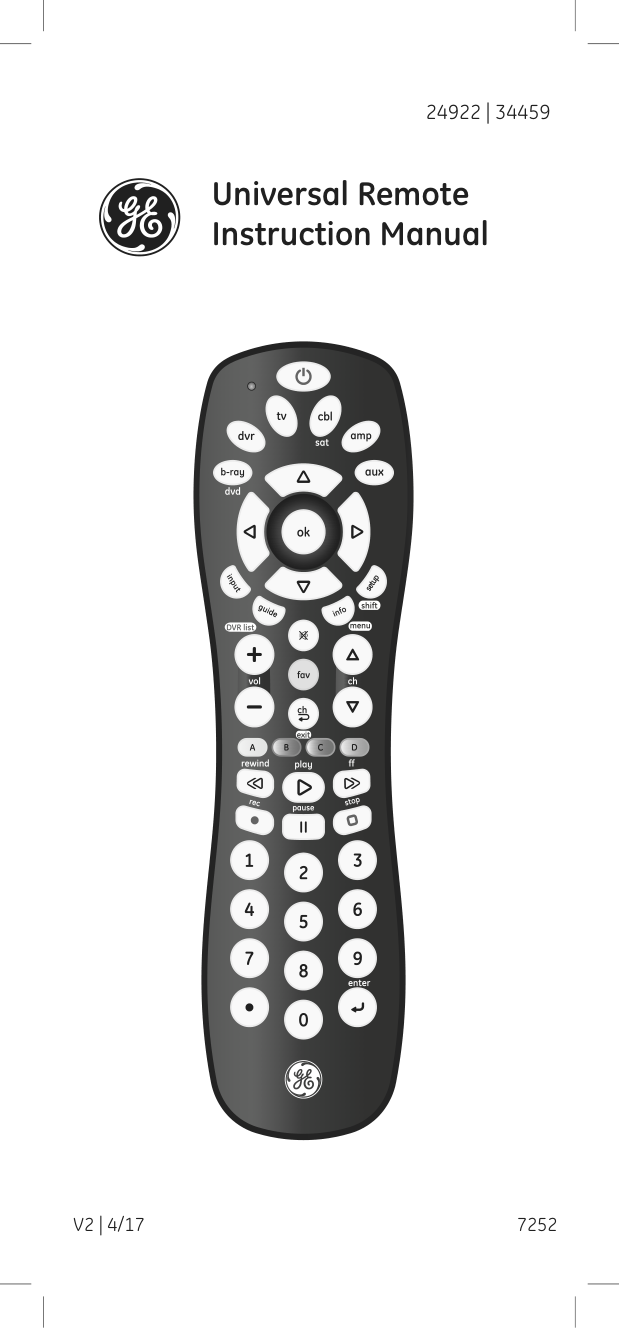
24922 | 34459
Universal Remote Instruction Manual
7252V2 | 4/17
Introduction .....................................................................................2 Setup ..................................................................................................3 Button Functions ..........................................................................4 Programming Your Remote .....................................................6
Direct Code Entry...................................................................6 Auto Code Search .................................................................8 Controlling Combo Devices..............................................9 Favorite Function ................................................................10
Using Your Remote ....................................................................11 Master Volume Feature ....................................................11 Using Shift ...............................................................................12 Code Identification .............................................................13 Reset to Factory Settings .................................................13 Troubleshooting ...................................................................14
Warranty ........................................................................................15 FCC Statement .............................................................................16
Congratulations on your purchase of this GE-branded Universal Remote Control. This remote is capable of operating thousands of audio/video devices including TVs, Blu-ray™/DVD players, streaming media players, sound bars, cable receivers and more!
#### SAVE THIS MANUAL AND CODE LIST FOR FUTURE REFERENCE

Scan this to view a helpful remote setup video
http://www.byjasco.com/remote
Your universal remote requires two (2) AAA batteries (not included). Alkaline batteries are recommended.
Battery Installation
NOTE: If your remote stops operating properly, replace the batteries with new ones.
Battery Precautions
Battery Saver Your remote automatically turns off if the buttons are depressed more than 8 seconds. This will save your batteries should your remote get stuck in a place where the buttons remain depressed (e.g., between the sofa cushions).
Code Saver You have up to 10 minutes to change the batteries in your remote without losing the codes you have programmed.
2
1
3
4
5
6
8
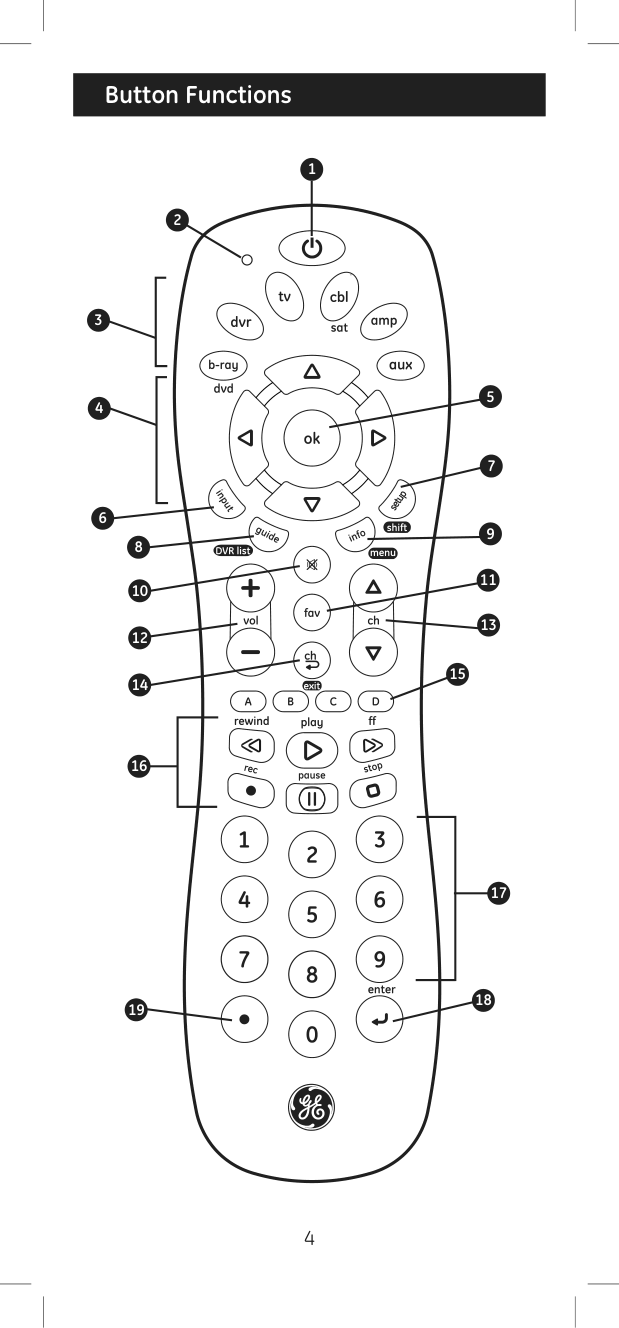
10
12
14
| | | |---|---| | | |
16
19
7
9
11
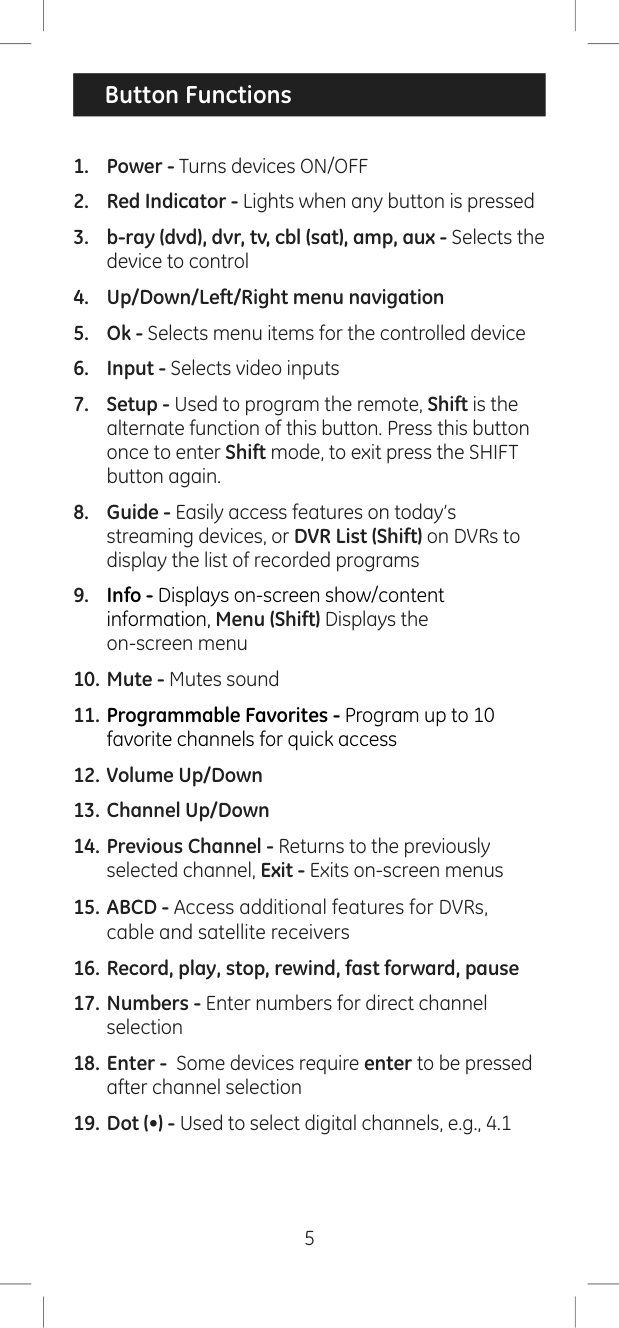
13
15
| | | |---|---| | | |
17
18
|Programming Your Remote| |---|
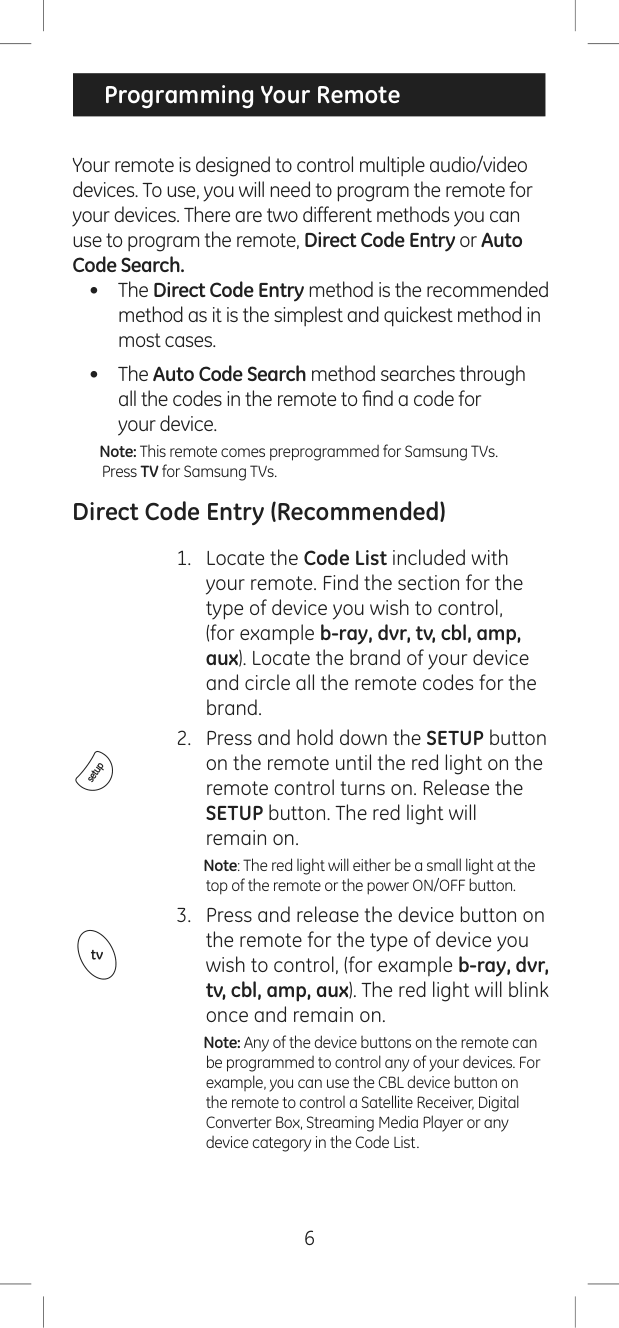
Your remote is designed to control multiple audio/video devices. To use, you will need to program the remote for your devices. There are two different methods you can use to program the remote, Direct Code Entry or Auto Code Search.
Note: This remote comes preprogrammed for Samsung TVs. Press TV for Samsung TVs.
Direct Code Entry (Recommended)
Note: The red light will either be a small light at the top of the remote or the power ON/OFF button.
Note: Any of the device buttons on the remote can be programmed to control any of your devices. For example, you can use the CBL device button on the remote to control a Satellite Receiver, Digital Converter Box, Streaming Media Player or any device category in the Code List.
|Programming Your Remote|
|---|
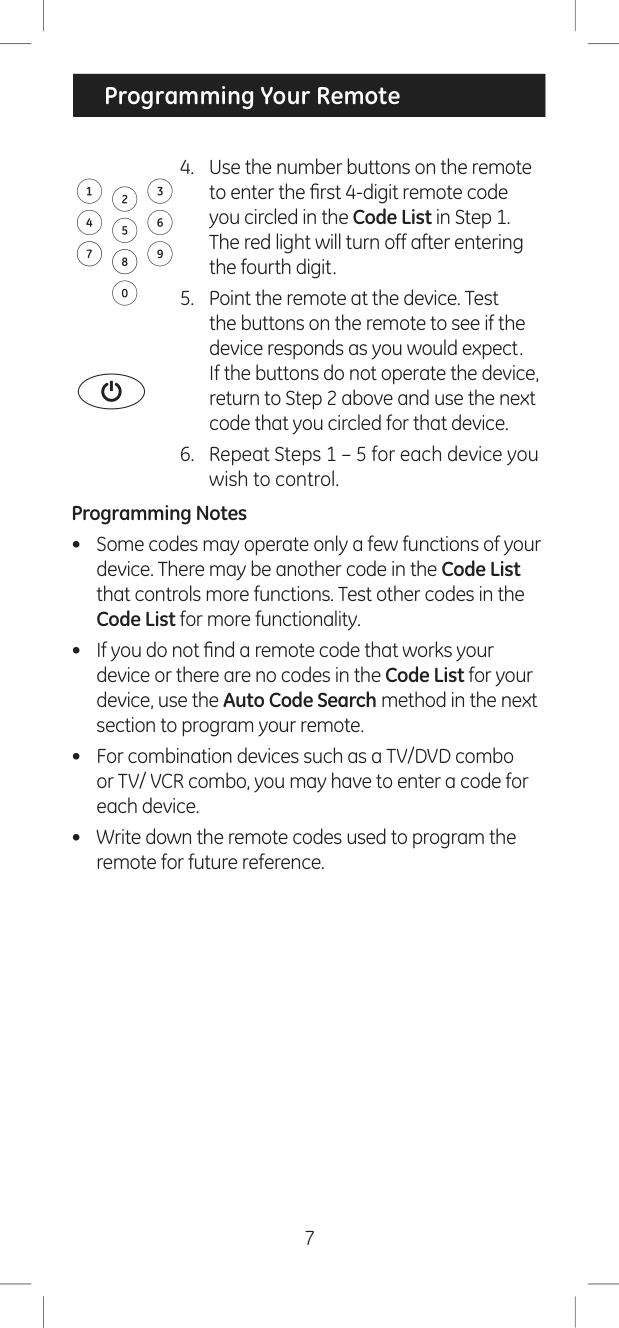
#### Programming Notes
Auto Code Search
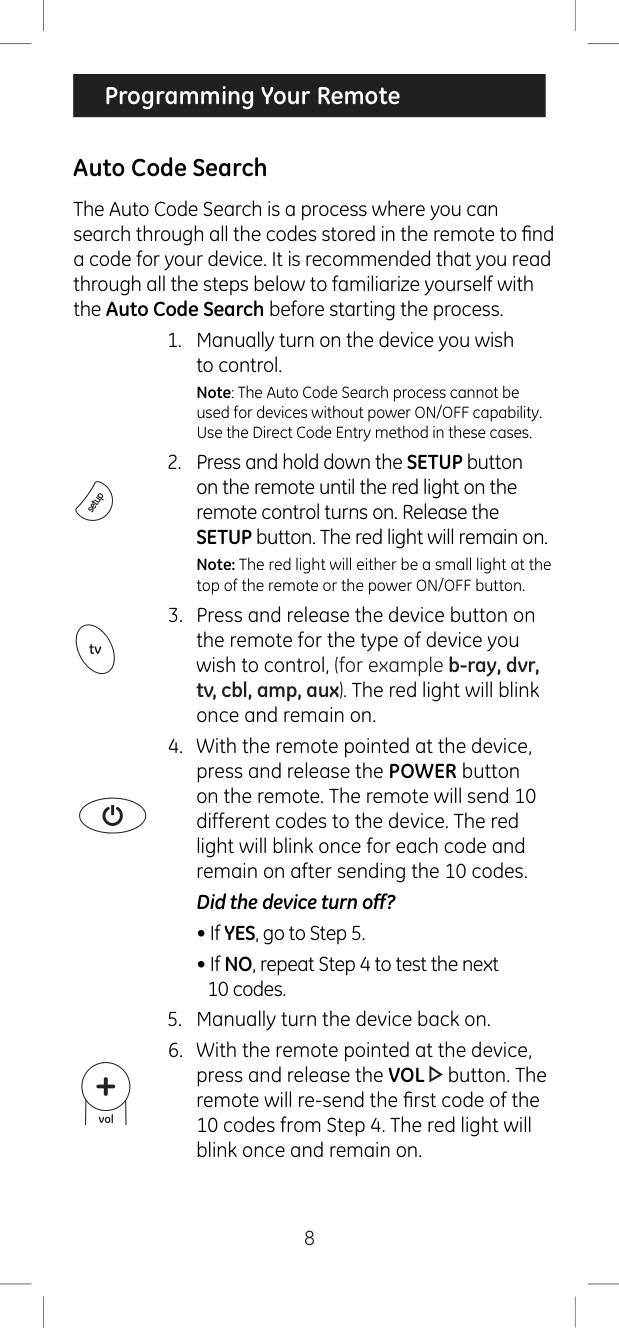
The Auto Code Search is a process where you can search through all the codes stored in the remote to find a code for your device. It is recommended that you read through all the steps below to familiarize yourself with the Auto Code Search before starting the process.
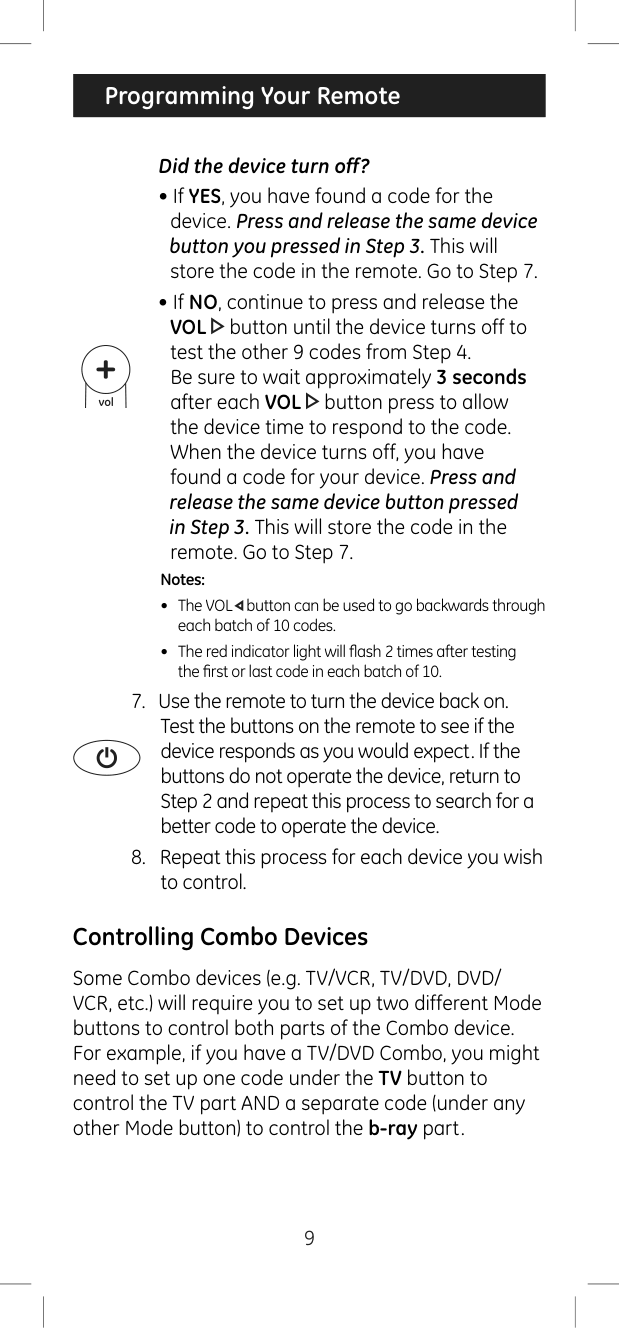
Note: The Auto Code Search process cannot be used for devices without power ON/OFF capability. Use the Direct Code Entry method in these cases.
Note: The red light will either be a small light at the top of the remote or the power ON/OFF button.
#### Did the device turn off?
Notes:
Controlling Combo Devices
Some Combo devices (e.g. TV/VCR, TV/DVD, DVD/ VCR, etc.) will require you to set up two different Mode buttons to control both parts of the Combo device. For example, if you have a TV/DVD Combo, you might need to set up one code under the TV button to control the TV part AND a separate code (under any other Mode button) to control the b-ray part.
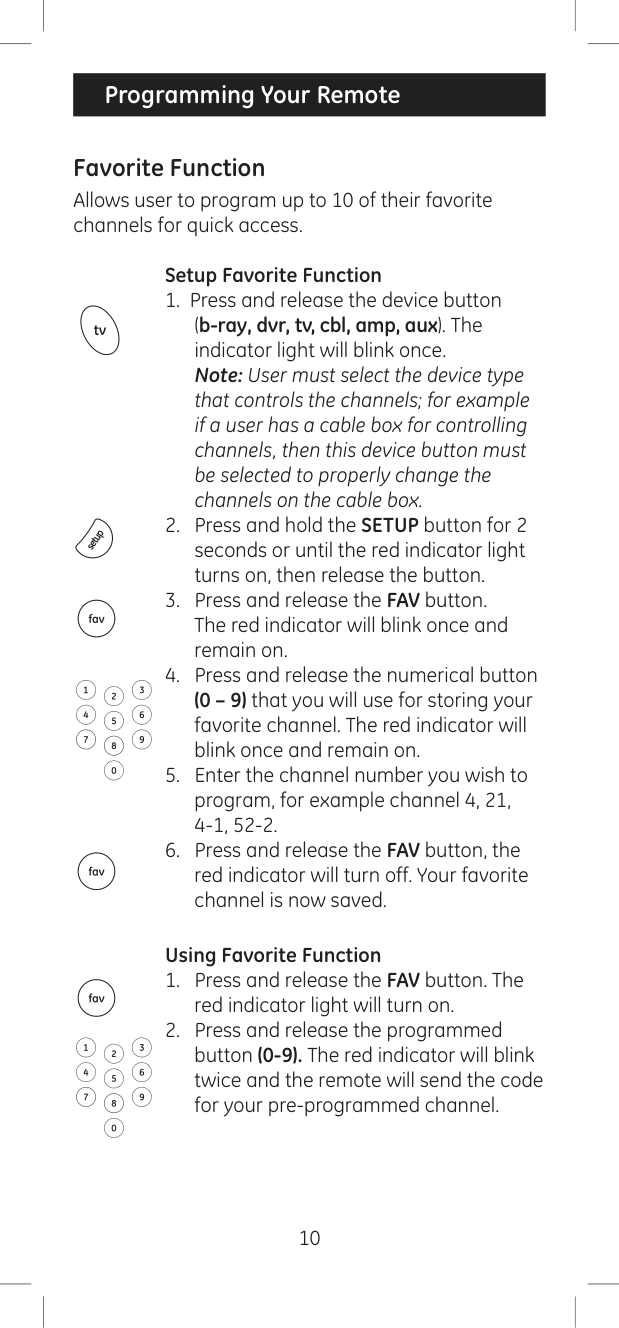
Favorite Function Allows user to program up to 10 of their favorite channels for quick access.
#### Setup Favorite Function
#### Using Favorite Function
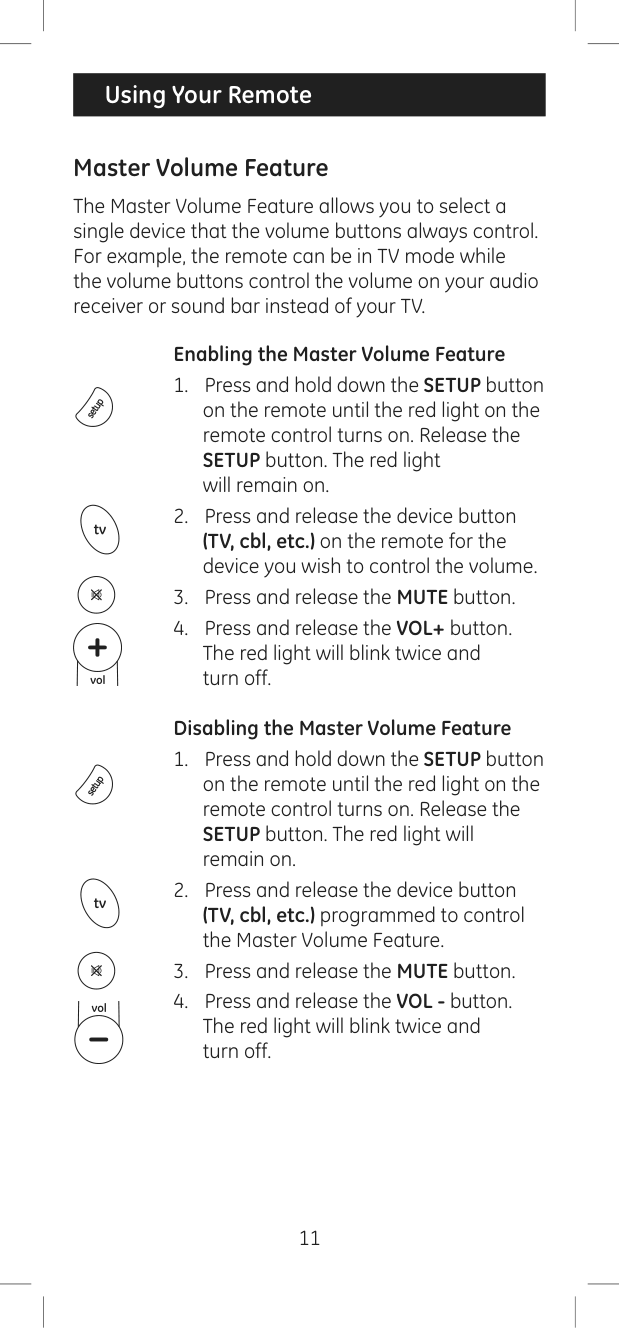
Master Volume Feature
The Master Volume Feature allows you to select a single device that the volume buttons always control. For example, the remote can be in TV mode while the volume buttons control the volume on your audio receiver or sound bar instead of your TV.
#### Enabling the Master Volume Feature
#### Disabling the Master Volume Feature
|Using Your Remote| |---|
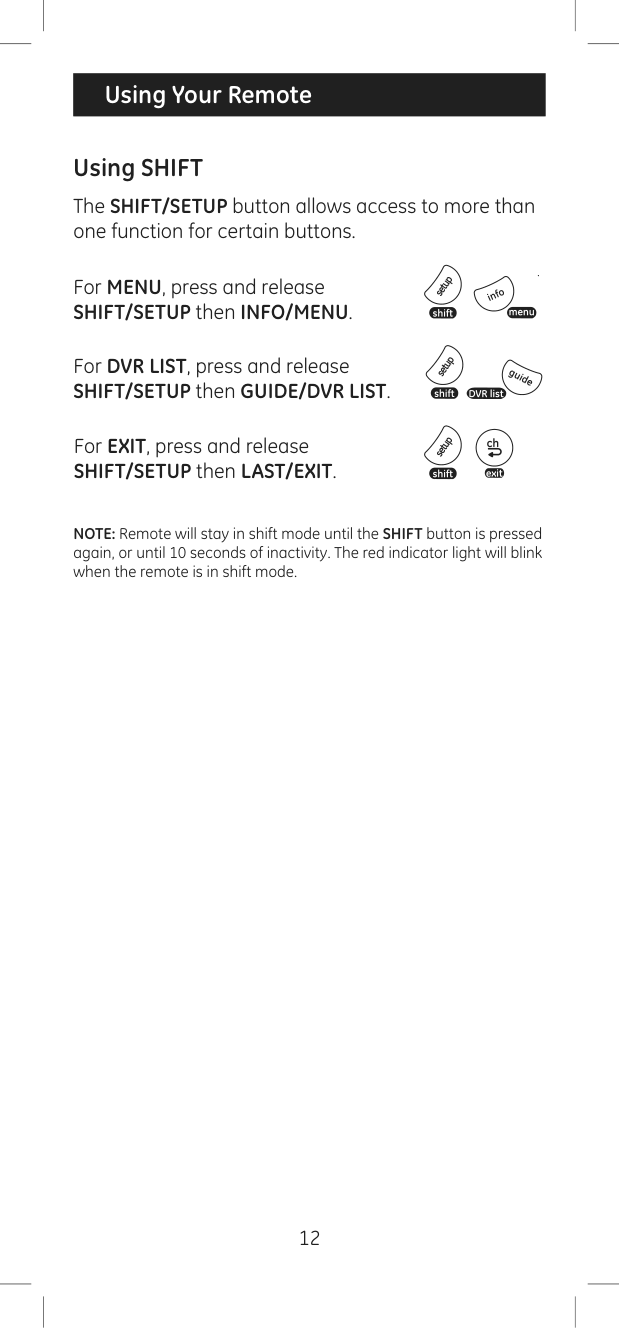
Using SHIFT
The SHIFT/SETUP button allows access to more than one function for certain buttons.
#### For MENU, press and release SHIFT/SETUP then INFO/MENU.
For DVR LIST, press and release SHIFT/SETUP then GUIDE/DVR LIST.
For EXIT, press and release SHIFT/SETUP then LAST/EXIT.
NOTE: Remote will stay in shift mode until the SHIFT button is pressed again, or until 10 seconds of inactivity. The red indicator light will blink when the remote is in shift mode.
Code Identification
Reset to Factory Settings
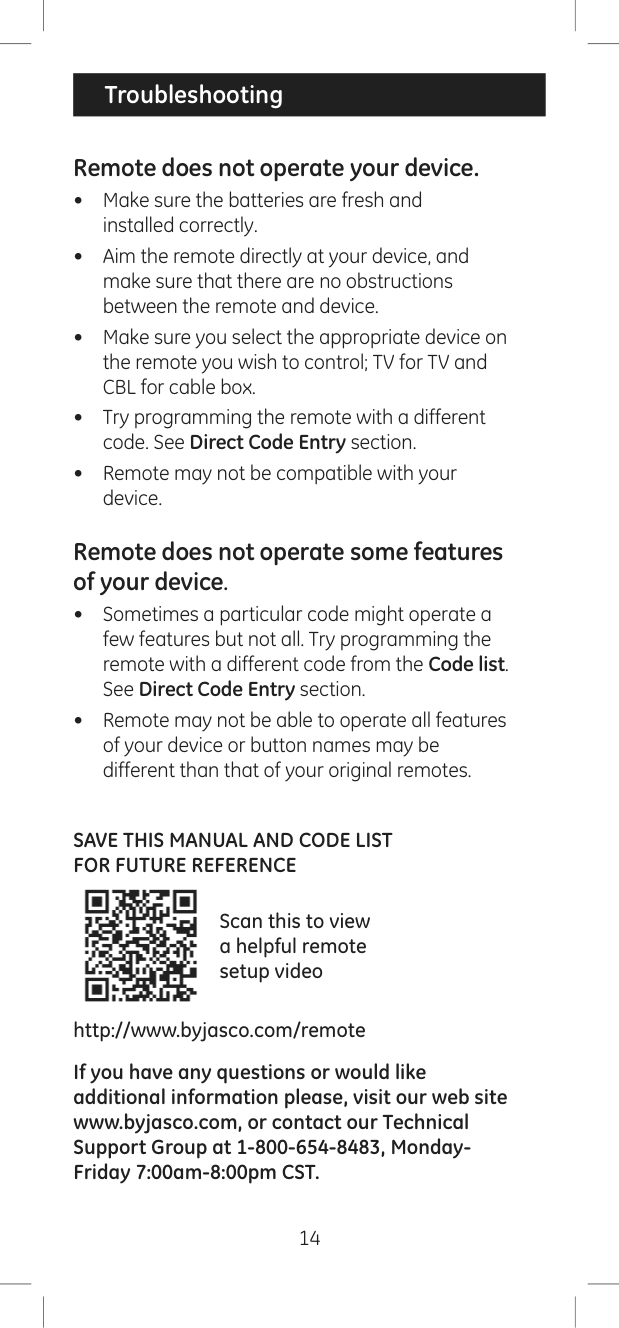
Remote does not operate your device.
Remote does not operate some features of your device.
SAVE THIS MANUAL AND CODE LIST FOR FUTURE REFERENCE

Scan this to view a helpful remote setup video
http://www.byjasco.com/remote
If you have any questions or would like additional information please, visit our web site www.byjasco.com, or contact our Technical Support Group at 1-800-654-8483, MondayFriday 7:00am-8:00pm CST.
Jasco Products Company warrants this product to be free from manufacturing defects for a period of ninety days from the original date of consumer purchase. This warranty is limited to the repair or replacement of this product only and does not extend to consequential or incidental damage to other products that may be used with this unit. This warranty is in lieu of all other warranties express or implied. Some states do not allow limitations on how long an implied warranty lasts or permit the exclusion or limitation of incidental or consequential damages, so the above limitations may not apply to you. This warranty gives you specific rights, and you may also have other rights which vary from state to state. If unit should prove defective within the warranty period, return prepaid with dated proof of purchase to:
Jasco Products Company 10 East Memorial Road Oklahoma City, OK 73114 www.byjasco.com
MADE IN CHINA GE is a trademark of General Electric Company and is under license by Jasco Products Company LLC, 10 E. Memorial Rd., Oklahoma City, OK 73114. This Jasco product comes with a 90-day limited warranty. Visit www.byjasco.com for warranty details. Questions? Contact us at 1-800-654-8483 between
This device complies with Part 15 of the FCC rules. Operation is subject to the following two conditions:
(1) this device may not cause harmful interference, and (2) this device must accept any interference received, including interference that may cause undesired operation.
FCC NOTE: The manufacturer is not responsible for any radio or TV interference caused by unauthorized modifications to this equipment. Such modifications could void the user’s authority to operate the equipment.
NOTE: This equipment has been tested and found to comply with the limits for a Class B digital device, pursuant to Part 15 of the FCC Rules. These limits are designed to provide reasonable protection against harmful interference in a residential installation. This equipment generates, uses and can radiate radio frequency energy and, if not installed and used in accordance with the instructions may cause harmful interference to radio communications. However, there is no guarantee that interference will not occur in a particular installation. If this equipment does cause harmful interference to radio or television reception, which can be determined by turning the equipment off and on, the user is encouraged to try to correct the interference by one or more of the following measures:
ICES-3(B)/NMB-3(B).
24922 | 34459
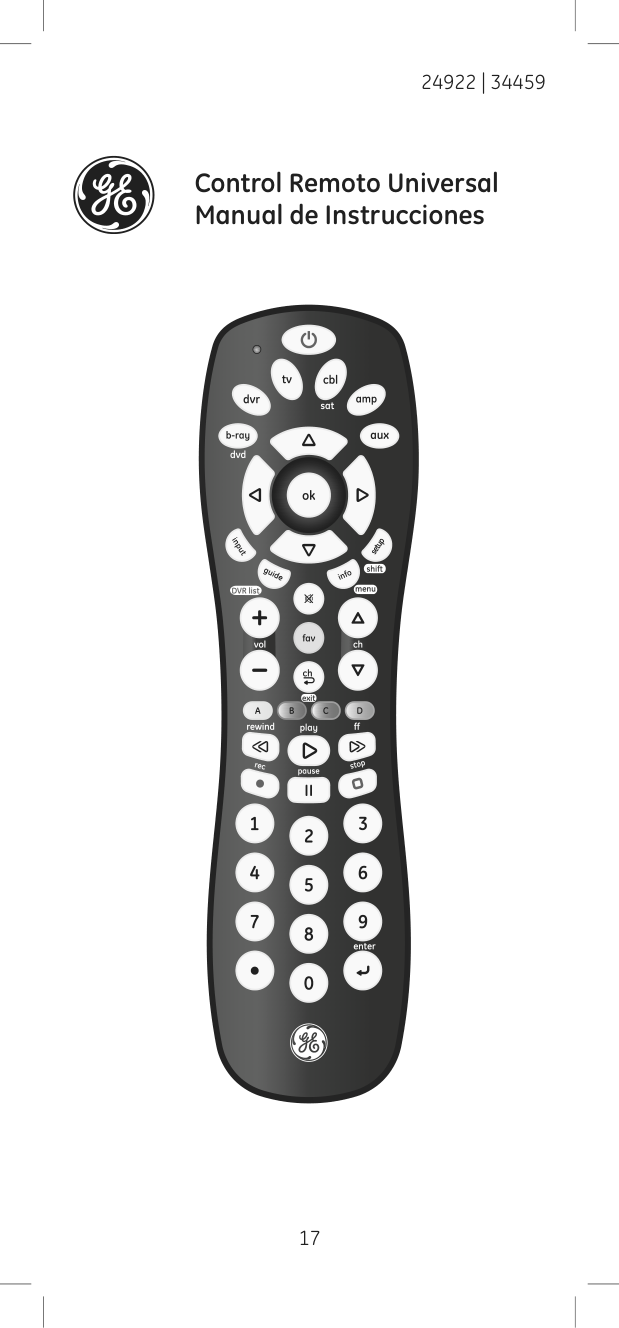
Control Remoto Universal Manual de Instrucciones
Introducción ..................................................................................18 Configuración ...............................................................................19 Funciones de los botones .......................................................20 Programación del control remoto ......................................22
Entrada directa de códigos ............................................22 Búsqueda automática de códigos ..............................24 Control de Aparatos Combinados ...............................25 Funcione Favoritos .............................................................26
Uso del control remoto ...........................................................27 Característica de volumen maestro ..........................27 El uso de SHIFT .....................................................................28 Identificación de códigos.................................................29 Restablecimiento de la configuración de fábrica ................................................................................29 Resolución de problemas ......................................................30 Garantía ..........................................................................................31 Declaración de la Comisión Federal de Comunicaciones (FCC) ..............................................................32
Felicitaciones por comprar este control remoto universal de GE. Este control remoto puede operar miles de aparatos de audio/video incluso TV, reproductores de DVD/Blu-ray™, reproductores de multimedia en línea, barras de sonido, receptores de cable y mucho más.
GUARDE ESTE MANUAL Y LA LISTA DE CÓDIGOS PARA REFERENCIA FUTURA.

Escanee esto y vea un video muy útil para la configuración del control remoto
http://www.byjasco.com/remote
Su control remoto universal necesita dos (2) pilas tamaño AAA (no se incluyen). Se recomiendan pilas alcalinas.
#### Para Instalar las Pilas
NOTA: Si su control remoto deja de funcionar correctamente, reemplace las pilas por otras nuevas. El control remoto conservará los códigos que ha programado durante un máximo de 10 minutos después de retirar las pilas.
#### Precauciones con las Pilas
Ahorrador de Pilas Su control remoto se apaga automáticamente si los botones se presionan durante más de 8 segundos. Esto le ahorrará las pilas si el control remoto se permanece en un lugar donde los botones quedan presionados (por ejemplo, entre los cojines del sofá). Protección de Ahorros Usted tendrá hasta 10 minutos para cambiar las pilas del control remoto sin perder los códigos que haya programado. Sin embargo, no presione ningún botón hasta que haya instalado las pilas nuevas en el control remoto. Si presiona los botones sin haber instalado las pilas en el control remoto, se perderán todos los códigos.
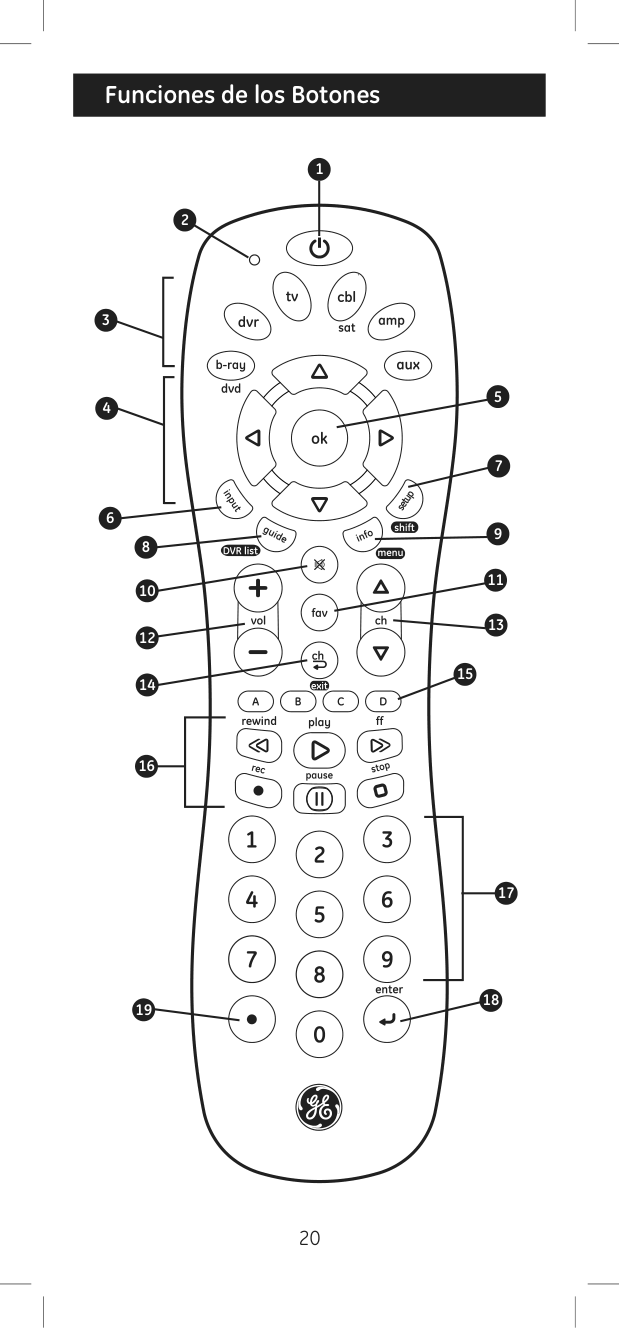
|Funciones de los Botones| |---|
2
1
3
4
5
6
8
10
12
14
| | | |---|---| | | |
16
19
7
9
11
13
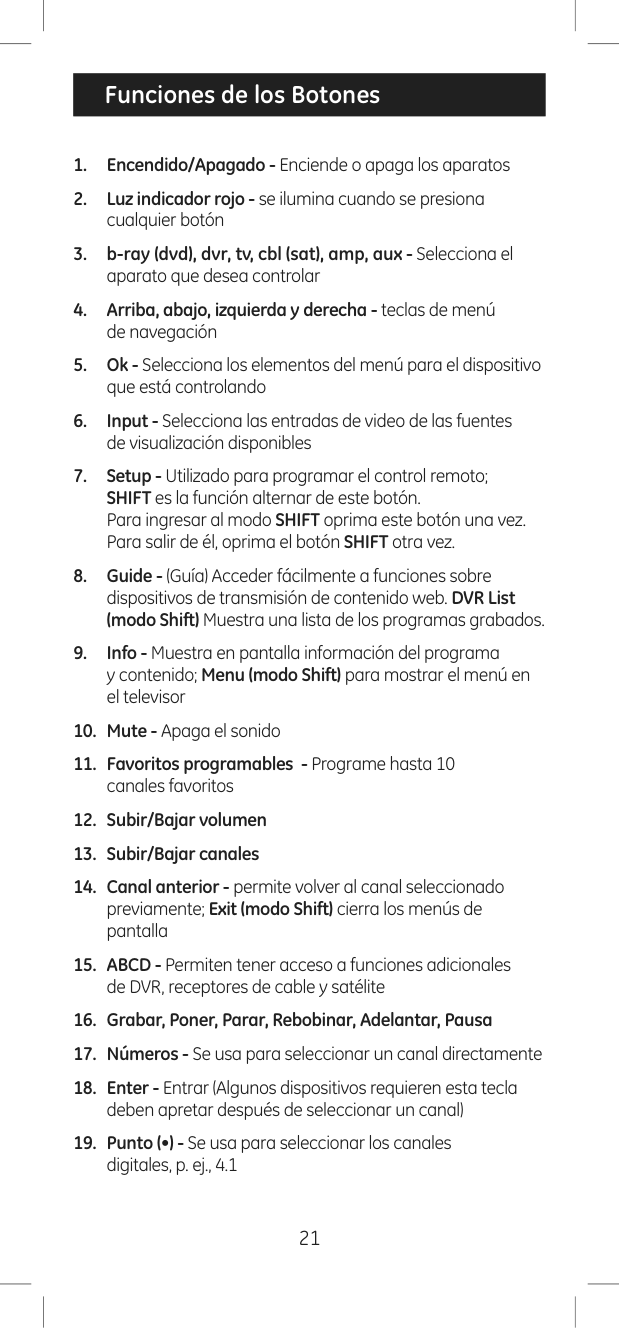
15
| | | |---|---| | | |
17
18
|Programación de su Control Remoto| |---|
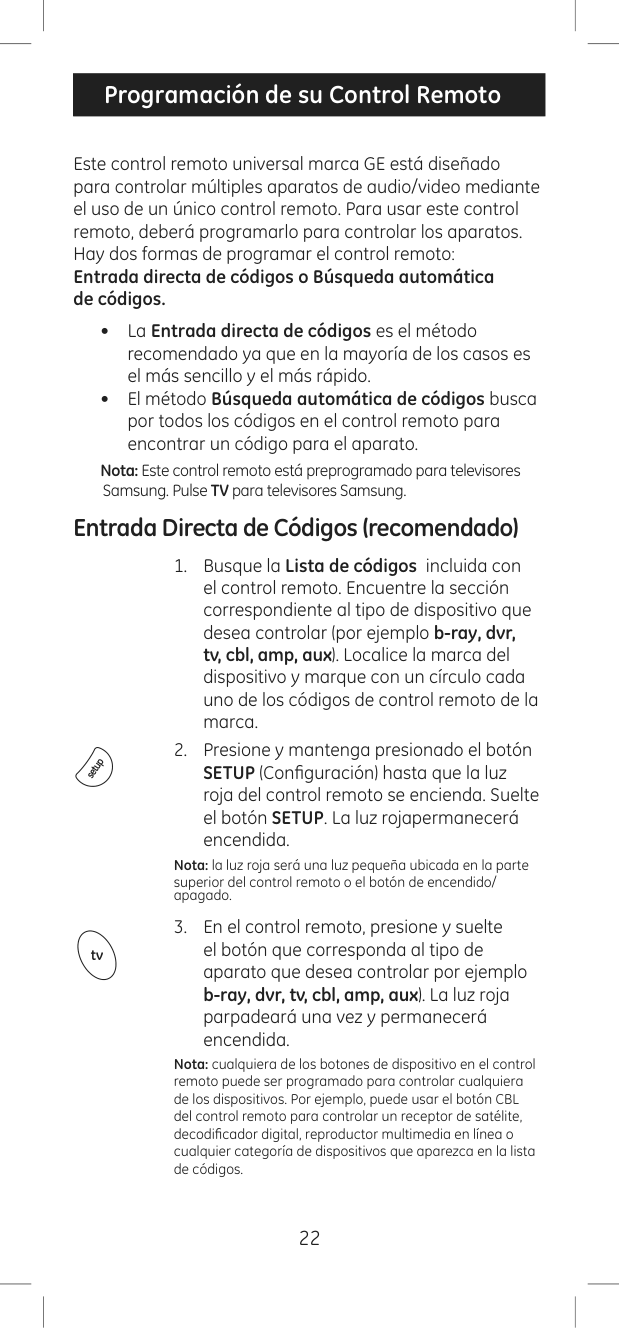
Este control remoto universal marca GE está diseñado para controlar múltiples aparatos de audio/video mediante el uso de un único control remoto. Para usar este control remoto, deberá programarlo para controlar los aparatos. Hay dos formas de programar el control remoto: Entrada directa de códigos o Búsqueda automática de códigos.
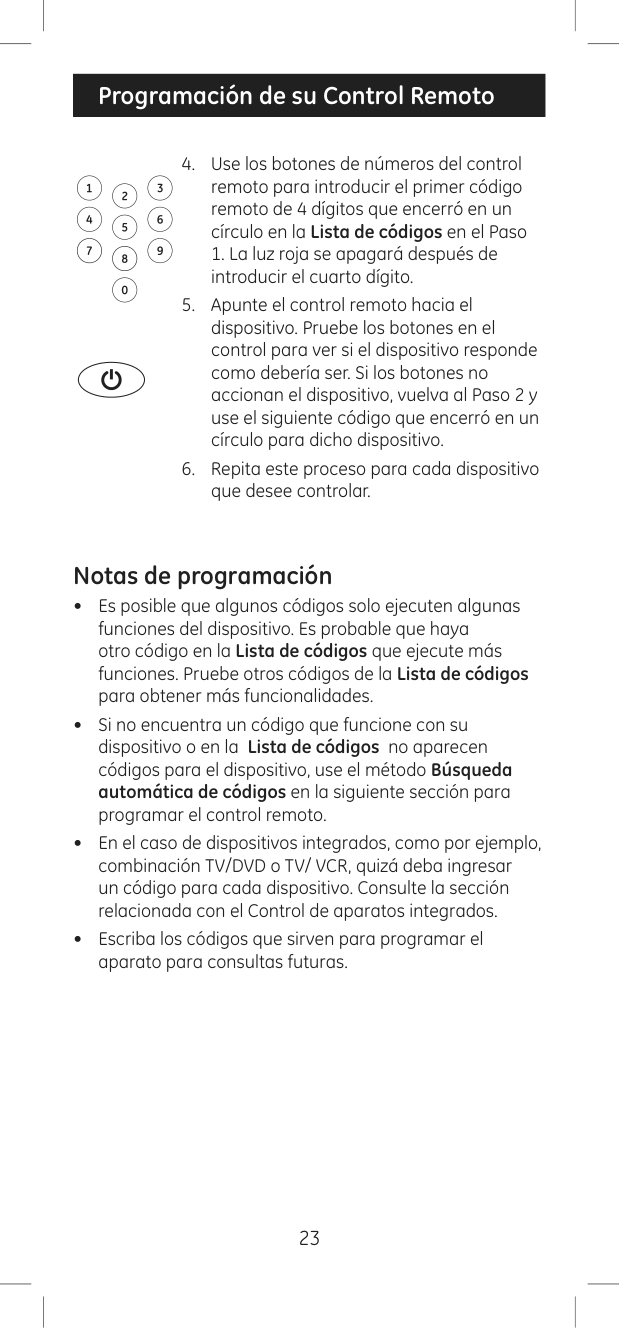
Nota: Este control remoto está preprogramado para televisores Samsung. Pulse TV para televisores Samsung.
Entrada Directa de Códigos (recomendado)
Nota: la luz roja será una luz pequeña ubicada en la parte
superior del control remoto o el botón de encendido/ apagado.
Nota: cualquiera de los botones de dispositivo en el control remoto puede ser programado para controlar cualquiera de los dispositivos. Por ejemplo, puede usar el botón CBL del control remoto para controlar un receptor de satélite, decodificador digital, reproductor multimedia en línea o cualquier categoría de dispositivos que aparezca en la lista de códigos.
|Programación de su Control Remoto|
|---|
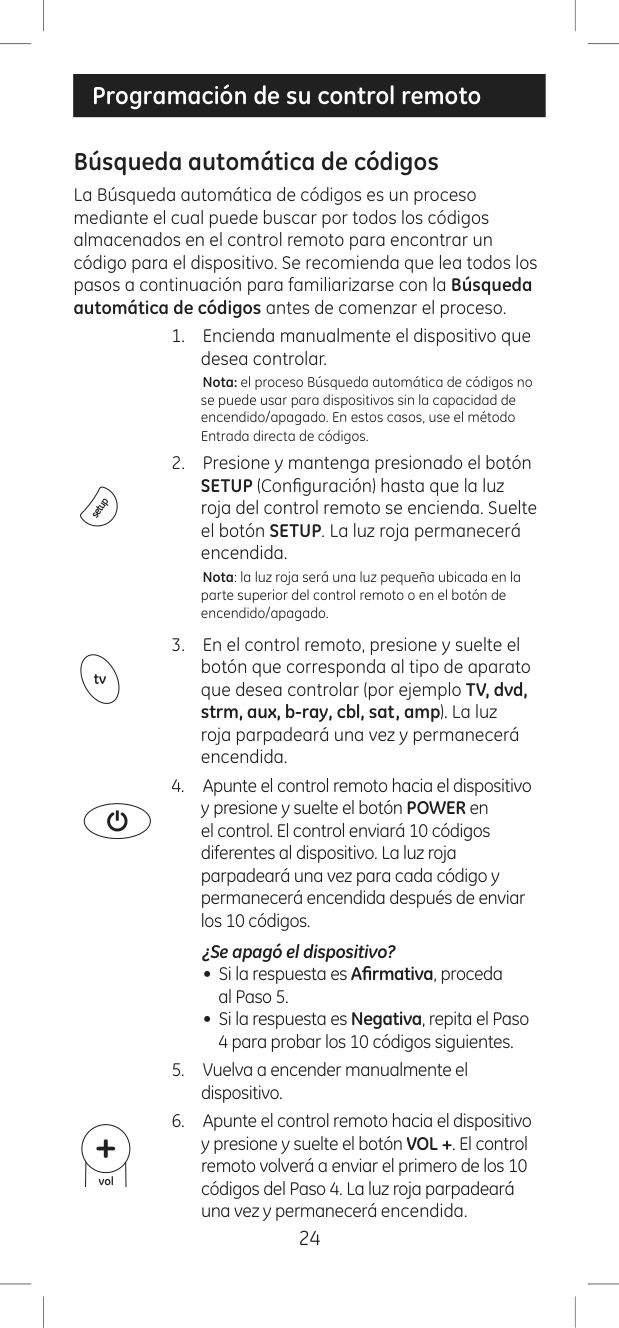
Notas de programación
Búsqueda automática de códigos
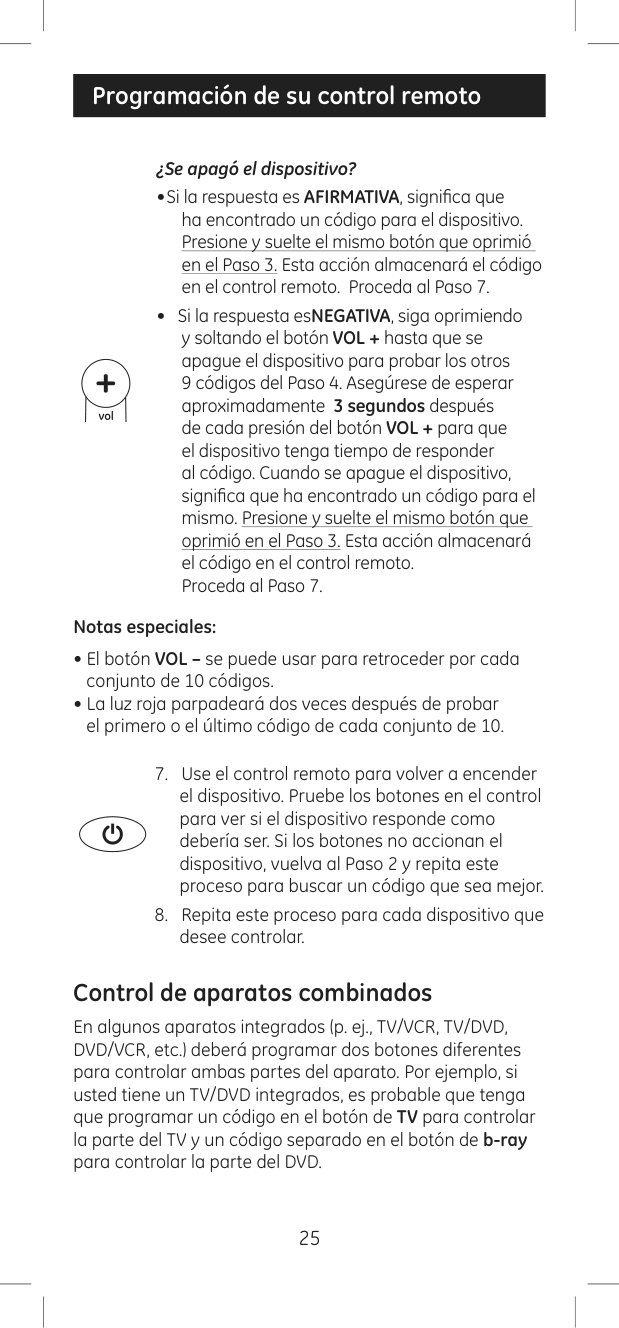
La Búsqueda automática de códigos es un proceso mediante el cual puede buscar por todos los códigos almacenados en el control remoto para encontrar un código para el dispositivo. Se recomienda que lea todos los pasos a continuación para familiarizarse con la Búsqueda automática de códigos antes de comenzar el proceso.
Nota: el proceso Búsqueda automática de códigos no
se puede usar para dispositivos sin la capacidad de encendido/apagado. En estos casos, use el método Entrada directa de códigos.
Nota: la luz roja será una luz pequeña ubicada en la parte superior del control remoto o en el botón de encendido/apagado.
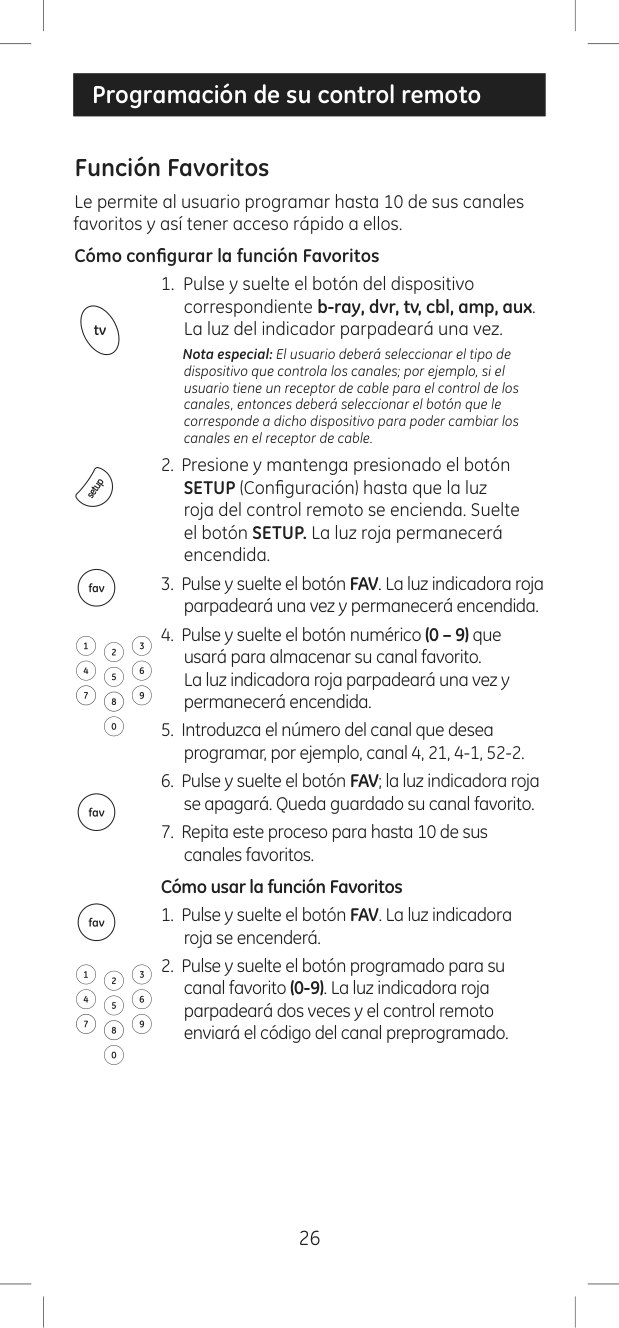
###### ¿Se apagó el dispositivo?
###### Notas especiales:
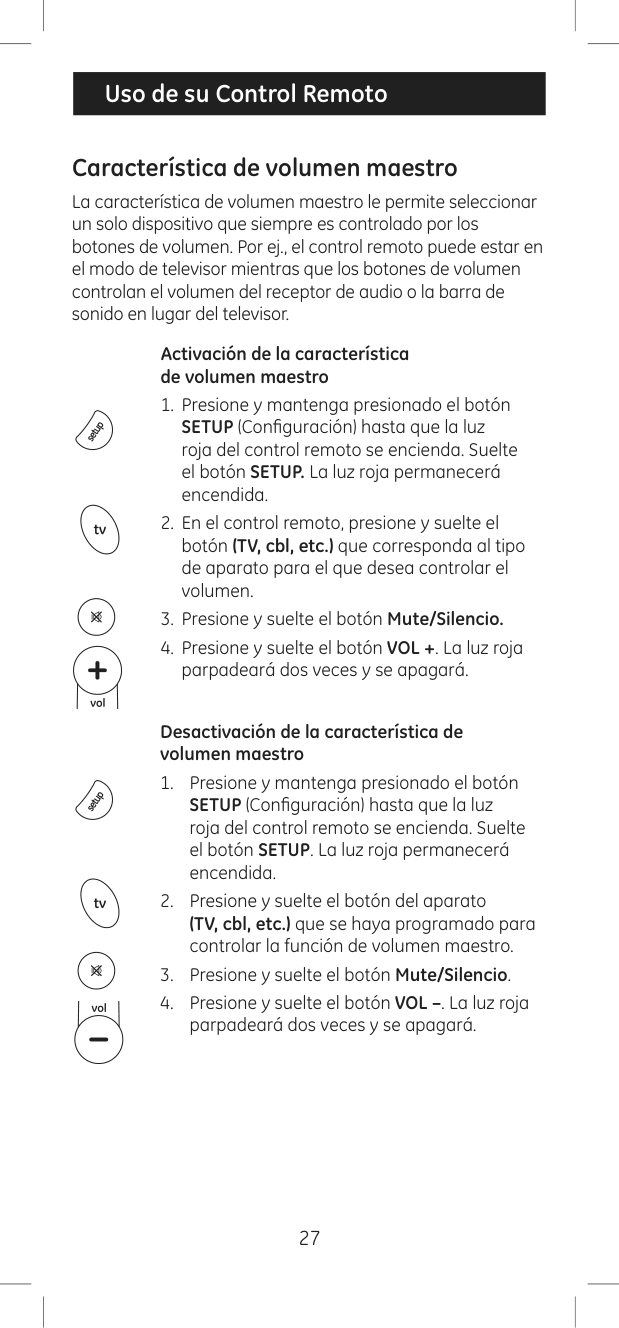
Control de aparatos combinados
En algunos aparatos integrados (p. ej., TV/VCR, TV/DVD, DVD/VCR, etc.) deberá programar dos botones diferentes para controlar ambas partes del aparato. Por ejemplo, si usted tiene un TV/DVD integrados, es probable que tenga que programar un código en el botón de TV para controlar la parte del TV y un código separado en el botón de b-ray para controlar la parte del DVD.
|Programación de su control remoto| |---|
Función Favoritos
Le permite al usuario programar hasta 10 de sus canales favoritos y así tener acceso rápido a ellos.
###### Cómo configurar la función Favoritos
Nota especial: El usuario deberá seleccionar el tipo de dispositivo que controla los canales; por ejemplo, si el usuario tiene un receptor de cable para el control de los canales, entonces deberá seleccionar el botón que le corresponde a dicho dispositivo para poder cambiar los canales en el receptor de cable.
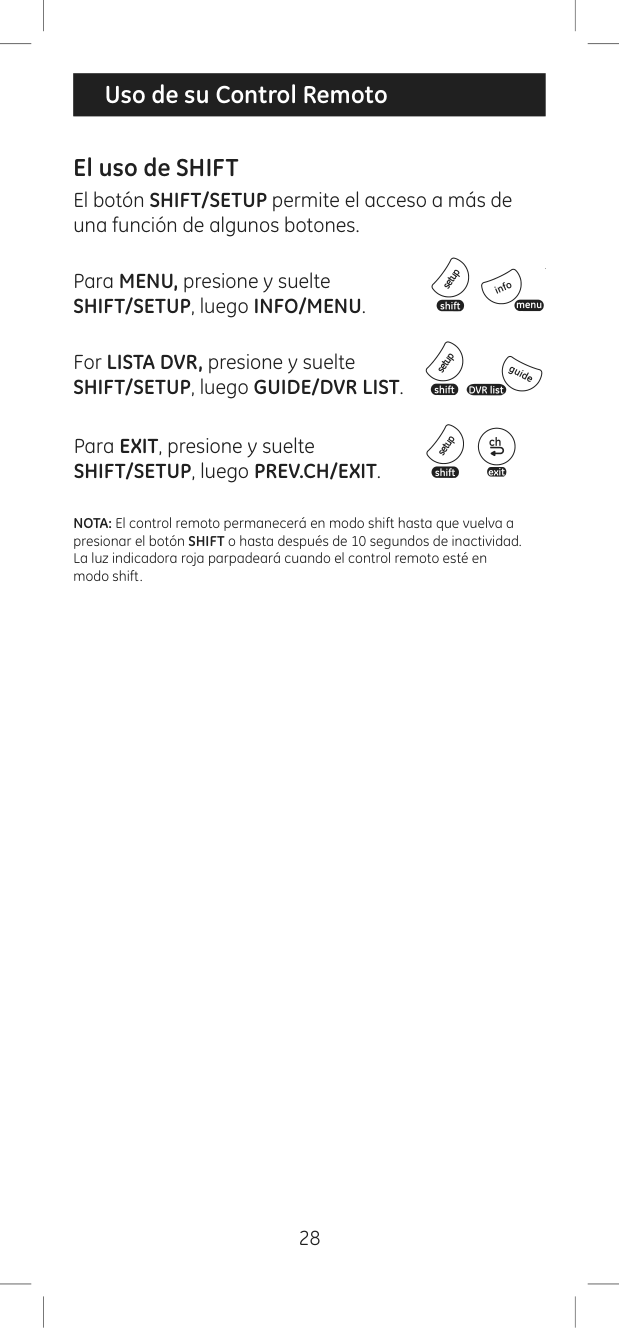
###### Cómo usar la función Favoritos
|Uso de su Control Remoto| |---|
Característica de volumen maestro
La característica de volumen maestro le permite seleccionar un solo dispositivo que siempre es controlado por los botones de volumen. Por ej., el control remoto puede estar en el modo de televisor mientras que los botones de volumen controlan el volumen del receptor de audio o la barra de sonido en lugar del televisor.
Activación de la característica de volumen maestro
Desactivación de la característica de volumen maestro
|Uso de su Control Remoto| |---|
El uso de SHIFT El botón SHIFT/SETUP permite el acceso a más de una función de algunos botones.
#### Para MENU, presione y suelte SHIFT/SETUP, luego INFO/MENU.
For LISTA DVR, presione y suelte SHIFT/SETUP, luego GUIDE/DVR LIST.
Para EXIT, presione y suelte SHIFT/SETUP, luego PREV.CH/EXIT.
NOTA: El control remoto permanecerá en modo shift hasta que vuelva a presionar el botón SHIFT o hasta después de 10 segundos de inactividad. La luz indicadora roja parpadeará cuando el control remoto esté en modo shift.
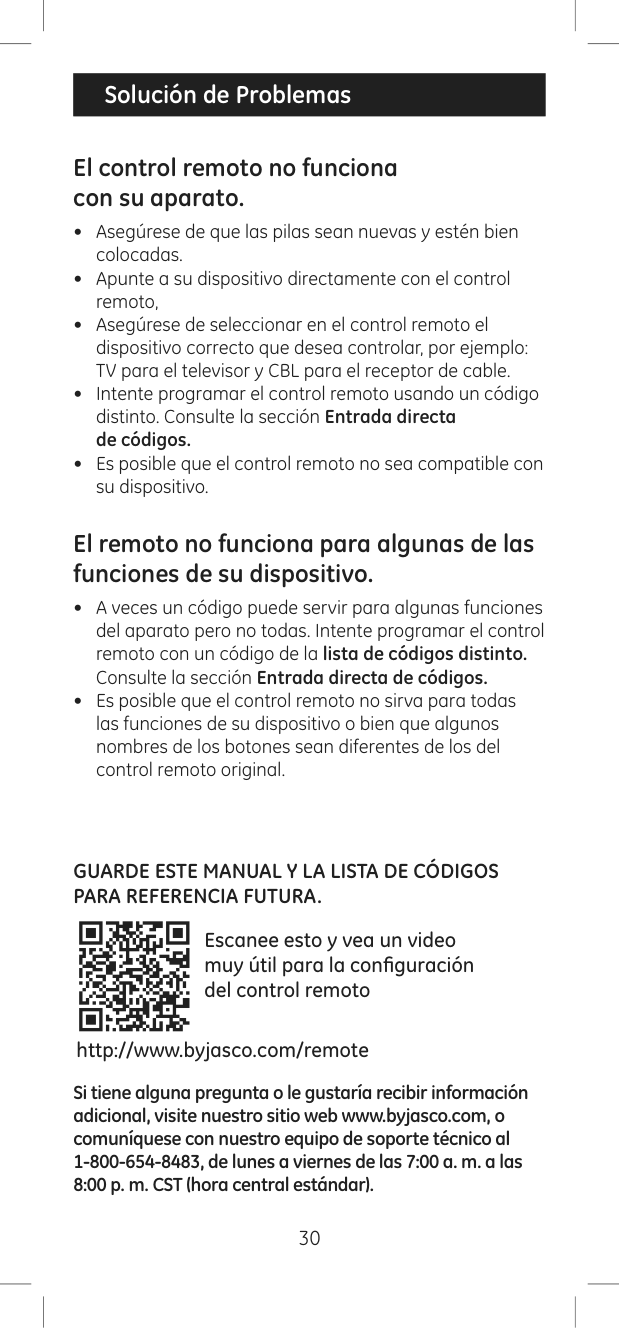
Identificación de códigos
Restablecimiento de la configuración de fábrica
El control remoto no funciona con su aparato.
El remoto no funciona para algunas de las funciones de su dispositivo.
#### GUARDE ESTE MANUAL Y LA LISTA DE CÓDIGOS PARA REFERENCIA FUTURA.

Escanee esto y vea un video muy útil para la configuración del control remoto
http://www.byjasco.com/remote
Si tiene alguna pregunta o le gustaría recibir información adicional, visite nuestro sitio web www.byjasco.com, o comuníquese con nuestro equipo de soporte técnico al 1-800-654-8483, de lunes a viernes de las 7:00 a. m. a las
Jasco Products Company garantiza que este producto está libre de defectos de fabricación durante un lapso de noventa días desde la fecha de compra original del consumidor. Esta garantía está limitada a la reparación o el reemplazo de este producto solamente y no cubre los daños consecuentes o accidentales a otros productos que puedan usarse con esta unidad. Esta garantía prevalecerá sobre cualquier otra garantía expresa o implícita. Algunos estados no permiten limitaciones en cuanto a la duración de una garantía implícita ni permiten la exclusión o la limitación de los daños consecuentes o accidentales, por lo que las limitaciones antes mencionadas pueden no aplicarse en su caso. Esta garantía le otorga derechos específicos. Es posible que tenga otros derechos que pueden variar según el estado en el que vive. Si se demuestra que la unidad presenta defectos dentro del período de la garantía, envíe el producto con franqueo postal e incluya el comprobante de compra fechado a:
Jasco Products Company 10 E Memorial Rd. Oklahoma City, OK 73114
HECHO EN CHINA GE es una marca comercial de General Electric Company con licencia otorgada a Jasco Products Company LLC, 10 E. Memorial Road, Oklahoma City, OK 73114. Este producto de Jasco tiene una garantía limitada de 90 días. Visite www.byjasco.com para conocer los detalles de la garantía. ¿Tiene preguntas? Comuníquese al 1-800-654-8483 entre las 7:00 a. m. y las 8:00 p. m. CST (hora central estándar).
Este dispositivo cumple con el apartado 15 de la normativa de la FCC. El funcionamiento está sujeto a las dos condiciones siguientes:
(1) este dispositivo no causa interferencia negativa y (2) este dispositivo debe aceptar las interferencias recibidas, incluidas las interferencias que puedan causar un funcionamiento no deseado.
NOTA DE LA FCC: El fabricante no se hace responsable de ninguna interferencia de radio o TV ocasionada por modificaciones no autorizadas efectuadas a este aparato. Dichas modificaciones podrían anular la autoridad del usuario para utilizar este aparato.
NOTA: Este aparato ha sido probado y cumple con los límites para aparatos digitales de Clase B, de conformidad con el apartado 15 de la normativa de la FCC. Estos límites están diseñados para proveer protección razonable contra interferencias perjudiciales en instalaciones residenciales. Este aparato genera, usa y puede irradiar energía de radiofrecuencias y, si no se instala y usa según las instrucciones, puede provocar interferencia perjudicial a las radiocomunicaciones. No obstante, no hay garantías de que no ocurrirá interferencia en una instalación en particular. Si este aparato provoca interferencia perjudicial a la recepción de radio o televisión, lo que puede determinarse encendiendo y apagándolo, se recomienda que el usuario intente corregir la interferencia por medio de la implementación de una o más de las siguientes medidas: