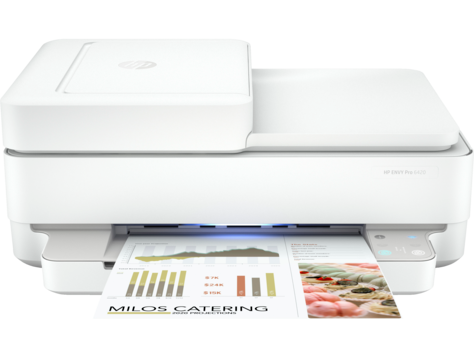
Ask AI
— answers from the official manualAnswers from the official manual.
Common questions
Common Questions
7 totalHow do I connect my HP Envy Pro 6400 All-in-One printer to Wi-Fi?
Follow the instructions in the HP Smart app to connect your printer to a network. If connecting via Wi-Fi, make sure your computer or mobile device is near the printer during setup. For troubleshooting and tips on Wi-Fi connections, refer to the Reference Guide.
What software should I install for my HP Envy Pro 6400 printer?
Install the required HP Smart software from 123.hp.com or your app store on a computer or mobile device to set up and manage your printer.
How do I start my HP Envy Pro 6400 printer after removing it from packaging?
Plug in the printer and wait until the lighting turns purple, indicating that the device is ready for setup. Proceed with the configuration instructions.
Where can I find help if my HP Envy Pro 6400 fails to connect?
Visit hp.com/support/printer-setup for assistance with installation and troubleshooting issues related to connecting your printer.
How can I install my HP Envy Pro 6400 on a non-Wi-Fi network?
Connect your printer to the network using Ethernet cable and follow the prompts in the HP Smart app to complete setup. Ensure that your computer or mobile device is connected to the same network.
How can I troubleshoot Wi-Fi issues with my HP Envy Pro 6400?
For advice and tips on resolving Wi-Fi connection problems, refer to the Reference Guide within your manual, or visit hp.com/support/printer-setup for additional online support.
Show 1 more questions
Full Manual
2 pages
Guide de configuration Guía de configuración(Lea ésto primero)
Setup Guide
HP ENVY Pro 6400 All-in-One series
21
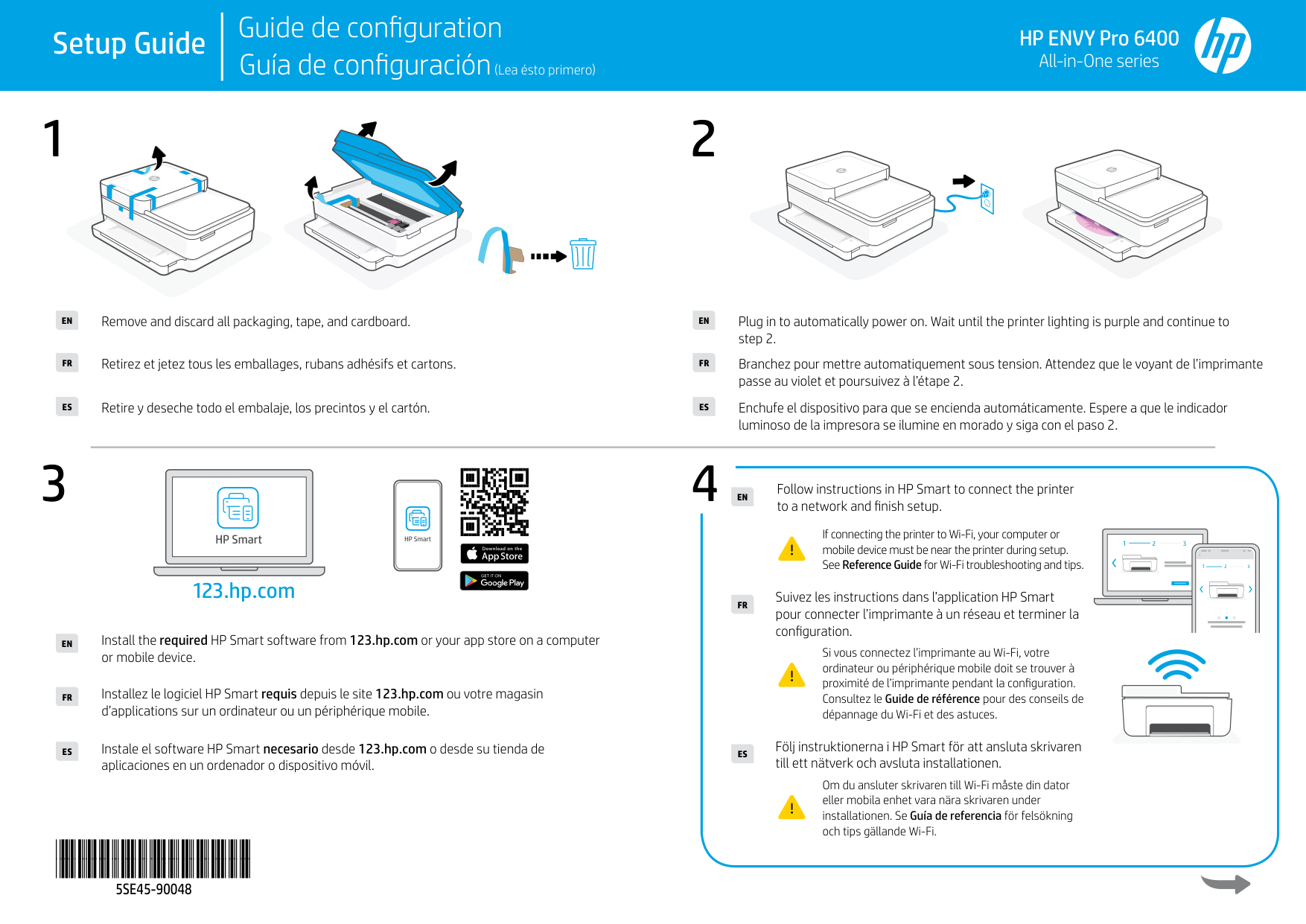
Remove and discard all packaging, tape, and cardboard.EN
EN
Retirez et jetez tous les emballages, rubans adhésifs et cartons.FR
FR
Retire y deseche todo el embalaje, los precintos y el cartón.ES
ES
Plug in to automatically power on. Wait until the printer lighting is purple and continue to step 2.
Branchez pour mettre automatiquement sous tension. Attendez que le voyant de l’imprimante passe au violet et poursuivez à l’étape 2.
Enchufe el dispositivo para que se encienda automáticamente. Espere a que le indicador luminoso de la impresora se ilumine en morado y siga con el paso 2.
3
123.hp.com
EN
FR
ES
Install the required HP Smart software from 123.hp.com or your app store on a computer or mobile device.
Installez le logiciel HP Smart requis depuis le site 123.hp.com ou votre magasin d’applications sur un ordinateur ou un périphérique mobile.
Instale el software HP Smart necesario desde 123.hp.com o desde su tienda de aplicaciones en un ordenador o dispositivo móvil.
4
Follow instructions in HP Smart to connect the printer to a network and finish setup.EN
If connecting the printer to Wi-Fi, your computer or mobile device must be near the printer during setup. See Reference Guide for Wi-Fi troubleshooting and tips.
1 2 3
1 2 3
Suivez les instructions dans l’application HP Smart pour connecter l’imprimante à un réseau et terminer la configuration.
FR
Si vous connectez l’imprimante au Wi-Fi, votre ordinateur ou périphérique mobile doit se trouver à proximité de l’imprimante pendant la configuration. Consultez le Guide de référence pour des conseils de dépannage du Wi-Fi et des astuces.
Följ instruktionerna i HP Smart för att ansluta skrivaren till ett nätverk och avsluta installationen.ES
Om du ansluter skrivaren till Wi-Fi måste din dator eller mobila enhet vara nära skrivaren under installationen. Se Guía de referencia för felsökning och tips gällande Wi-Fi.
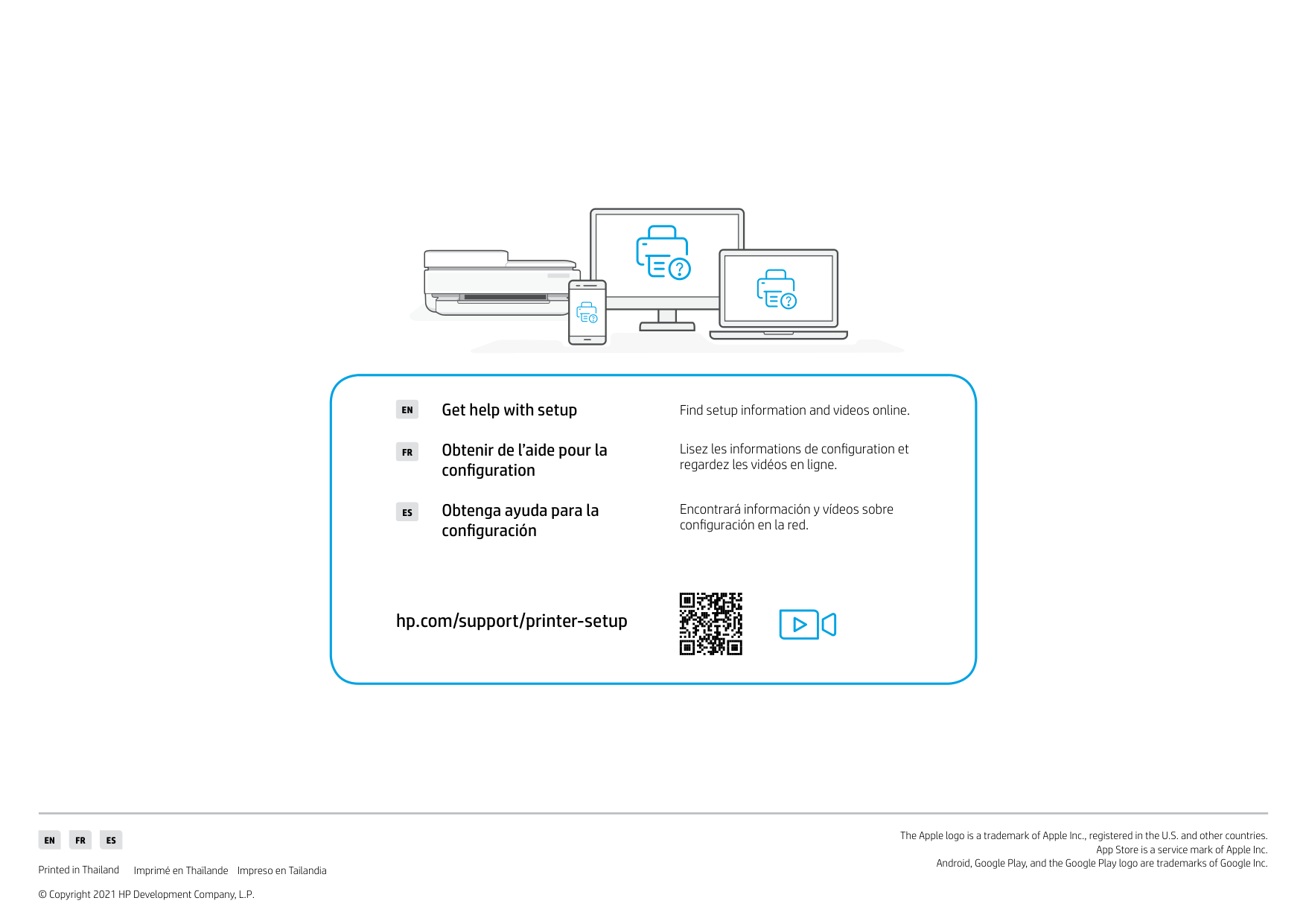
Find setup information and videos online.Get help with setupEN
FR
ES
Obtenir de l’aide pour la configuration
Obtenga ayuda para la configuración
Lisez les informations de configuration et regardez les vidéos en ligne.
Encontrará información y vídeos sobre configuración en la red.
hp.com/support/printer-setup
EN FR ES
Printed in Thailand Imprimé en Thaïlande Impreso en Tailandia
© Copyright 2021 HP Development Company, L.P.
The Apple logo is a trademark of Apple Inc., registered in the U.S. and other countries.
App Store is a service mark of Apple Inc. Android, Google Play, and the Google Play logo are trademarks of Google Inc.