
Ask AI
— answers from the official manualAnswers from the official manual.
Common questions
Common Questions
16 totalHow do I start the initial setup of the HP OfficeJet Pro 8130e?
Plug in the printer to turn it on, then select your language and country or region on the display. Next, scan the QR code with a mobile device or visit hp.com/start/ojp8130e on a computer to access the digital setup guide.
How do I connect the HP OfficeJet Pro 8130e to my Wi-Fi network?
The HP software will connect the printer to your Wi-Fi network during the setup process. You need to use the digital setup guide at hp.com/start/ojp8130e to install the HP software, which handles the Wi-Fi connection.
Where can I find the full setup instructions for the HP OfficeJet Pro 8130e?
The full setup instructions are available online via the digital setup guide. You can access it by scanning the QR code with a mobile device or visiting hp.com/start/ojp8130e on a computer.
What is the website for the HP OfficeJet Pro 8130e digital setup guide?
The digital setup guide is located at hp.com/start/ojp8130e. You can access it from a computer or by scanning the QR code provided in the quick start guide using a mobile device.
What language and region settings are available during the HP OfficeJet Pro 8130e initial setup?
During initial setup, you can select your preferred language and country or region directly on the printer's display. This is one of the first steps after plugging in and powering on the printer.
Why does the HP OfficeJet Pro 8130e Quick Start Guide have limited printed instructions?
HP redesigned their printed instructions to help reduce waste. Everything you need for setup and use can be found online through the digital setup guide.
Show 10 more questions
What do I need to do first after plugging in the HP OfficeJet Pro 8130e for the first time?
Can I set up the HP OfficeJet Pro 8130e using a mobile device?
How do I set up the HP OfficeJet Pro 8130e printer?
How can I install ink and paper?
Can the printer be reset to factory settings?
What is the QR code for on the box?
Are there any safety warnings during installation?
How do I install ink and paper in the HP OfficeJet Pro 8130e?
Where do I find instructions for troubleshooting?
How does the printer connect to Wi-Fi?
Full Manual
10 pages
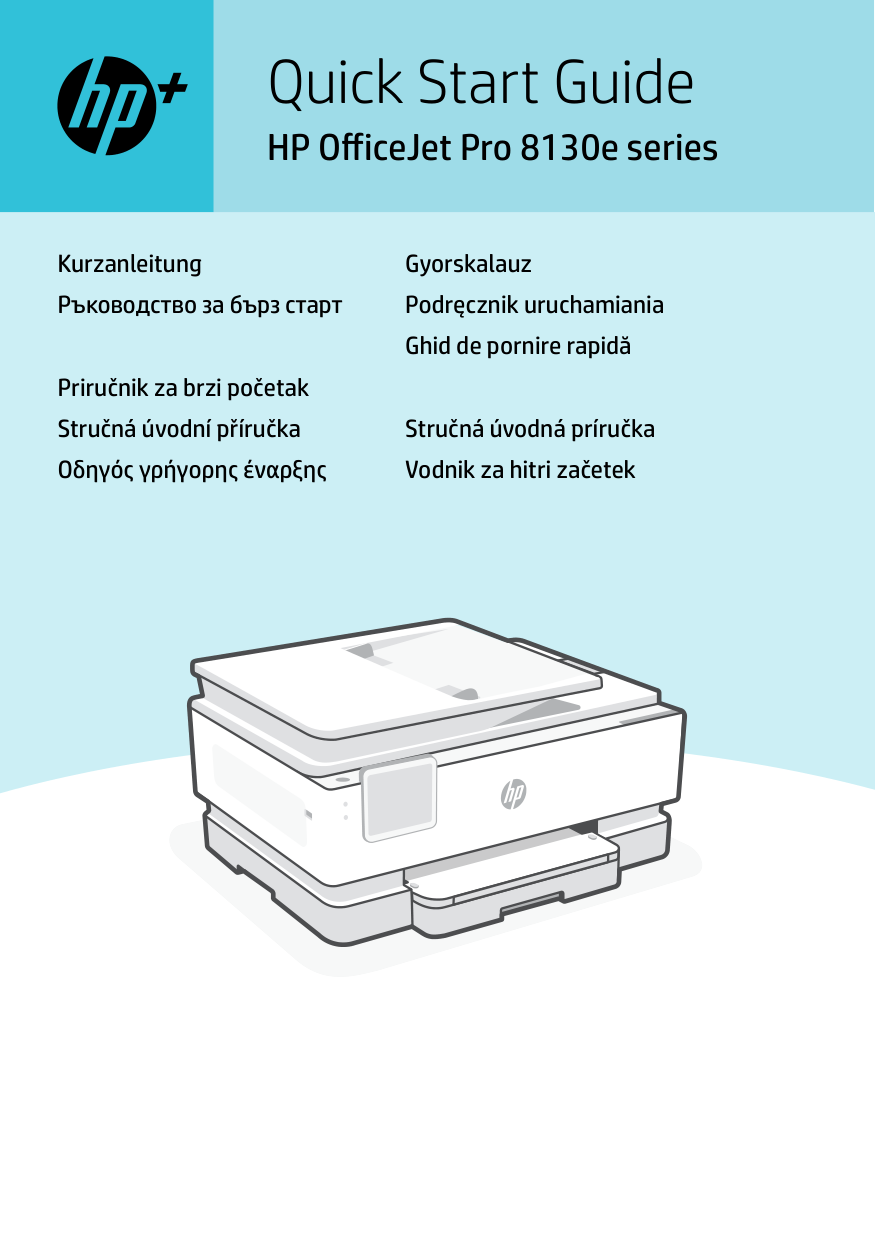
Quick Start Guide HP OfficeJet Pro 8130e series Kurzanleitung Ръководство за бърз старт Priručnik za brzi početak Stručná úvodní příručka Οδηγός γρήγορης έναρξης Gyorskalauz Podręcznik uruchamiania Ghid de pornire rapidă Stručná úvodná príručka Vodnik za hitri začetek
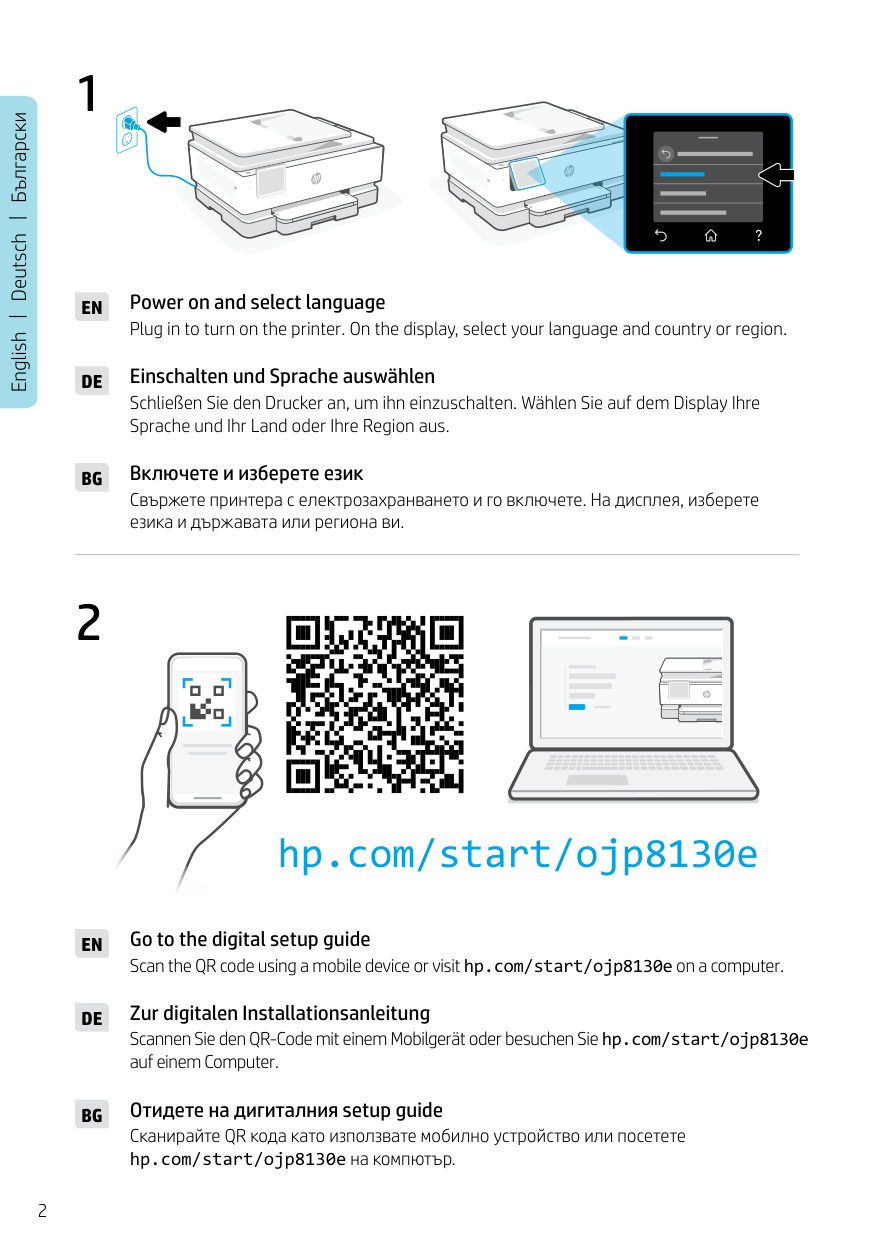
2 English Deutsch Български 1
En
Plug in to turn on the printer. On the display, select your language and country or region. Power on and select languageDe
Schließen Sie den Drucker an, um ihn einzuschalten. Wählen Sie auf dem Display Ihre Sprache und Ihr Land oder Ihre Region aus. Einschalten und Sprache auswählenBg
Свържете принтера с електрозахранването и го включете. На дисплея, изберете езика и държавата или региона ви. Включете и изберете език Scan the QR code using a mobile device or visit hp.com/start/ojp8130e on a computer. Go to the digital setup guideEn
Scannen Sie den QR-Code mit einem Mobilgerät oder besuchen Sie hp.com/start/ojp8130e auf einem Computer. Zur digitalen InstallationsanleitungDe
Сканирайте QR кода като използвате мобилно устройство или посетете hp.com/start/ojp8130e на компютър. Отидете на дигиталния setup guideBg
2 hp.com/start/ojp8130e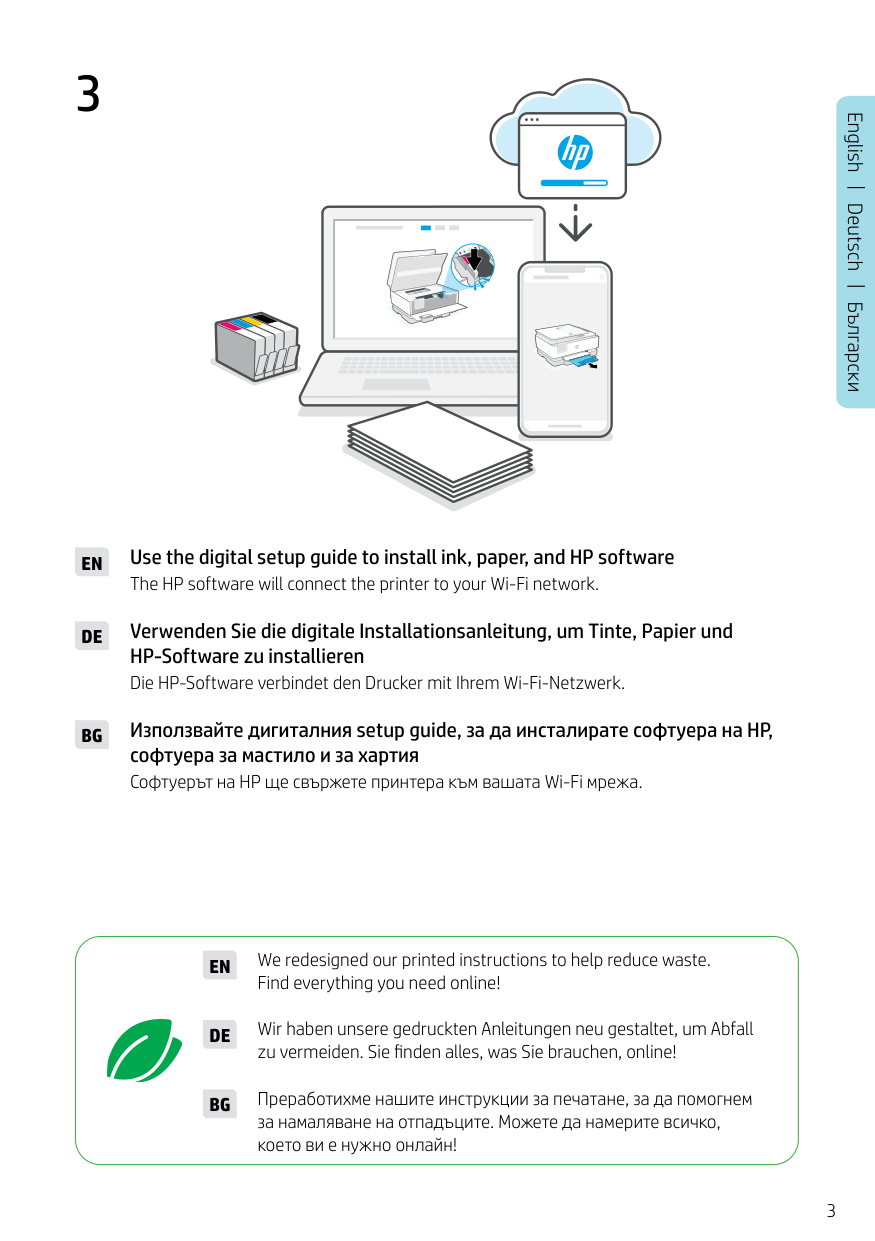
3 English Deutsch Български 3
En
Use the digital setup guide to install ink, paper, and HP software The HP software will connect the printer to your Wi-Fi network.De
Verwenden Sie die digitale Installationsanleitung, um Tinte, Papier und HP-Software zu installieren Die HP-Software verbindet den Drucker mit Ihrem Wi-Fi-Netzwerk.Bg
Използвайте дигиталния setup guide, за да инсталирате софтуера на HP, софтуера за мастило и за хартия Софтуерът на HP ще свържете принтера към вашата Wi-Fi мрежа. We redesigned our printed instructions to help reduce waste. Find everything you need online!En
Wir haben unsere gedruckten Anleitungen neu gestaltet, um Abfall zu vermeiden. Sie finden alles, was Sie brauchen, online!De
Преработихме нашите инструкции за печатане, за да помогнем за намаляване на отпадъците. Можете да намерите всичко, което ви е нужно онлайн!Bg
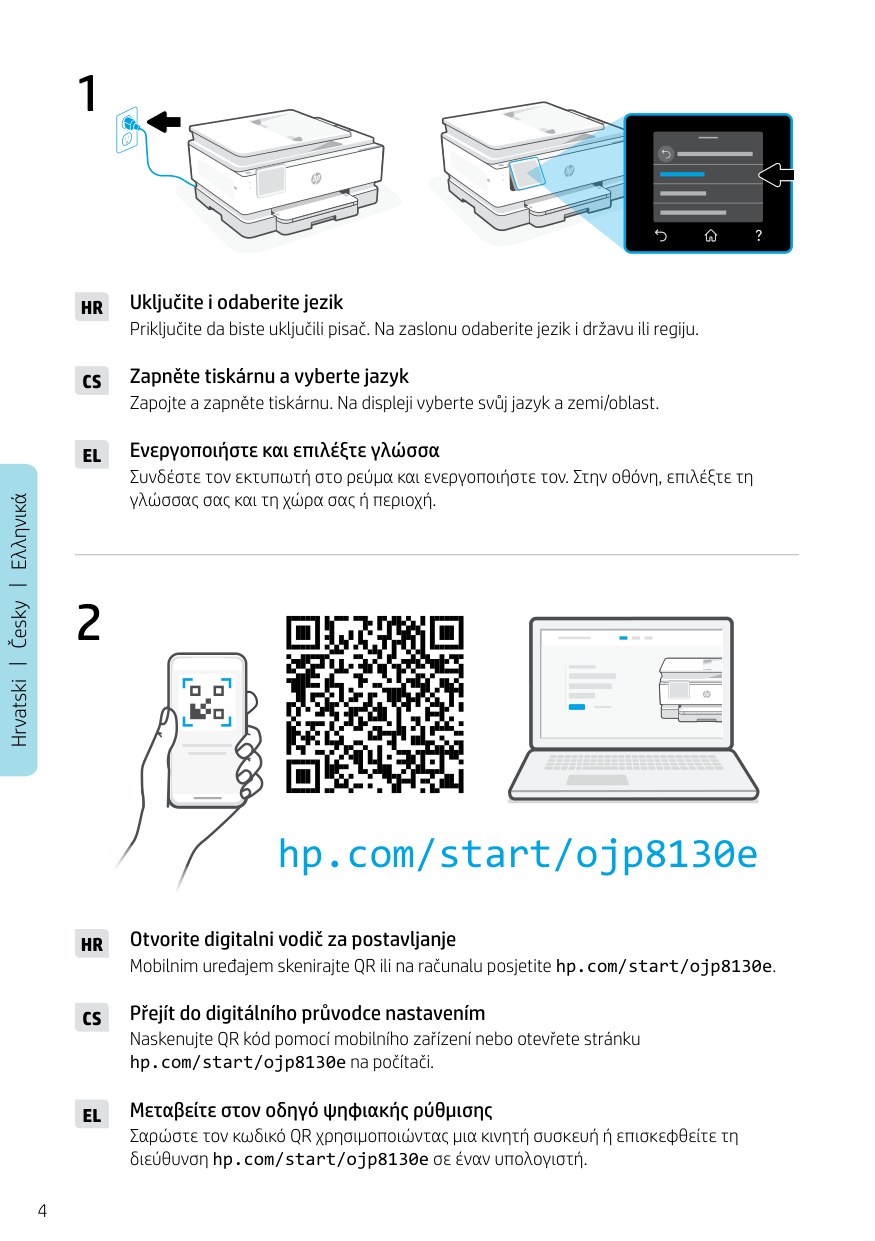
4 Hrvatski Česky Ελληνικά 1
Hr
Priključite da biste uključili pisač. Na zaslonu odaberite jezik i državu ili regiju. Uključite i odaberite jezikCs
Zapojte a zapněte tiskárnu. Na displeji vyberte svůj jazyk a zemi/oblast. Zapněte tiskárnu a vyberte jazykEl
Συνδέστε τον εκτυπωτή στο ρεύμα και ενεργοποιήστε τον. Στην οθόνη, επιλέξτε τη γλώσσας σας και τη χώρα σας ή περιοχή. Ενεργοποιήστε και επιλέξτε γλώσσα Mobilnim uređajem skenirajte QR ili na računalu posjetite hp.com/start/ojp8130e. Otvorite digitalni vodič za postavljanjeHr
Naskenujte QR kód pomocí mobilního zařízení nebo otevřete stránku hp.com/start/ojp8130e na počítači. Přejít do digitálního průvodce nastavenímCs
Σαρώστε τον κωδικό QR χρησιμοποιώντας μια κινητή συσκευή ή επισκεφθείτε τη διεύθυνση hp.com/start/ojp8130e σε έναν υπολογιστή. Μεταβείτε στον οδηγό ψηφιακής ρύθμισηςEl
2 hp.com/start/ojp8130e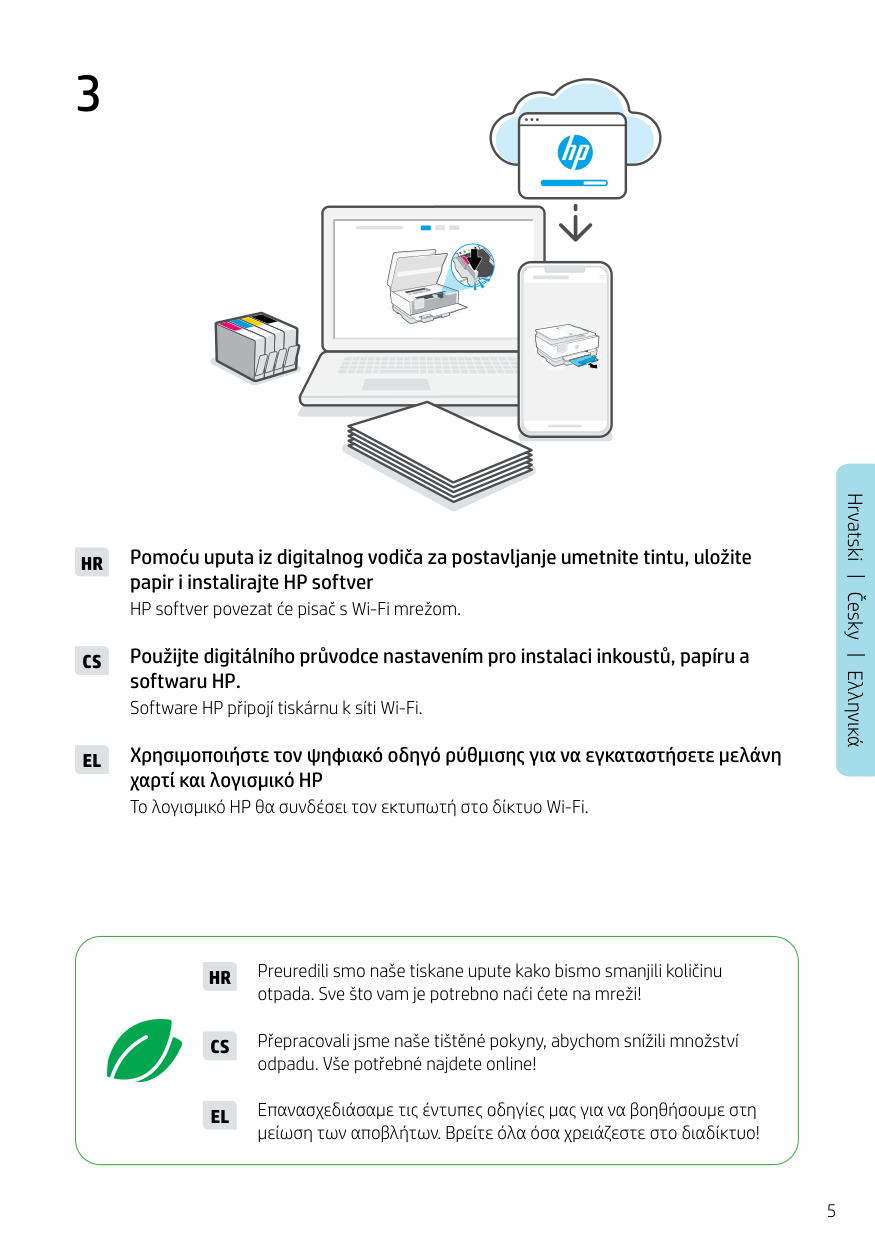
5 English English English Hrvatski Česky Ελληνικά 3
Hr
Pomoću uputa iz digitalnog vodiča za postavljanje umetnite tintu, uložite papir i instalirajte HP softver HP softver povezat će pisač s Wi-Fi mrežom.Cs
Použijte digitálního průvodce nastavením pro instalaci inkoustů, papíru a softwaru HP. Software HP připojí tiskárnu k síti Wi-Fi.El
Χρησιμοποιήστε τον ψηφιακό οδηγό ρύθμισης για να εγκαταστήσετε μελάνη χαρτί και λογισμικό HP Το λογισμικό HP θα συνδέσει τον εκτυπωτή στο δίκτυο Wi-Fi. Preuredili smo naše tiskane upute kako bismo smanjili količinu otpada. Sve što vam je potrebno naći ćete na mreži!Hr
Přepracovali jsme naše tištěné pokyny, abychom snížili množství odpadu. Vše potřebné najdete online!Cs
Επανασχεδιάσαμε τις έντυπες οδηγίες μας για να βοηθήσουμε στη μείωση των αποβλήτων. Βρείτε όλα όσα χρειάζεστε στο διαδίκτυο!El
6 1
Hu
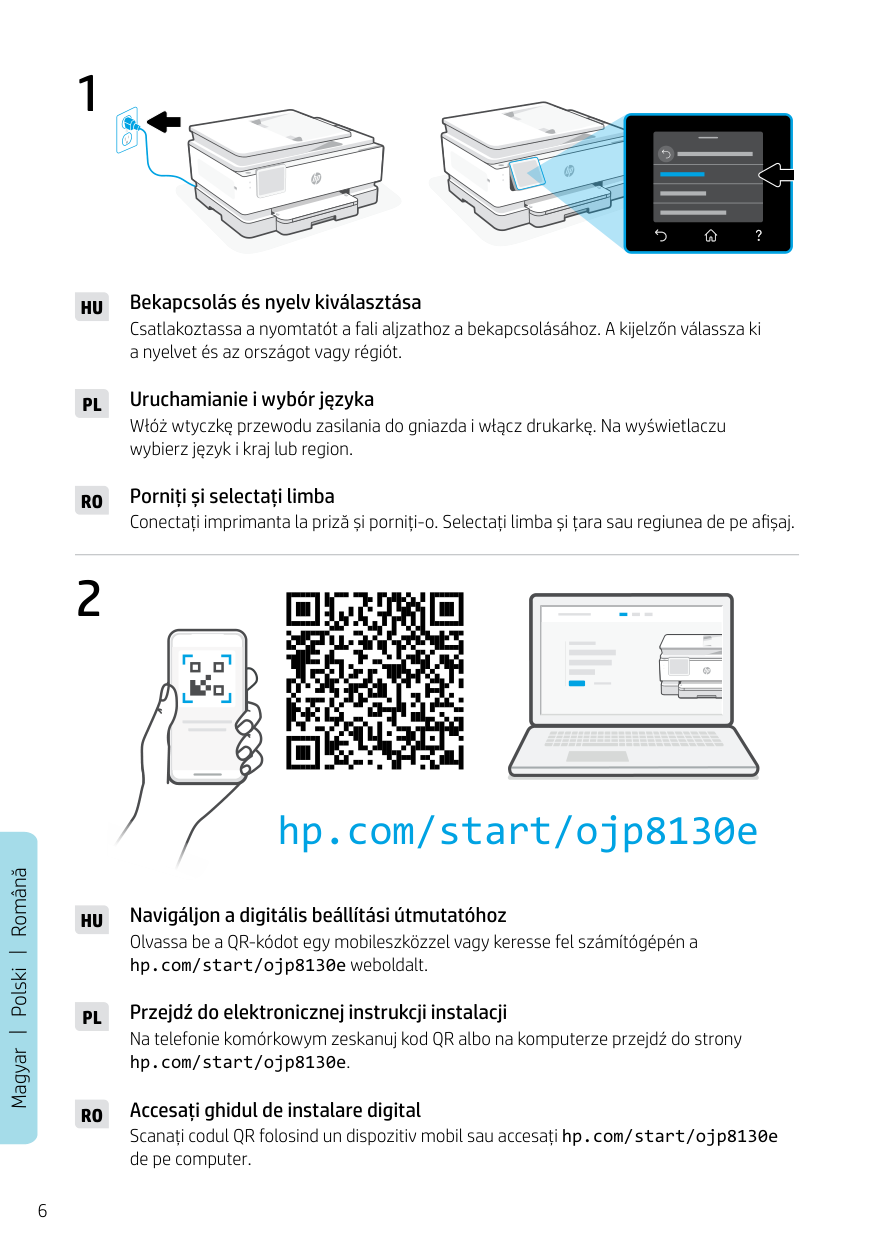
Csatlakoztassa a nyomtatót a fali aljzathoz a bekapcsolásához. A kijelzőn válassza ki a nyelvet és az országot vagy régiót. Bekapcsolás és nyelv kiválasztásaPl
Włóż wtyczkę przewodu zasilania do gniazda i włącz drukarkę. Na wyświetlaczu wybierz język i kraj lub region. Uruchamianie i wybór językaRo
Conectați imprimanta la priză și porniți-o. Selectați limba și țara sau regiunea de pe afișaj. Porniți și selectați limba Magyar Polski Română Olvassa be a QR-kódot egy mobileszközzel vagy keresse fel számítógépén a hp.com/start/ojp8130e weboldalt. Navigáljon a digitális beállítási útmutatóhozHu
Na telefonie komórkowym zeskanuj kod QR albo na komputerze przejdź do strony hp.com/start/ojp8130e. Przejdź do elektronicznej instrukcji instalacjiPl
Scanați codul QR folosind un dispozitiv mobil sau accesați hp.com/start/ojp8130e de pe computer. Accesați ghidul de instalare digitalRo
2 hp.com/start/ojp8130e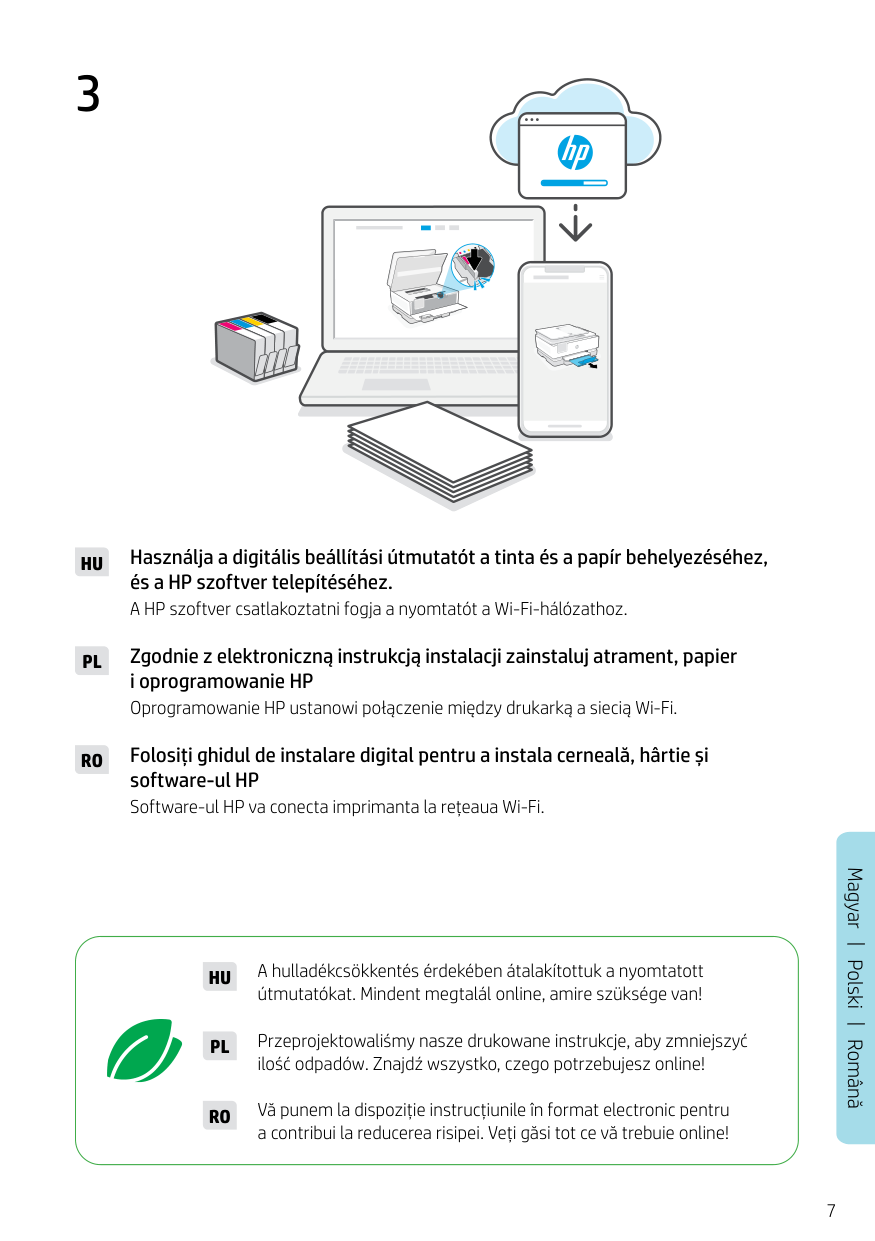
7 3
Hu
Használja a digitális beállítási útmutatót a tinta és a papír behelyezéséhez, és a HP szoftver telepítéséhez. A HP szoftver csatlakoztatni fogja a nyomtatót a Wi-Fi-hálózathoz.Pl
Zgodnie z elektroniczną instrukcją instalacji zainstaluj atrament, papier i oprogramowanie HP Oprogramowanie HP ustanowi połączenie między drukarką a siecią Wi-Fi.Ro
Folosiți ghidul de instalare digital pentru a instala cerneală, hârtie și software-ul HP Software-ul HP va conecta imprimanta la rețeaua Wi-Fi. A hulladékcsökkentés érdekében átalakítottuk a nyomtatott útmutatókat. Mindent megtalál online, amire szüksége van!Hu
Przeprojektowaliśmy nasze drukowane instrukcje, aby zmniejszyć ilość odpadów. Znajdź wszystko, czego potrzebujesz online!Pl
Vă punem la dispoziție instrucțiunile în format electronic pentru a contribui la reducerea risipei. Veți găsi tot ce vă trebuie online!Ro
Română Polski Magyar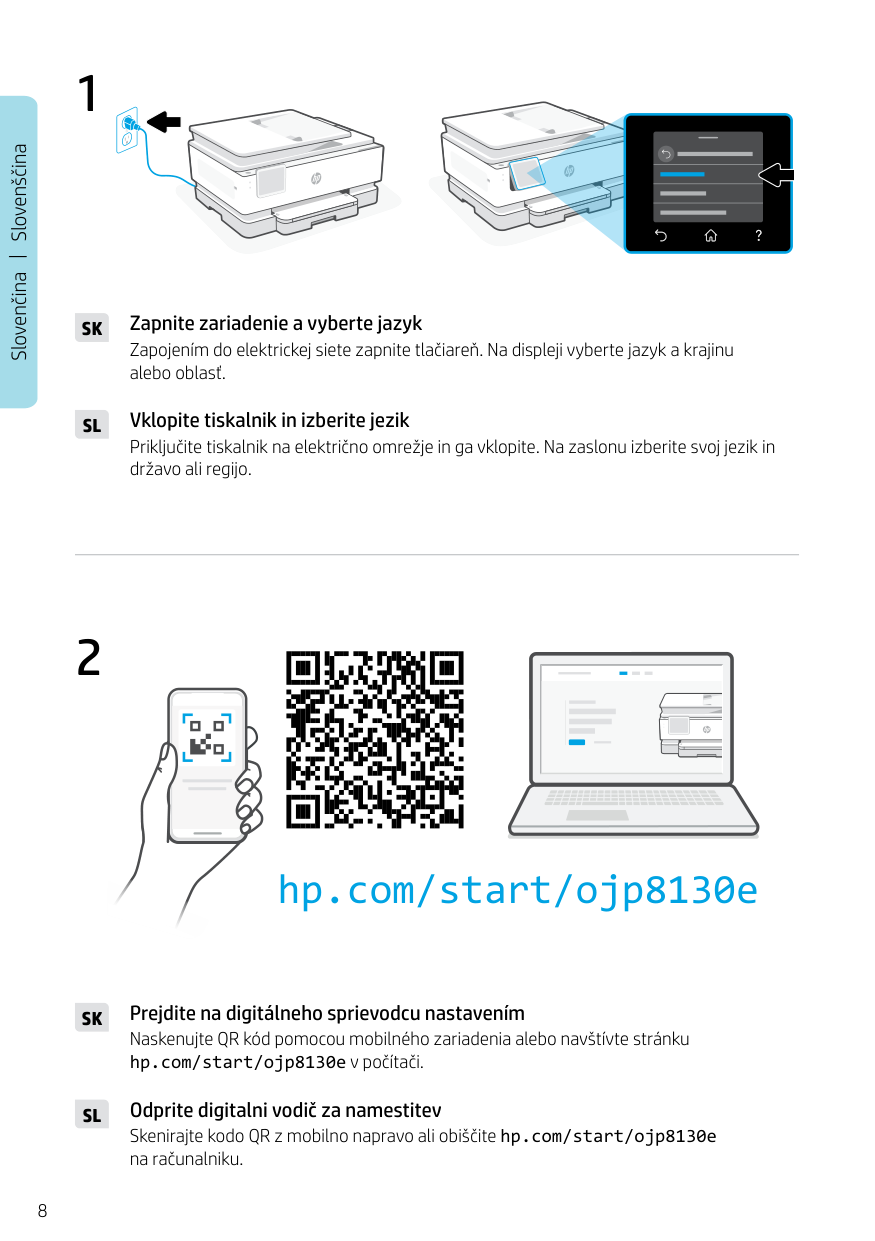
8 Slovenčina Slovenščina 1
Sk
Zapojením do elektrickej siete zapnite tlačiareň. Na displeji vyberte jazyk a krajinu alebo oblasť. Zapnite zariadenie a vyberte jazykSl
Priključite tiskalnik na električno omrežje in ga vklopite. Na zaslonu izberite svoj jezik in državo ali regijo. Vklopite tiskalnik in izberite jezik Naskenujte QR kód pomocou mobilného zariadenia alebo navštívte stránku hp.com/start/ojp8130e v počítači. Prejdite na digitálneho sprievodcu nastavenímSk
Skenirajte kodo QR z mobilno napravo ali obiščite hp.com/start/ojp8130e na računalniku. Odprite digitalni vodič za namestitevSl
2 hp.com/start/ojp8130e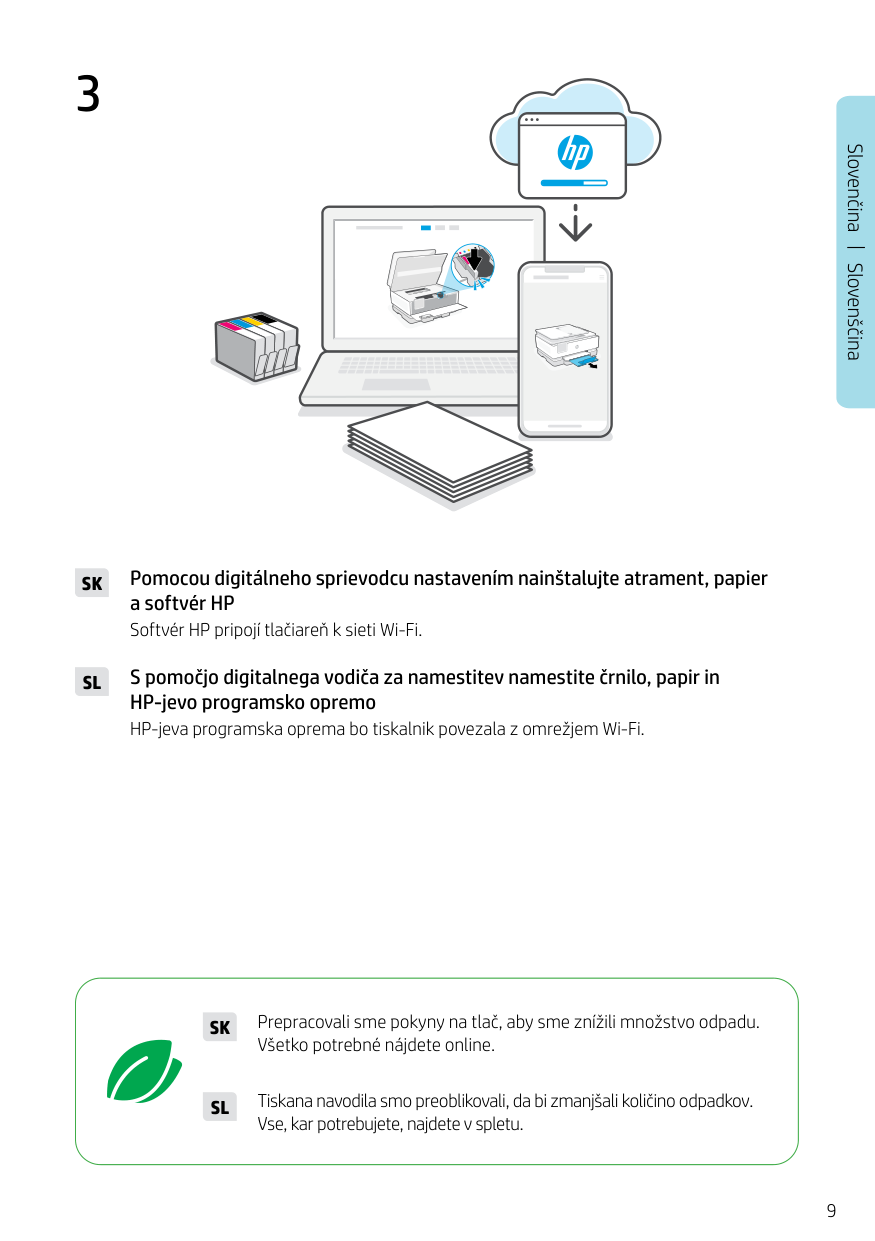
9 Slovenčina Slovenščina 3
Sk
Pomocou digitálneho sprievodcu nastavením nainštalujte atrament, papier a softvér HP Softvér HP pripojí tlačiareň k sieti Wi-Fi.Sl
S pomočjo digitalnega vodiča za namestitev namestite črnilo, papir in HP-jevo programsko opremo HP-jeva programska oprema bo tiskalnik povezala z omrežjem Wi-Fi. Prepracovali sme pokyny na tlač, aby sme znížili množstvo odpadu. Všetko potrebné nájdete online.Sk
Tiskana navodila smo preoblikovali, da bi zmanjšali količino odpadkov. Vse, kar potrebujete, najdete v spletu.Sl
© Copyright 2024 HP Development Company, L.P.