
Ask AI
— answers from the official manualAnswers from the official manual.
Common questions
Common Questions
18 totalHow do I set up the HP OfficeJet Pro 8210 for the first time?
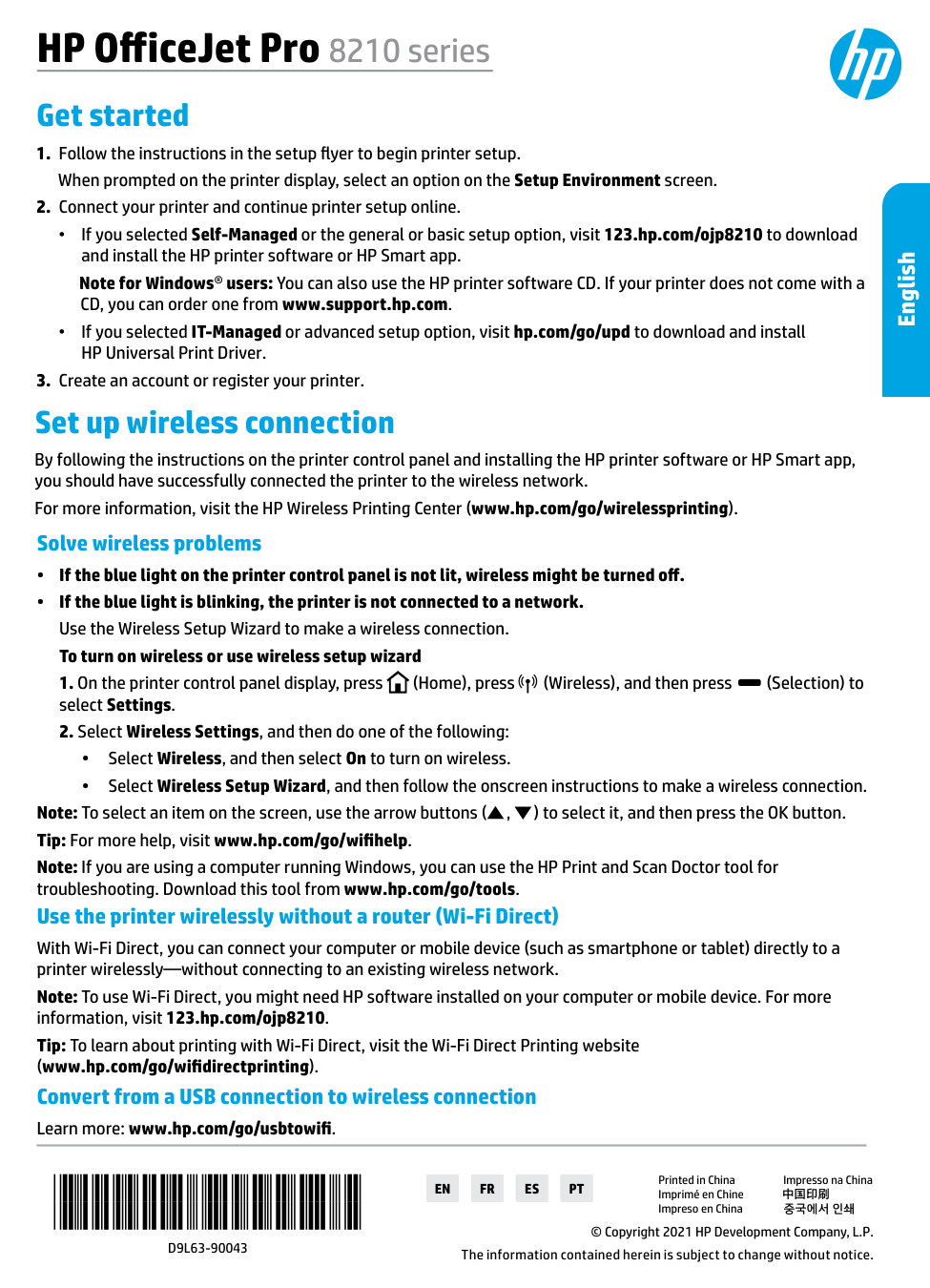
Follow the instructions in the setup flyer to begin printer setup, then select an option on the Setup Environment screen when prompted on the printer display. Next, connect your printer and continue setup online by visiting 123.hp.com/ojp8210 to download and install the HP printer software or HP Smart app. Finally, create an account or register your printer.
What does it mean if the blue light on the printer control panel is blinking?
If the blue light is blinking, the printer is not connected to a network. You should use the Wireless Setup Wizard to make a wireless connection. If the blue light is not lit at all, wireless may be turned off entirely.
How do I turn on wireless or run the Wireless Setup Wizard on the OfficeJet Pro 8210?
On the printer control panel display, press the Home button, press the Wireless button, then press the Selection button to select Settings. Select Wireless Settings, then either select Wireless and turn it On, or select Wireless Setup Wizard and follow the onscreen instructions. Use the arrow buttons to navigate and press the OK button to confirm selections.
Can I connect to the HP OfficeJet Pro 8210 without a wireless router?
Yes, you can use Wi-Fi Direct to connect your computer or mobile device directly to the printer wirelessly without connecting to an existing wireless network. To use Wi-Fi Direct, you may need HP software installed on your computer or mobile device. For more information, visit 123.hp.com/ojp8210 or www.hp.com/go/wifidirectprinting.
How do I convert my USB connection to a wireless connection on the OfficeJet Pro 8210?
HP provides guidance on converting from a USB connection to a wireless connection at www.hp.com/go/usbtowifi. This resource will walk you through the steps needed to switch connection types.
What is the warranty period for the HP OfficeJet Pro 8210 printer and its cartridges?
The printer itself carries a 1-year hardware warranty. Ink or print cartridges are covered until the HP ink is depleted or the 'end of warranty' date printed on the cartridge is reached, whichever comes first. Printheads (where customer-replaceable) and accessories are also covered for 1 year unless otherwise stated.
Show 12 more questions
What happens if I set up a continuous ink system on the HP OfficeJet Pro 8210?
How do I convert a USB connection to a wireless connection?
What should I do if the printer's blue light is not lit or blinking?
How do I resolve issues when setting up my printer wirelessly?
What is the warranty period for my HP OfficeJet Pro 8210?
How do I set up wireless printing without using a router?
Where can I find safety information for my HP OfficeJet Pro 8210 printer?
Is it safe to use non-HP or refilled ink cartridges in the OfficeJet Pro 8210?
What safety precaution should I follow regarding the power cord for the OfficeJet Pro 8210?
Do I need specific software installed on my smartphone for Wi-Fi Direct?
How do I create an account or register my printer online?
How can I get help if the wireless setup fails?
Full Manual
12 pages
En
Fr
Es
Pt
HP OfficeJet Pro 8210 series Get started*D9L63-90043*
*D9L63-90043*
D9L63-90043
© Copyright 2021 HP Development Company, L.P. The information contained herein is subject to change without notice. Printed in China Impresso na China Imprimé en Chine 中国印刷 Impreso en China 중국에서 인쇄 English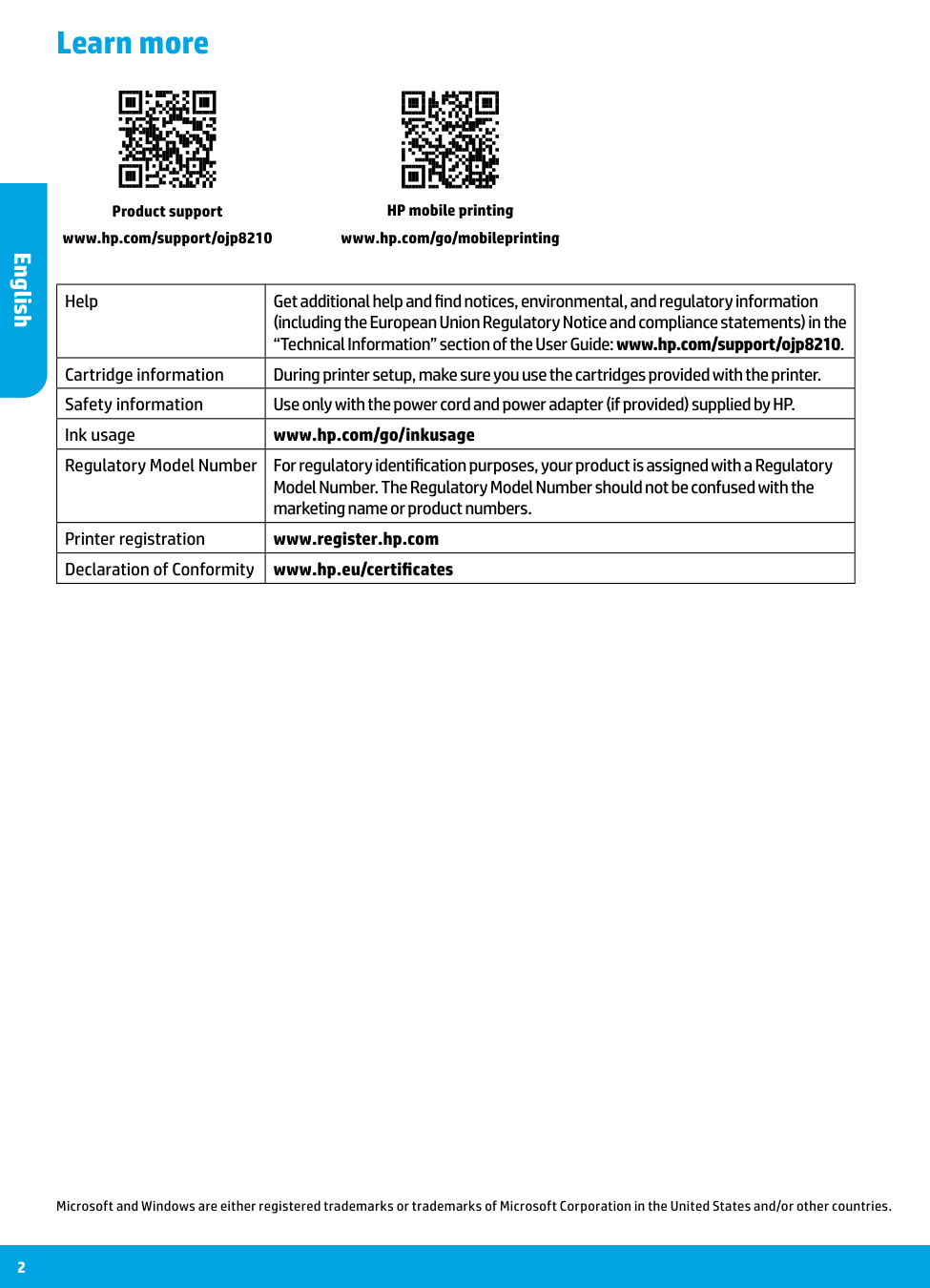
2 Learn more Microsoft and Windows are either registered trademarks or trademarks of Microsoft Corporation in the United States and/or other countries. HP mobile printing www.hp.com/go/mobileprinting Product support www.hp.com/support/ojp8210 Help Get additional help and find notices, environmental, and regulatory information (including the European Union Regulatory Notice and compliance statements) in the “Technical Information” section of the User Guide: www.hp.com/support/ojp8210. Cartridge information During printer setup, make sure you use the cartridges provided with the printer. Safety information Use only with the power cord and power adapter (if provided) supplied by HP. Ink usage www.hp.com/go/inkusage Regulatory Model Number For regulatory identification purposes, your product is assigned with a Regulatory Model Number. The Regulatory Model Number should not be confused with the marketing name or product numbers. Printer registration www.register.hp.com Declaration of Conformity www.hp.eu/certificates English
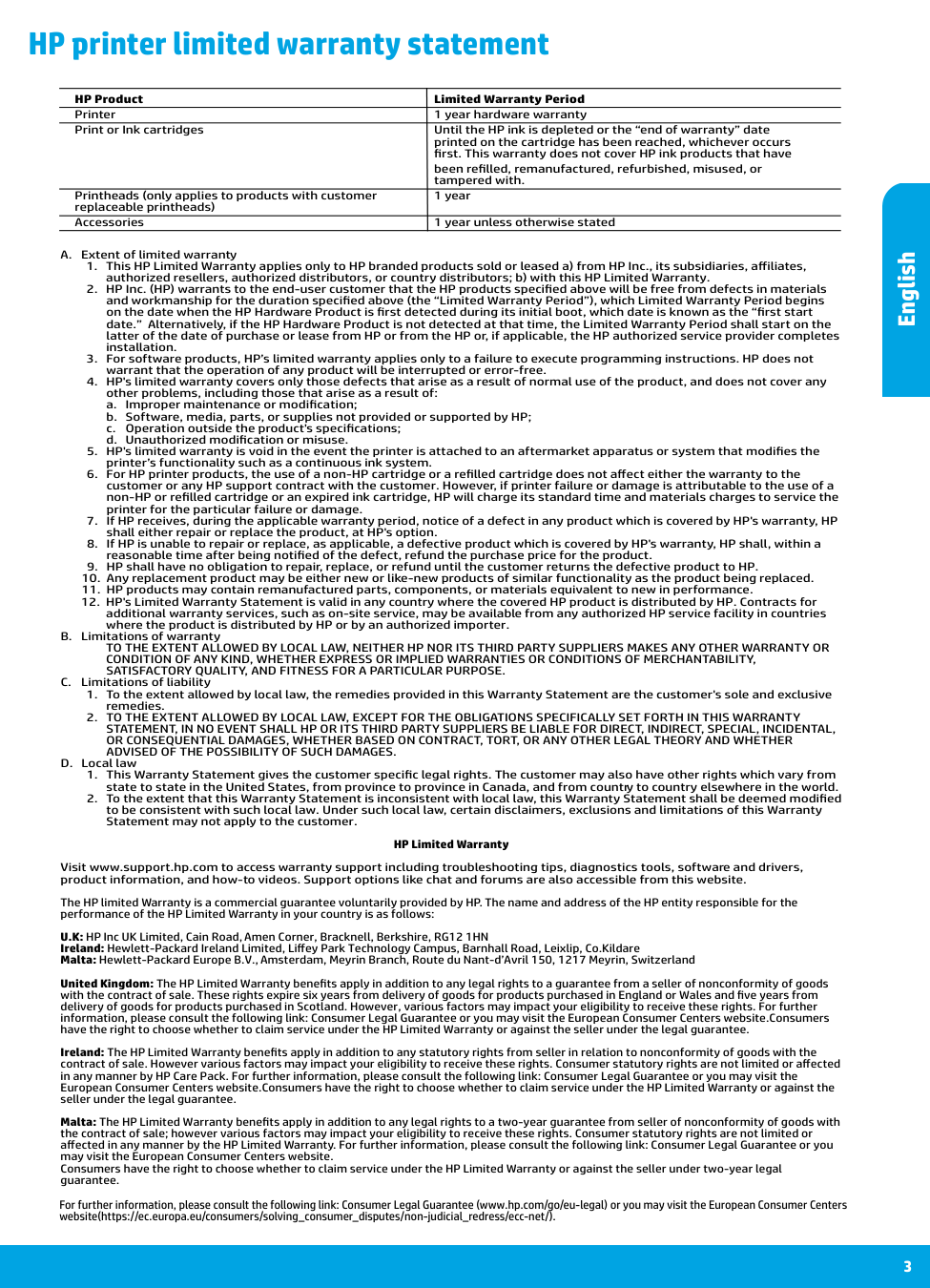
3 HP printer limited warranty statement A. Extent of limited warranty
a. Improper maintenance or modification;
b. Software, media, parts, or supplies not provided or supported by HP;
c. Operation outside the product's specifications;
d. Unauthorized modification or misuse.
Satisfactory Quality, And Fitness For A Particular Purpose.
C. Limitations of liabilityAdvised Of The Possibility Of Such Damages.
D. Local lawprinted on the cartridge has been reached, whichever occurs
first. This warranty does not cover HP ink products that have
been refilled, remanufactured, refurbished, misused, or
tampered with. Printheads (only applies to products with customer 1 year replaceable printheads) Accessories 1 year unless otherwise stated For further information, please consult the following link: Consumer Legal Guarantee (www.hp.com/go/eu-legal) or you may visit the European Consumer Centers website(https://ec.europa.eu/consumers/solving_consumer_disputes/non-judicial_redress/ecc-net/). English
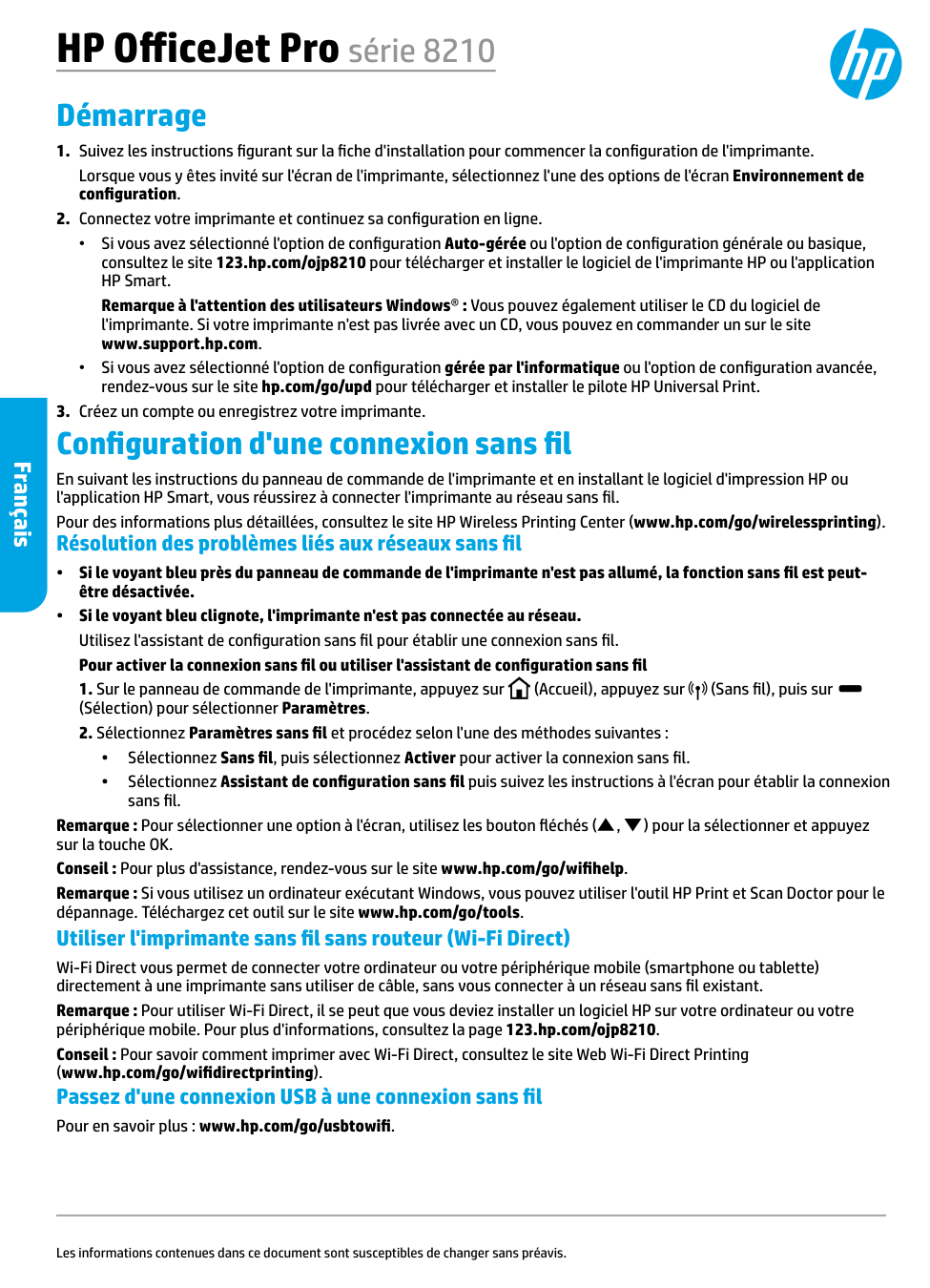
Français HP OfficeJet Pro série 8210 Démarrage
(Sélection) pour sélectionner Paramètres.
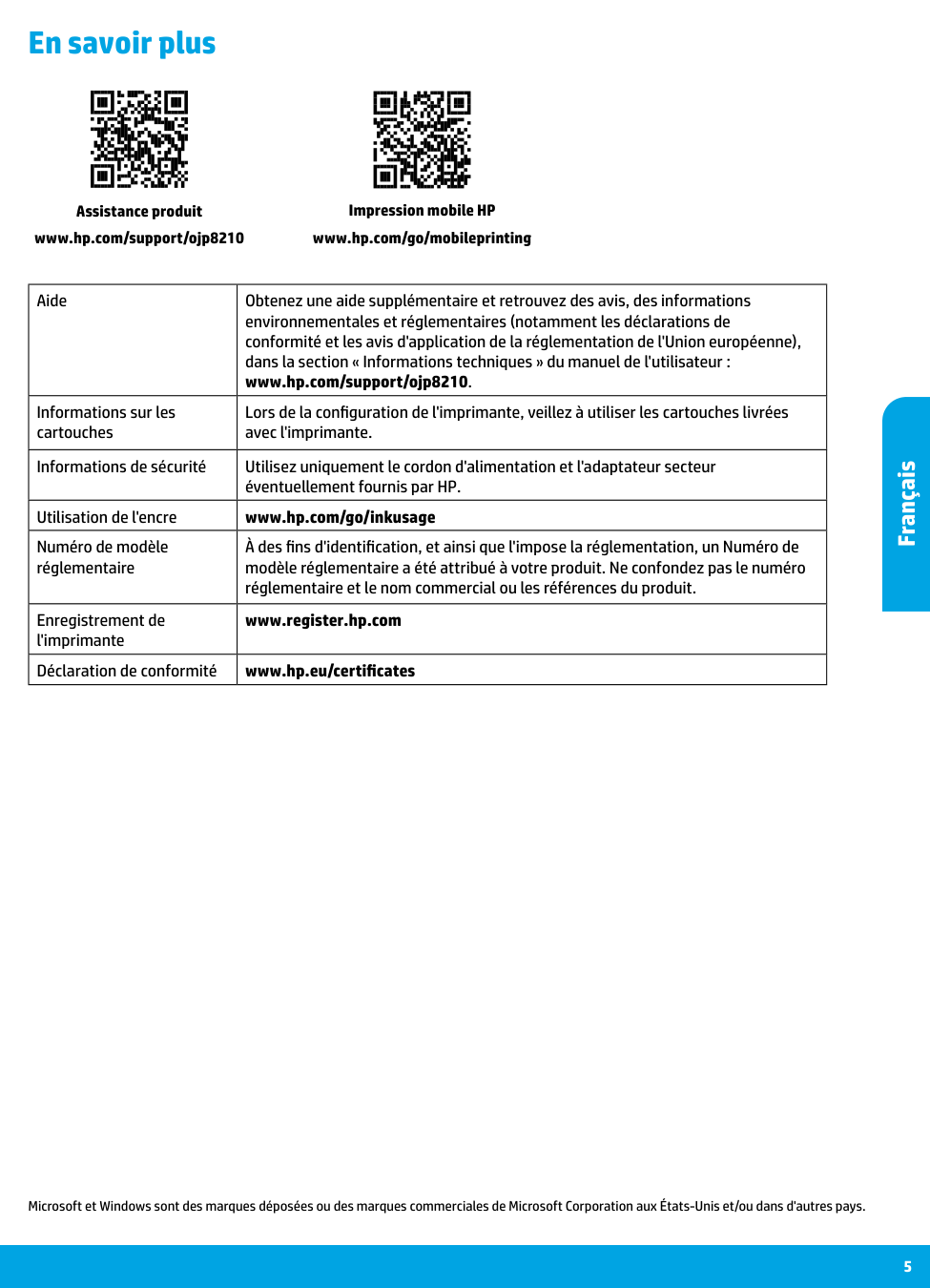
Français 5 En savoir plus Microsoft et Windows sont des marques déposées ou des marques commerciales de Microsoft Corporation aux États-Unis et/ou dans d'autres pays. Impression mobile HP www.hp.com/go/mobileprinting Assistance produit www.hp.com/support/ojp8210 Aide Obtenez une aide supplémentaire et retrouvez des avis, des informations environnementales et réglementaires (notamment les déclarations de conformité et les avis d'application de la réglementation de l'Union européenne), dans la section « Informations techniques » du manuel de l'utilisateur : www.hp.com/support/ojp8210. Informations sur les cartouches Lors de la configuration de l'imprimante, veillez à utiliser les cartouches livrées avec l'imprimante. Informations de sécurité Utilisez uniquement le cordon d'alimentation et l'adaptateur secteur éventuellement fournis par HP. Utilisation de l'encre www.hp.com/go/inkusage Numéro de modèle réglementaire À des fins d'identification, et ainsi que l'impose la réglementation, un Numéro de modèle réglementaire a été attribué à votre produit. Ne confondez pas le numéro réglementaire et le nom commercial ou les références du produit. Enregistrement de l'imprimante www.register.hp.com Déclaration de conformité www.hp.eu/certificates
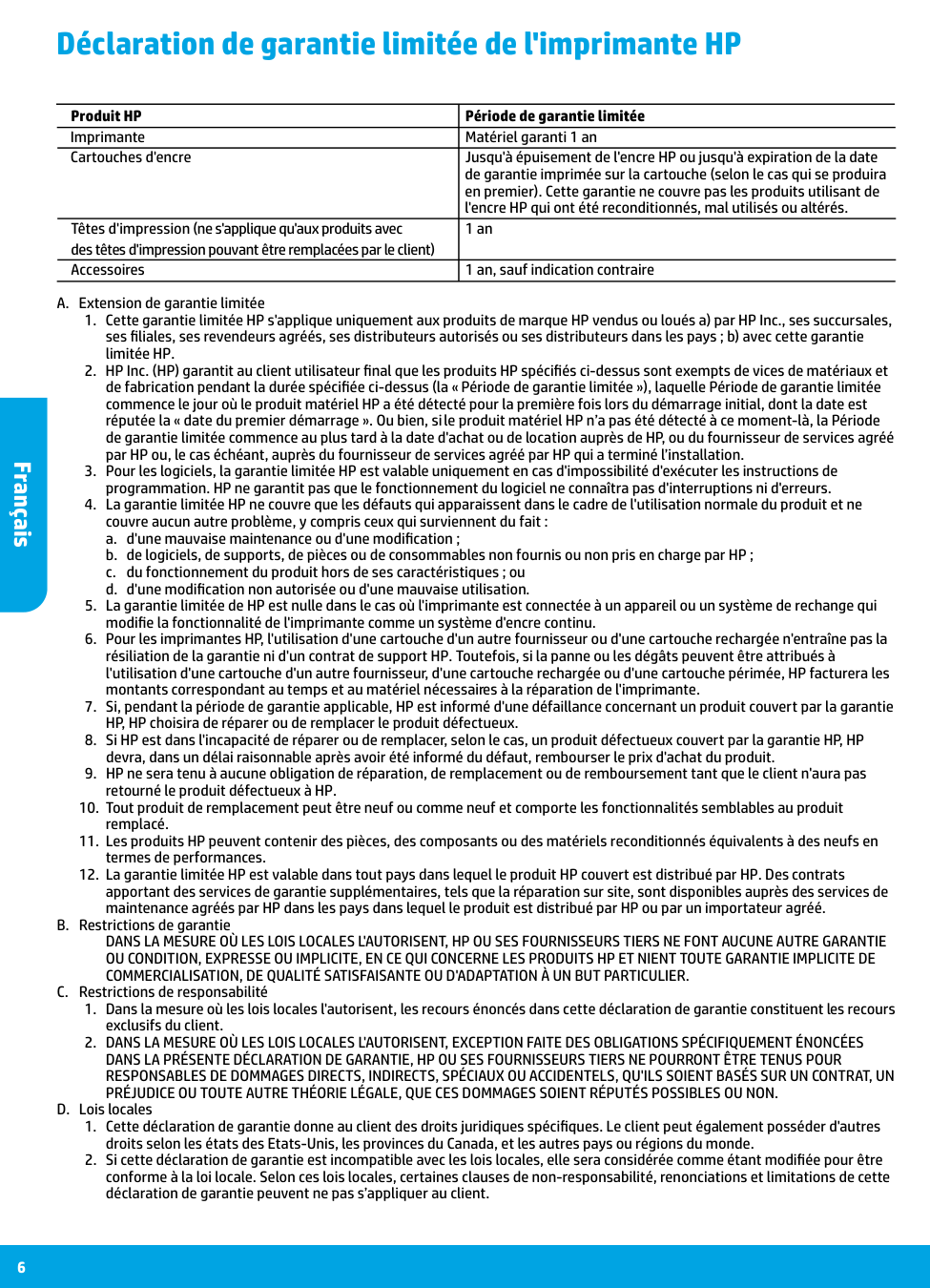
Français 6 Déclaration de garantie limitée de l'imprimante HP A. Extension de garantie limitée
a. d'une mauvaise maintenance ou d'une modification ;
b. de logiciels, de supports, de pièces ou de consommables non fournis ou non pris en charge par HP ;
c. du fonctionnement du produit hors de ses caractéristiques ; ou
d. d'une modification non autorisée ou d'une mauvaise utilisation.
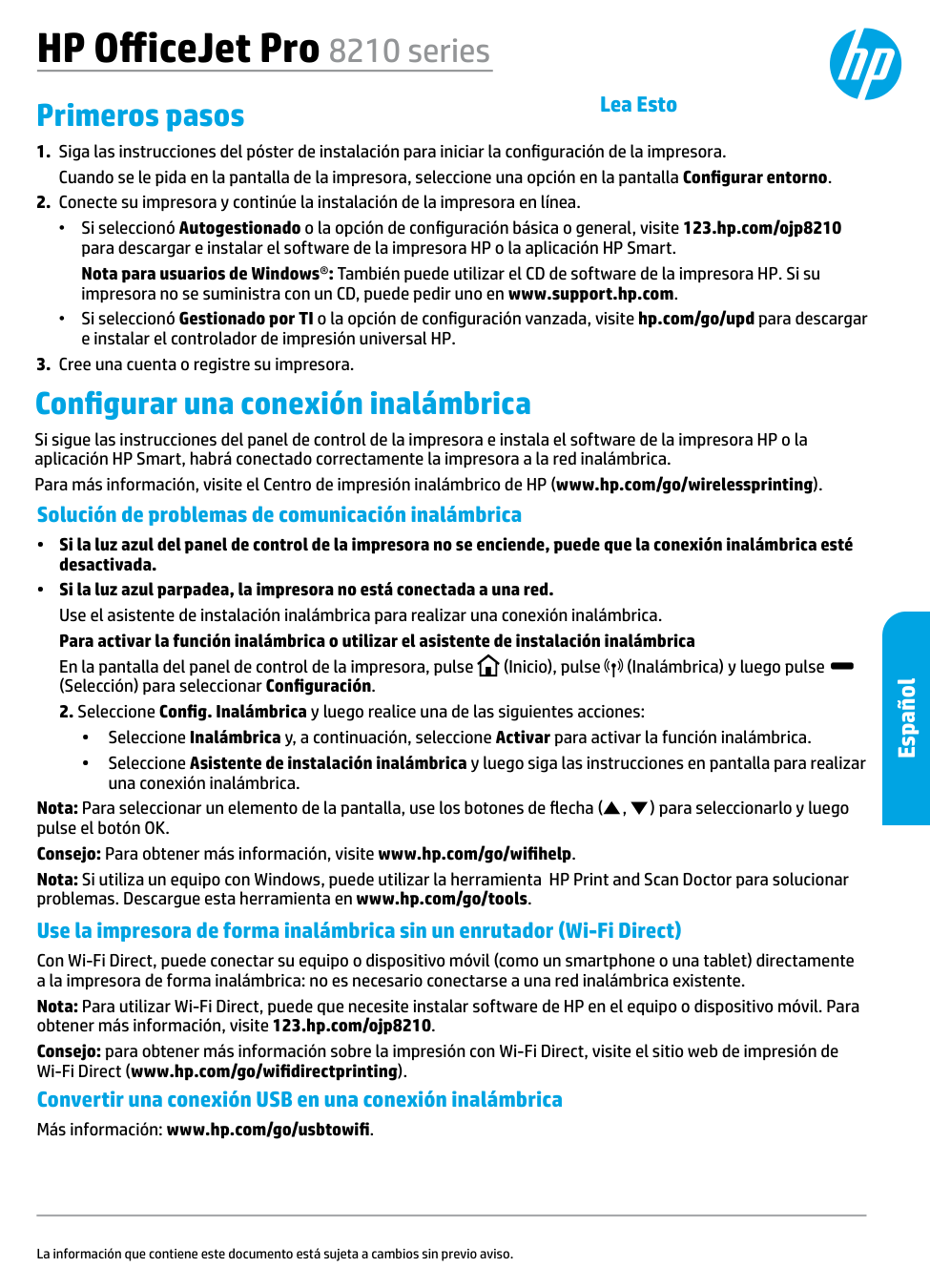
HP OfficeJet Pro 8210 series Primeros pasos
(Selección) para seleccionar Configuración.
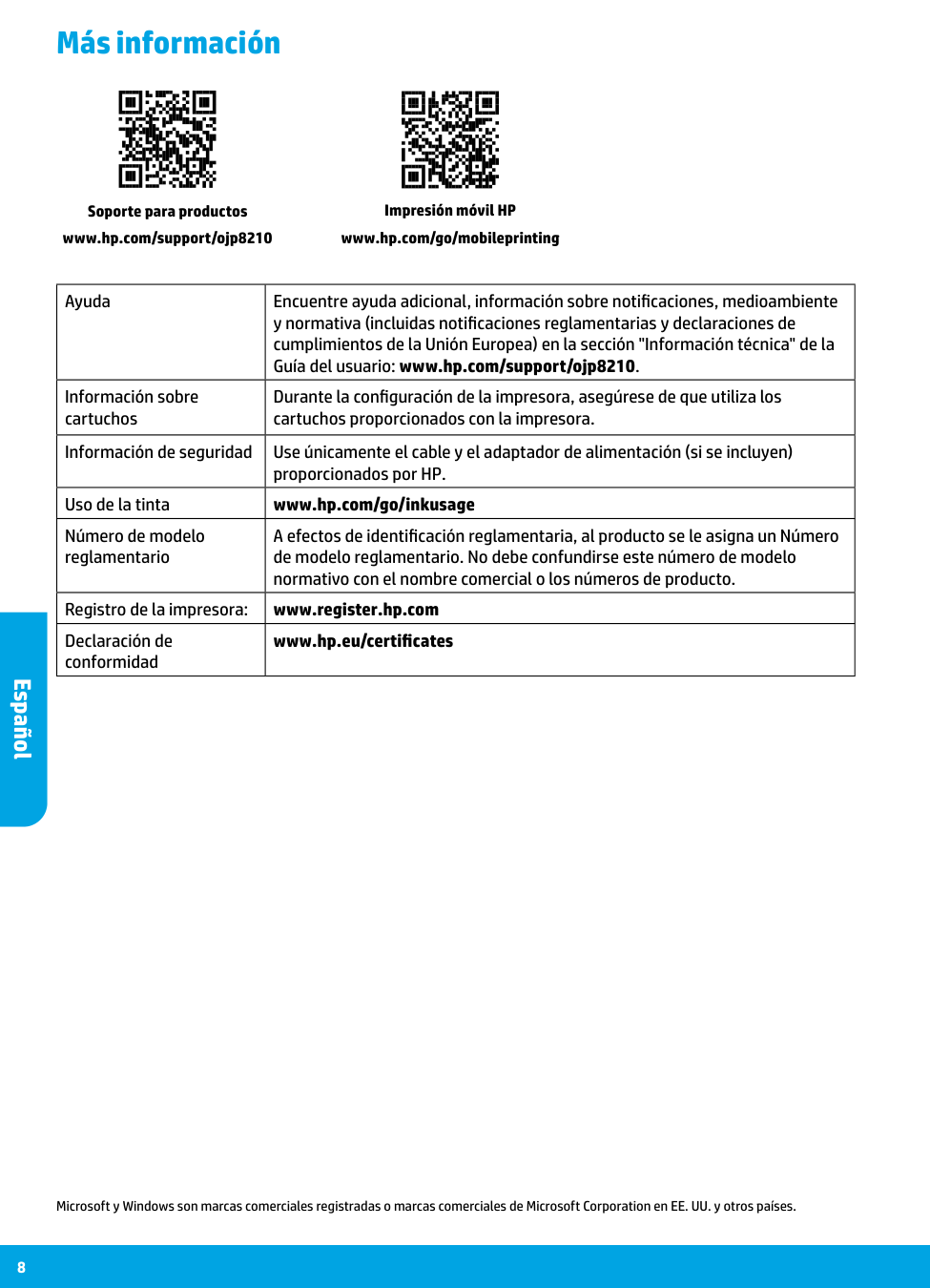
8 Más información Microsoft y Windows son marcas comerciales registradas o marcas comerciales de Microsoft Corporation en EE. UU. y otros países. Impresión móvil HP www.hp.com/go/mobileprinting Soporte para productos www.hp.com/support/ojp8210 Español Ayuda Encuentre ayuda adicional, información sobre notificaciones, medioambiente y normativa (incluidas notificaciones reglamentarias y declaraciones de cumplimientos de la Unión Europea) en la sección "Información técnica" de la Guía del usuario: www.hp.com/support/ojp8210. Información sobre cartuchos Durante la configuración de la impresora, asegúrese de que utiliza los cartuchos proporcionados con la impresora. Información de seguridad Use únicamente el cable y el adaptador de alimentación (si se incluyen) proporcionados por HP. Uso de la tinta www.hp.com/go/inkusage Número de modelo reglamentario A efectos de identificación reglamentaria, al producto se le asigna un Número de modelo reglamentario. No debe confundirse este número de modelo normativo con el nombre comercial o los números de producto. Registro de la impresora: www.register.hp.com Declaración de conformidad www.hp.eu/certificates
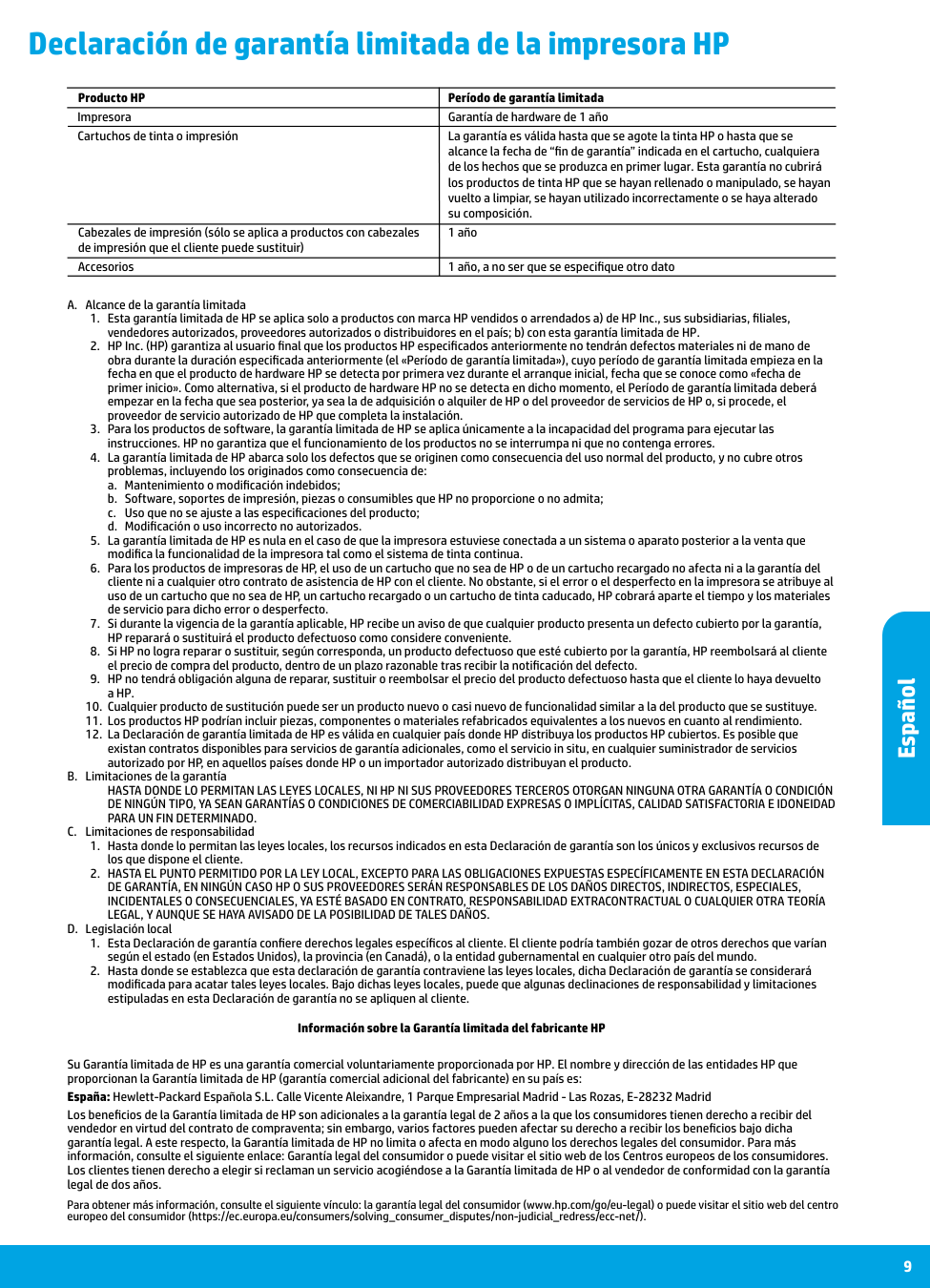
9 Declaración de garantía limitada de la impresora HP Español A. Alcance de la garantía limitada
a. Mantenimiento o modificación indebidos;
b. Software, soportes de impresión, piezas o consumibles que HP no proporcione o no admita;
c. Uso que no se ajuste a las especificaciones del producto;
d. Modificación o uso incorrecto no autorizados.
Para Un Fin Determinado.
C. Limitaciones de responsabilidadLegal, Y Aunque Se Haya Avisado De La Posibilidad De Tales Daños.
D. Legislación local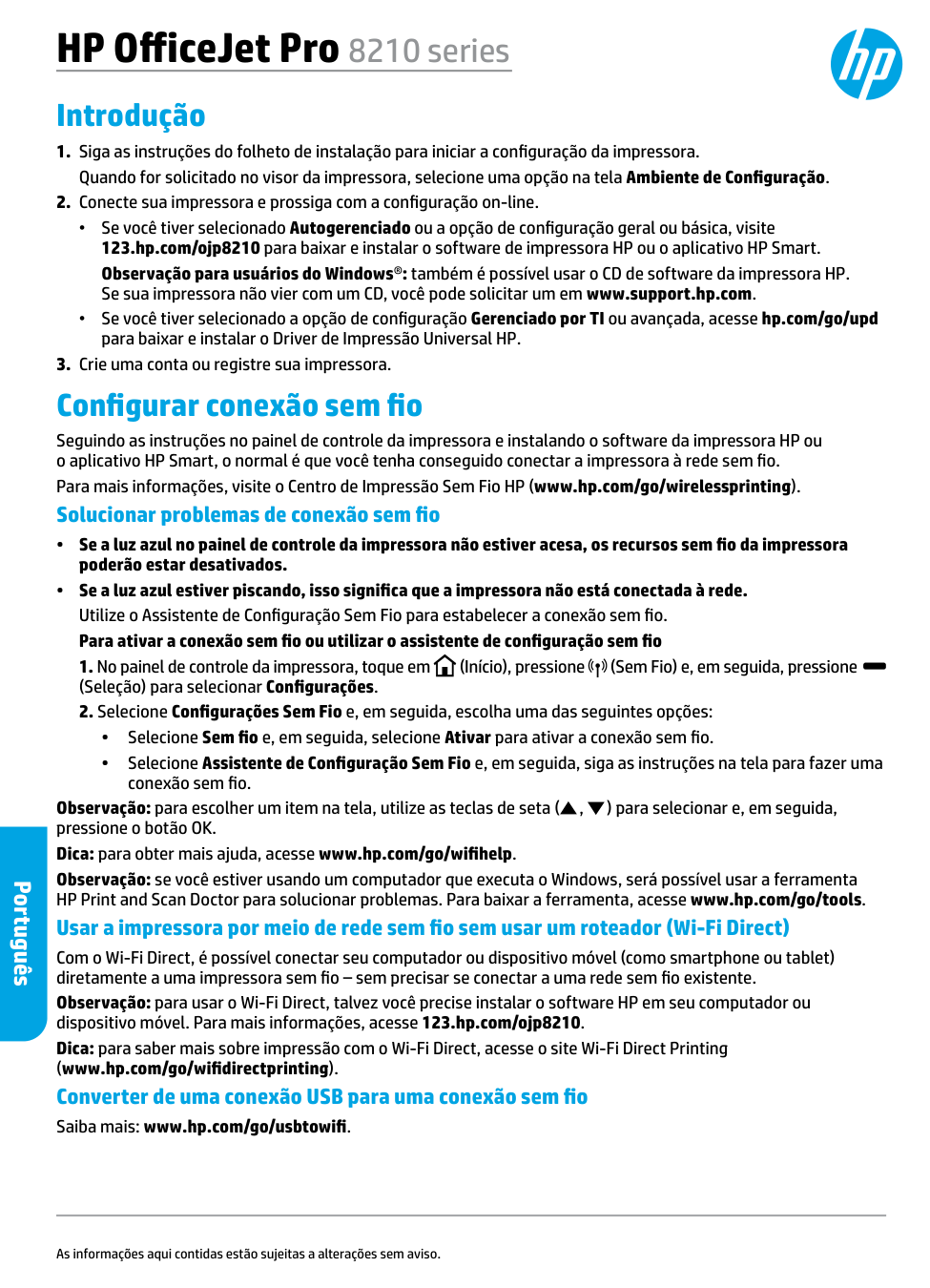
HP OfficeJet Pro 8210 series Introdução
(Seleção) para selecionar Configurações.
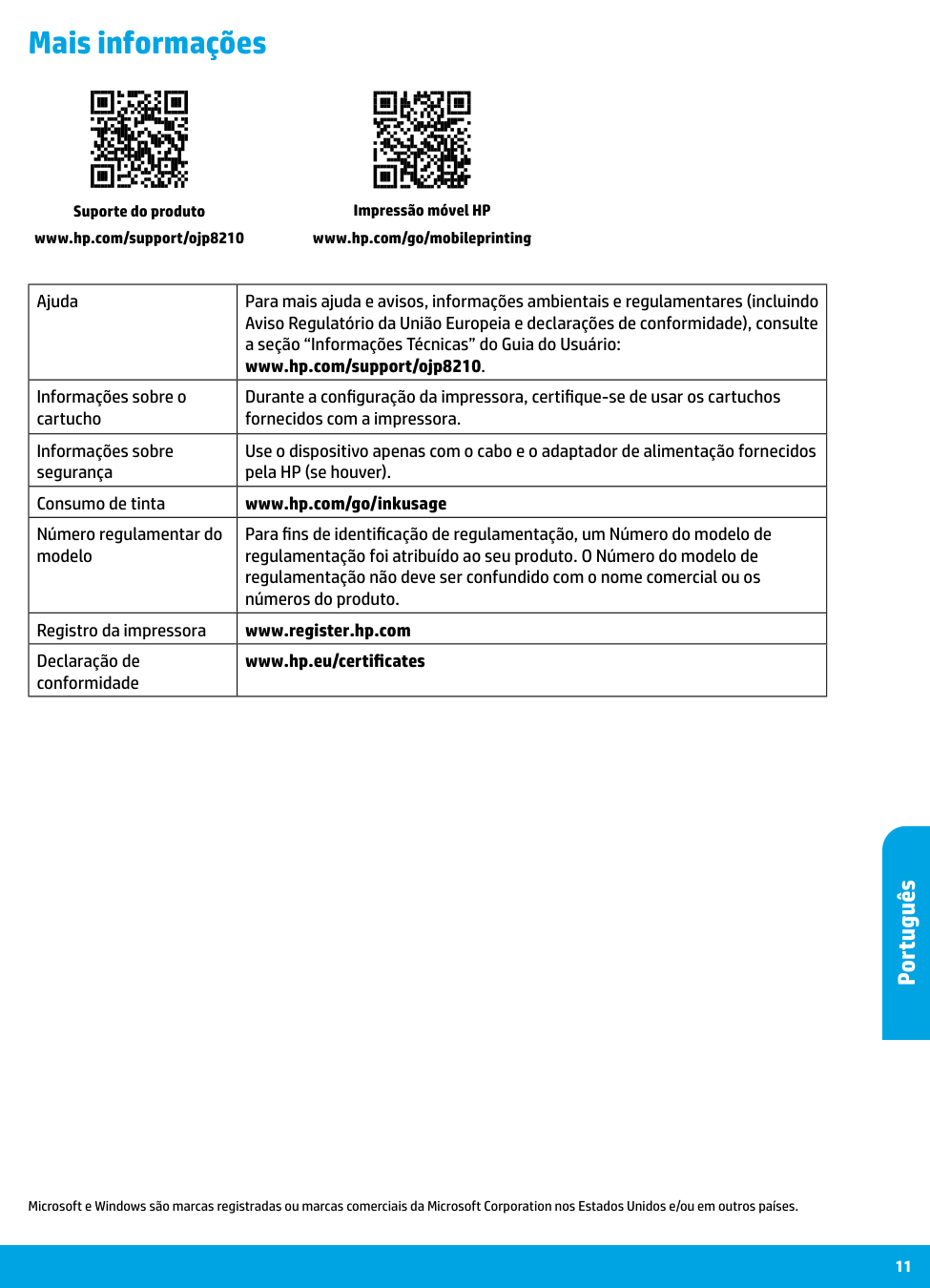
11 Mais informações Microsoft e Windows são marcas registradas ou marcas comerciais da Microsoft Corporation nos Estados Unidos e/ou em outros países. Impressão móvel HP www.hp.com/go/mobileprinting Suporte do produto www.hp.com/support/ojp8210 Português Ajuda Para mais ajuda e avisos, informações ambientais e regulamentares (incluindo Aviso Regulatório da União Europeia e declarações de conformidade), consulte a seção “Informações Técnicas” do Guia do Usuário: www.hp.com/support/ojp8210. Informações sobre o cartucho Durante a configuração da impressora, certifique-se de usar os cartuchos fornecidos com a impressora. Informações sobre segurança Use o dispositivo apenas com o cabo e o adaptador de alimentação fornecidos pela HP (se houver). Consumo de tinta www.hp.com/go/inkusage Número regulamentar do modelo Para fins de identificação de regulamentação, um Número do modelo de regulamentação foi atribuído ao seu produto. O Número do modelo de regulamentação não deve ser confundido com o nome comercial ou os números do produto. Registro da impressora www.register.hp.com Declaração de conformidade www.hp.eu/certificates
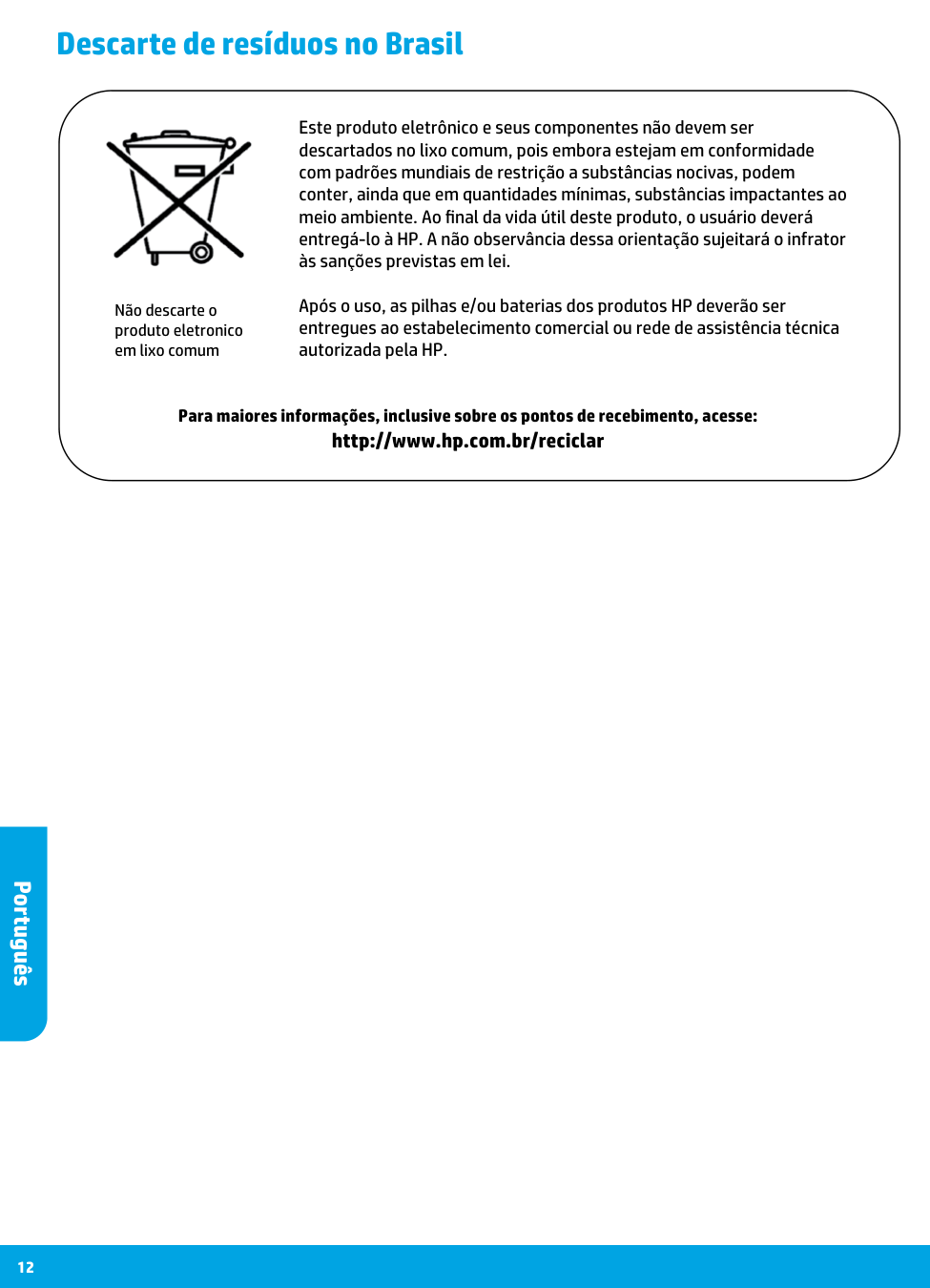
12 Descarte de resíduos no Brasil Português Não descarte o produto eletronico em lixo comum Para maiores informações, inclusive sobre os pontos de recebimento, acesse: http://www.hp.com.br/reciclar Este produto eletrônico e seus componentes não devem ser descartados no lixo comum, pois embora estejam em conformidade com padrões mundiais de restrição a substâncias nocivas, podem conter, ainda que em quantidades mínimas, substâncias impactantes ao meio ambiente. Ao final da vida útil deste produto, o usuário deverá entregá-lo à HP. A não observância dessa orientação sujeitará o infrator às sanções previstas em lei. Após o uso, as pilhas e/ou baterias dos produtos HP deverão ser entregues ao estabelecimento comercial ou rede de assistência técnica autorizada pela HP.