
Iclever Bth12 Wireless Kids Headphone
Ask AI
— answers from the official manualAnswers from the official manual.
Common questions
Common Questions
9 totalHow do I pair my iclever BTH12 headphones with a device?
Press and hold the pairing button until the LED quickly flashes blue to enter pairing mode, then select 'IClever BT Headset [XXXX]' from your device's Bluetooth menu. (Page 4)
What should I do if my headphones are not charging?
Ensure the power indicator light changes from red to green after plugging in the charger, indicating a connection was made. If still not charging, check that both your charger and audio jack are clean and free of dust or debris. (Page 6)
How can I reset my headphones to factory settings?
Press and hold the Power button for 10 seconds until the LED flashes red, which clears all settings and returns the device to its initial state. You will need to pair your devices again after resetting. (Page 7)
What is the battery capacity of my BTH12 headphones?
The nominal capacity rating of the integrated rechargeable lithium-ion polymer cell inside the earphone is 650 mAh, which is designed for continuous playback up to approx. 14 hours at a volume level between 70% and 80%. (Page 9)
How do I increase or decrease the volume on my headphones?
Use either of these methods: Press Volume +/Volume – buttons to control up/down volume; Tap on the multi-function button at different times for single/two/three taps to change between next track/song, previous track/song and playing/pausing. (Page 10)
What is error code B2?
Error Code B2 means that a low battery condition occurs when the device detects less than 5% of remaining capacity in the rechargeable lithium-ion polymer cell. Recharge as soon as possible to avoid damaging the battery cells and losing memory function. (Page 13)
Full Manual
2 pages
EU DECLARATION OF CONFORMITY
We EU Importer's/Manufacturer's Name: Thousandshores Deutschland GmbH EU Importer's/Manufacturer's Address: Bredowstraße, 17, Hamburg, 22113, Germany
Laboratory's Name: Shenzhen SiCT Technology Co., Ltd. Laboratory's Address: 4F, Building A, EDerH Industrial District, Fukang Community, LonghuaSubdistrict, Longhua District, Shenzhen, Guangdong. P. R. China
Declare that the product:Wireless Headphones
Trademark: iclever Model No.: BTH12 Model No. (of supplier): BTH12
ASIN:
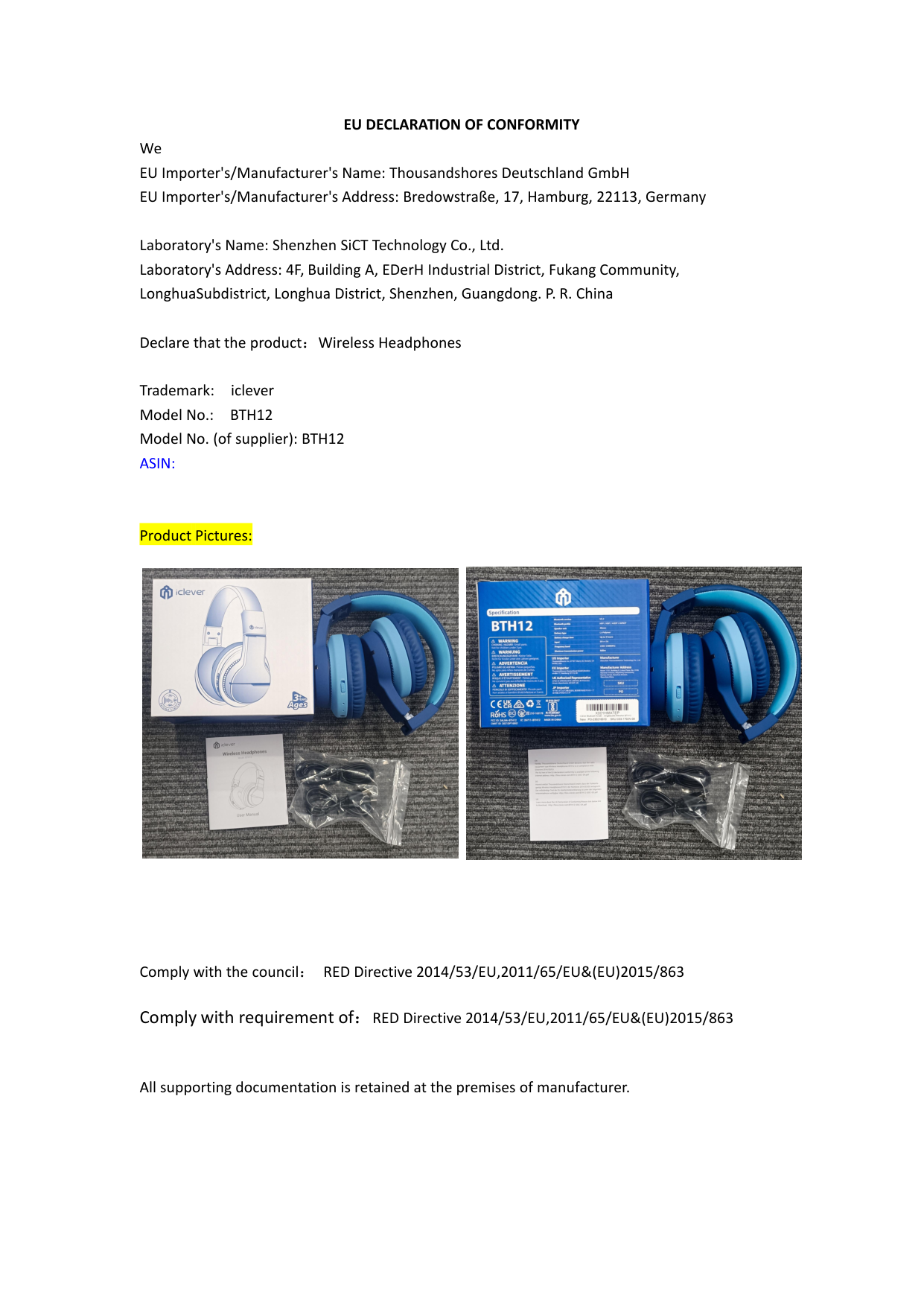
Product Pictures:


Comply with the council: RED Directive 2014/53/EU,2011/65/EU&(EU)2015/863
Comply with requirement of:RED Directive 2014/53/EU,2011/65/EU&(EU)2015/863
All supporting documentation is retained at the premises of manufacturer.
Standards applied: see standards applied
|Standards|Standard detail and/or measurement reference| |---|---| |RED Directive 2014/53/EU|EN 62368-1:2014+A11:2017 EN 62479:2010 ETSI EN 301 489-1 V2.2.1(2019-03) ETSI EN 301 489-17 V3.2.0(2017-03) ETSI EN 300 328 V2.2.1(2019-04)| |ROHS Directive 2011/65/EU&2015/863/EU|IEC 62321-1:2013,IEC 62321-3-1:2013 IEC 62321-4:2013,IEC 62321-5:2013 IEC 62321-6:2015,IEC 62321-7-1:2015 IEC 62321-7-2:2017,IEC 62321-8:2017|
This declaration of conformity is issued under the exclusive responsibility of the EU importer and manufacturer.
By EU importer: Thousandshores Deutschland GmbH
AUTHORISED SIGNATURE:


Name: Ding He Division and Position: CEO Place and date of issue:Hamburg, 2022/05/04
