
Ask AI
— answers from the official manualAnswers from the official manual.
Common questions
Common Questions
9 totalHow do I pair the QCY T1 earbuds with my phone?
Place both earbuds inside the charging case and then take them out. The right earbud enters pairing mode automatically while the LED on the left turns off; search for 'QCY-T1_R' on your cellphone to connect.
What should I do if my QCY T1 earbuds fail to charge?
Charge the case via USB cable since charging issues with EarBuds can be resolved by ensuring the case is charged properly. Connect a USB charger and the LED on the case will glow solid green during charging.
How do I turn off my QCY T1 earbuds?
Hold the Multi-Function Button (MFB) for three seconds; the red LED turns on briefly to indicate the device is powered off.
What are some common tips for using my QCY T1 earbuds?
Before first use, ensure they are fully charged. If unused for over two weeks, recharge them periodically to maintain battery life.
How do I ignore an incoming call on the QCY T1 earbuds?
Hold the MFB button for one second and release it; this will cancel the current call without disrupting further calls.
What are some maintenance tips for keeping my QCY T1 earbuds in good condition?
Do not store them in extreme temperatures (under -0°C or over +45°C), avoid liquid exposure, and prevent corrosive cleaning agents from touching the devices.
Full Manual
9 pages
Manuals+ User Manuals Simplified.

QCY T1 True Wireless Earbuds User Manual
December 10, 2021December 10, 2021 Home » QCY » QCY T1 True Wireless Earbuds User Manual QCY T1 True Wireless Earbuds User Manual


Contents [ hide
Overview
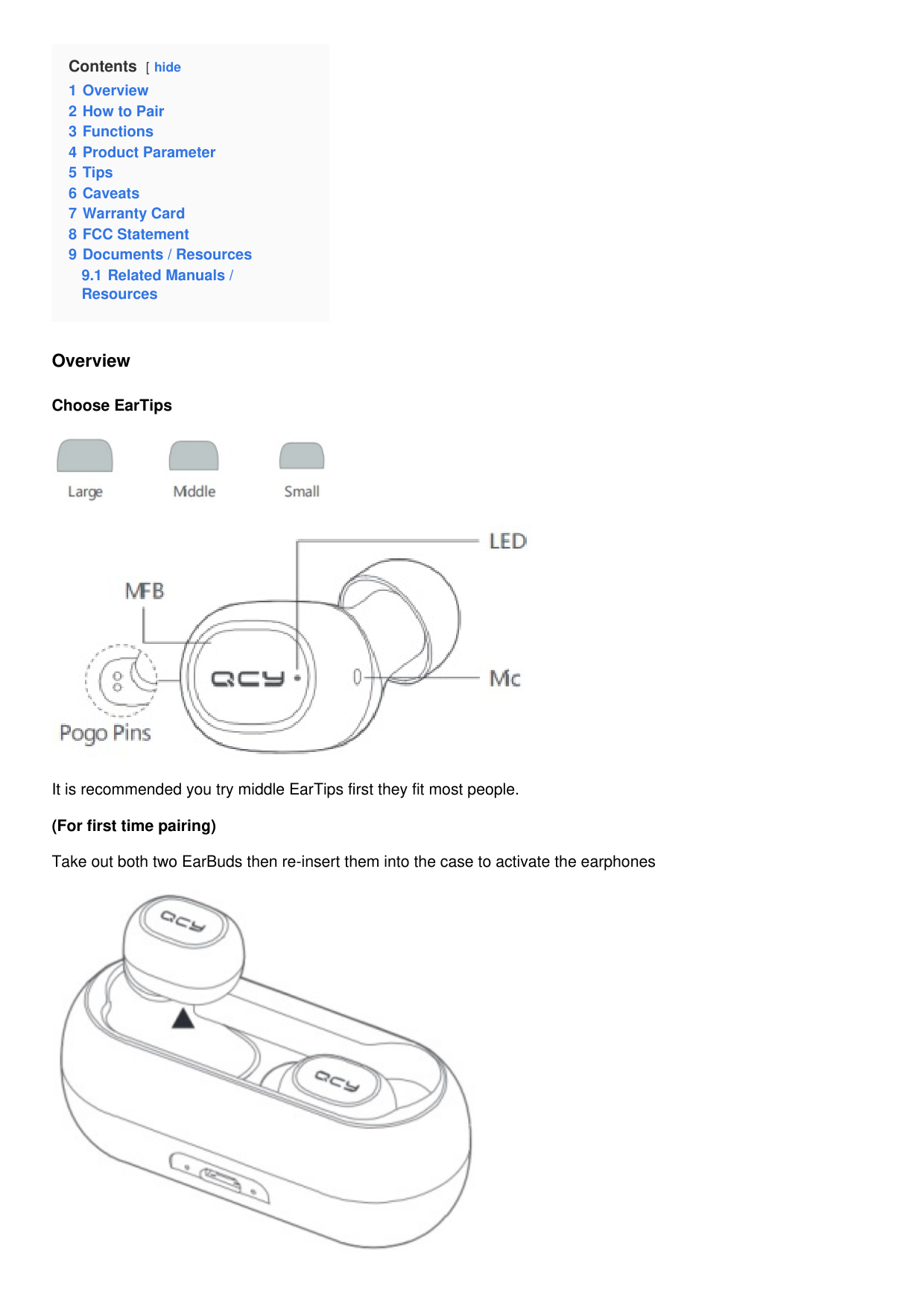
Choose EarTips


It is recommended you try middle EarTips first they fit most people. (For first time pairing) Take out both two EarBuds then re-insert them into the case to activate the earphones

Notes: If EarBuds fail to be charged, please charge the case via USB cable(for details, please refer the following step).
How to Pair
Push both EarBuds into charging case to activate them then take out from the case and they will auto power on and pair with each other. Right EarBud will auto enter pairing mode when LED on left EarBud turns off. On cellphone, search for QCY-T1_R and tap to connect cellphone to both EarBuds.
(Please try the following steps, in case you fail to build connection.)

Power off two EarBuds and tap and hold MFBs on both of them for 20s (LED will blink red and white then turn off and
Functions
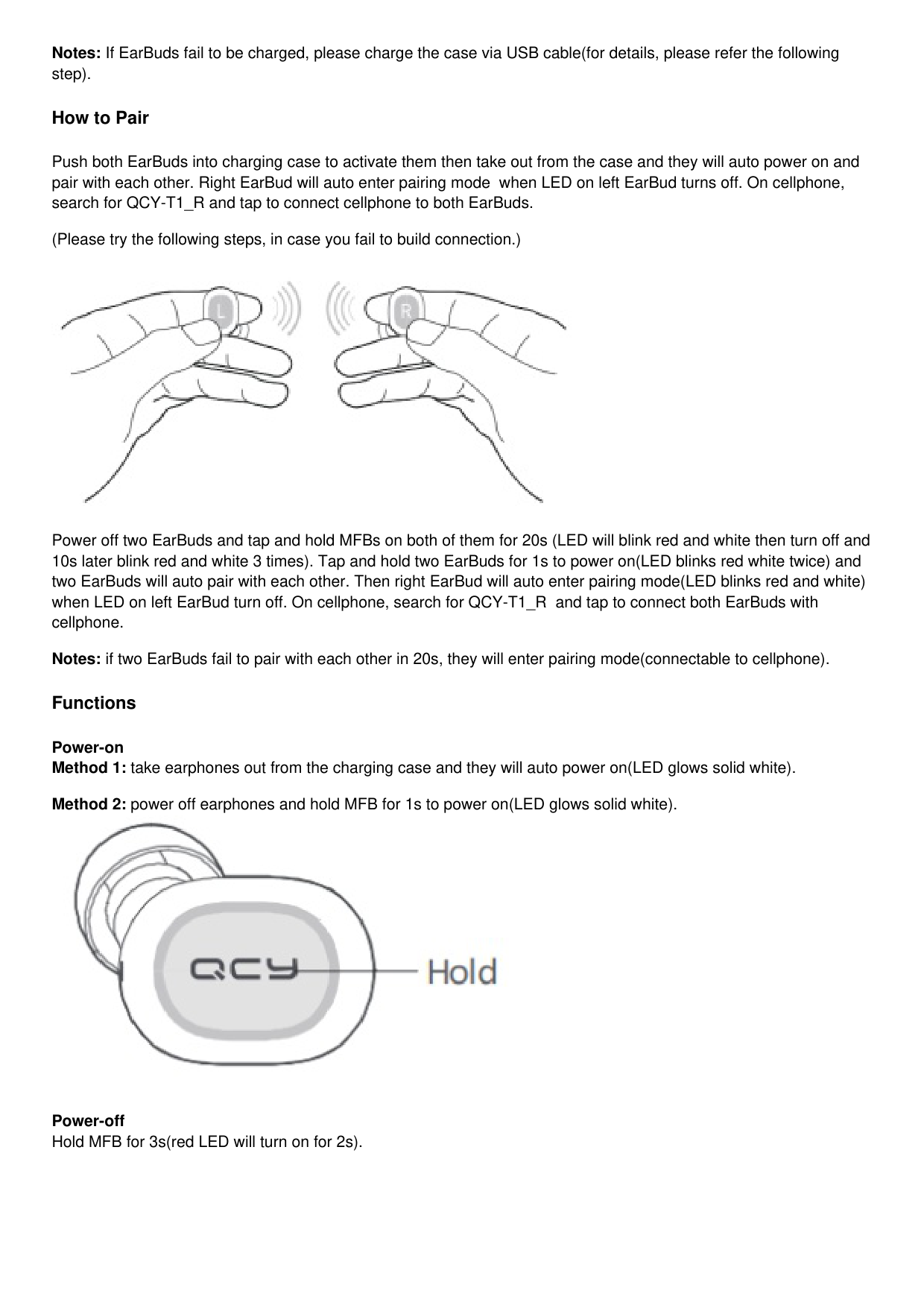
Power-on

Power-off Hold MFB for 3s(red LED will turn on for 2s).

Ignore Call Hold MFB for 1s to ignore incoming call.

Answer Call Tap MFB to answer incoming call and tap again to end it.

Switch Audio Output When calling, hold MFB for 1s to switch audio output between cellphone and earphones.

Mute-on/off
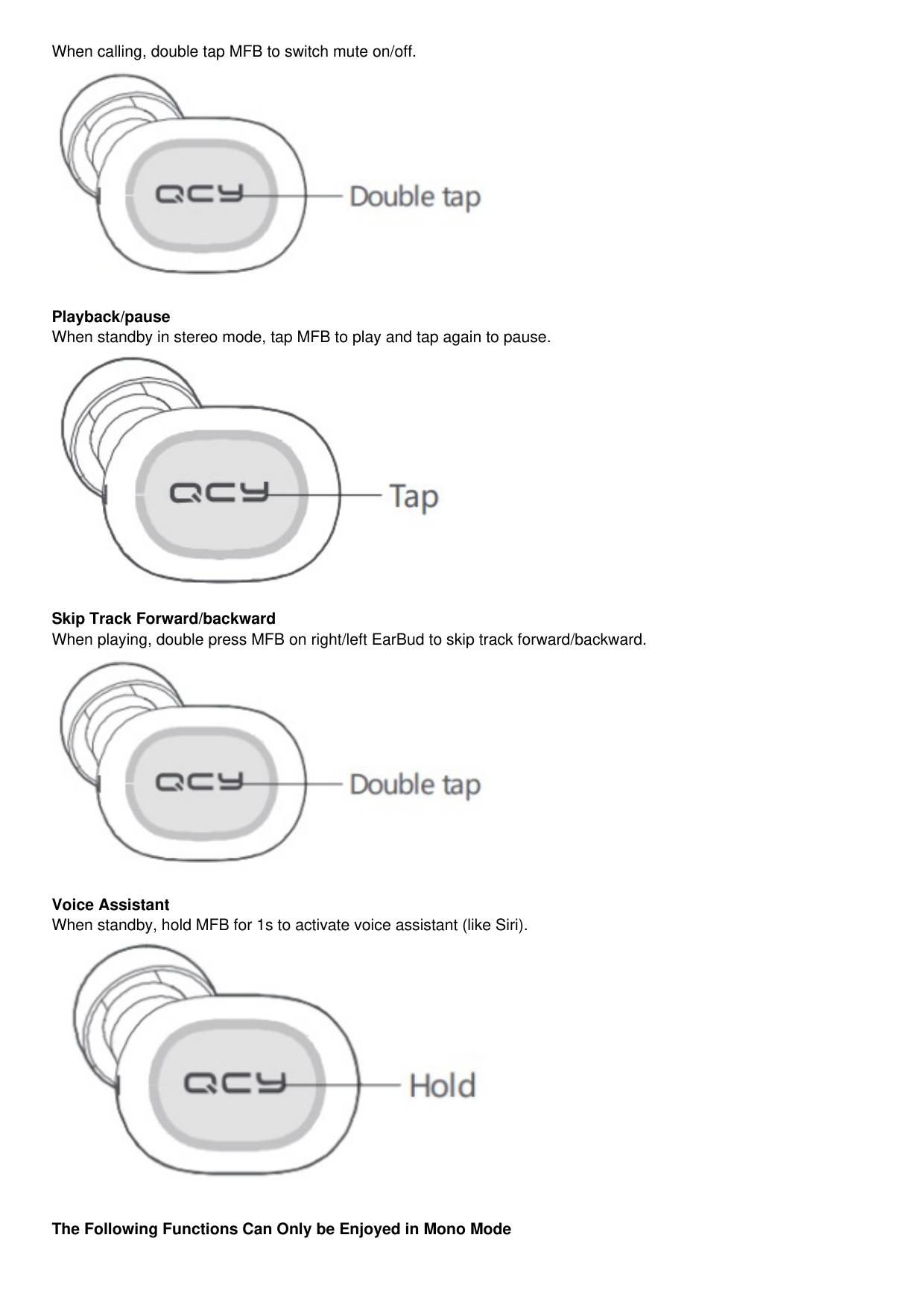
When calling, double tap MFB to switch mute on/off.
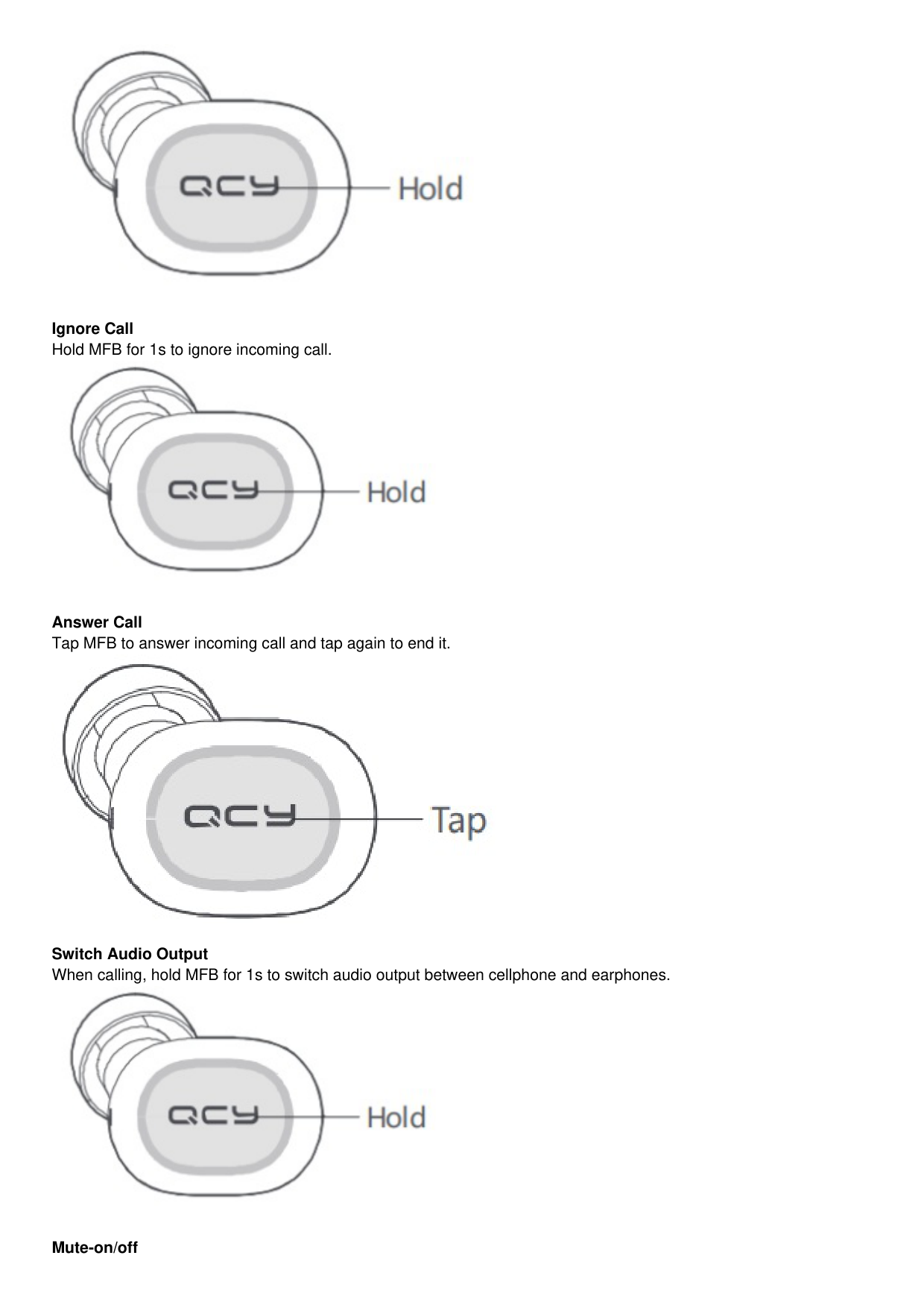

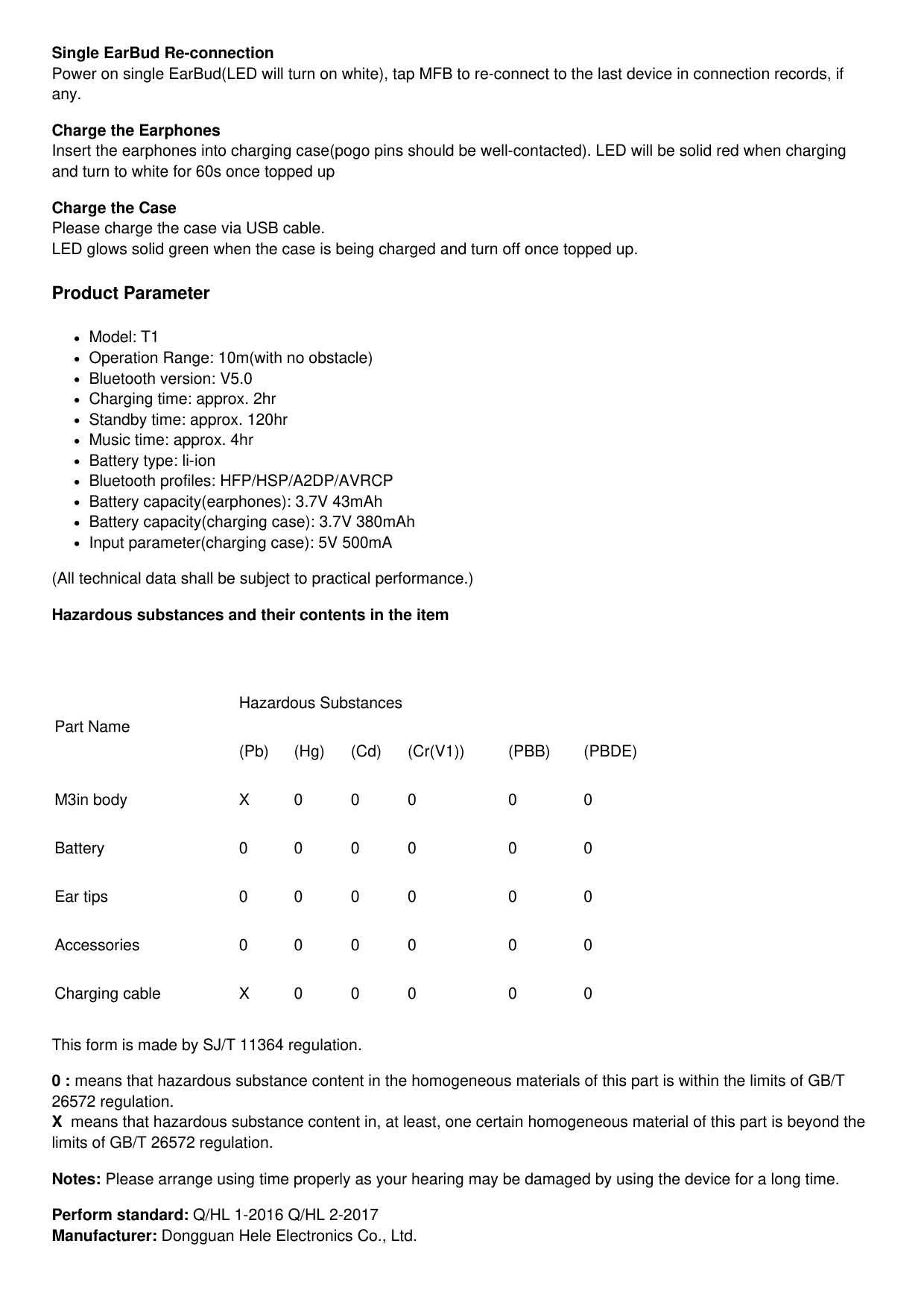
Playback/pause When standby in stereo mode, tap MFB to play and tap again to pause.

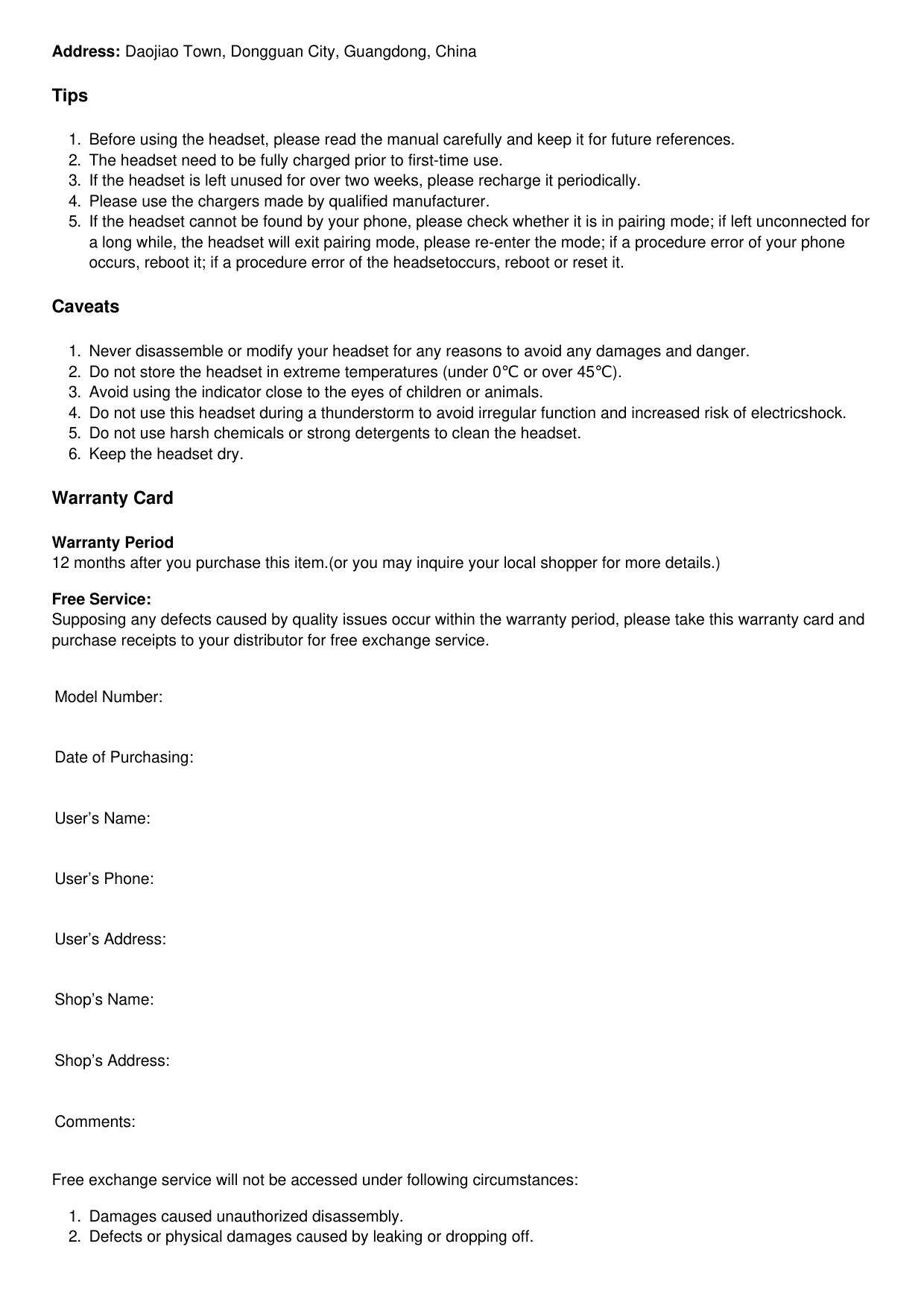
Skip Track Forward/backward When playing, double press MFB on right/left EarBud to skip track forward/backward.

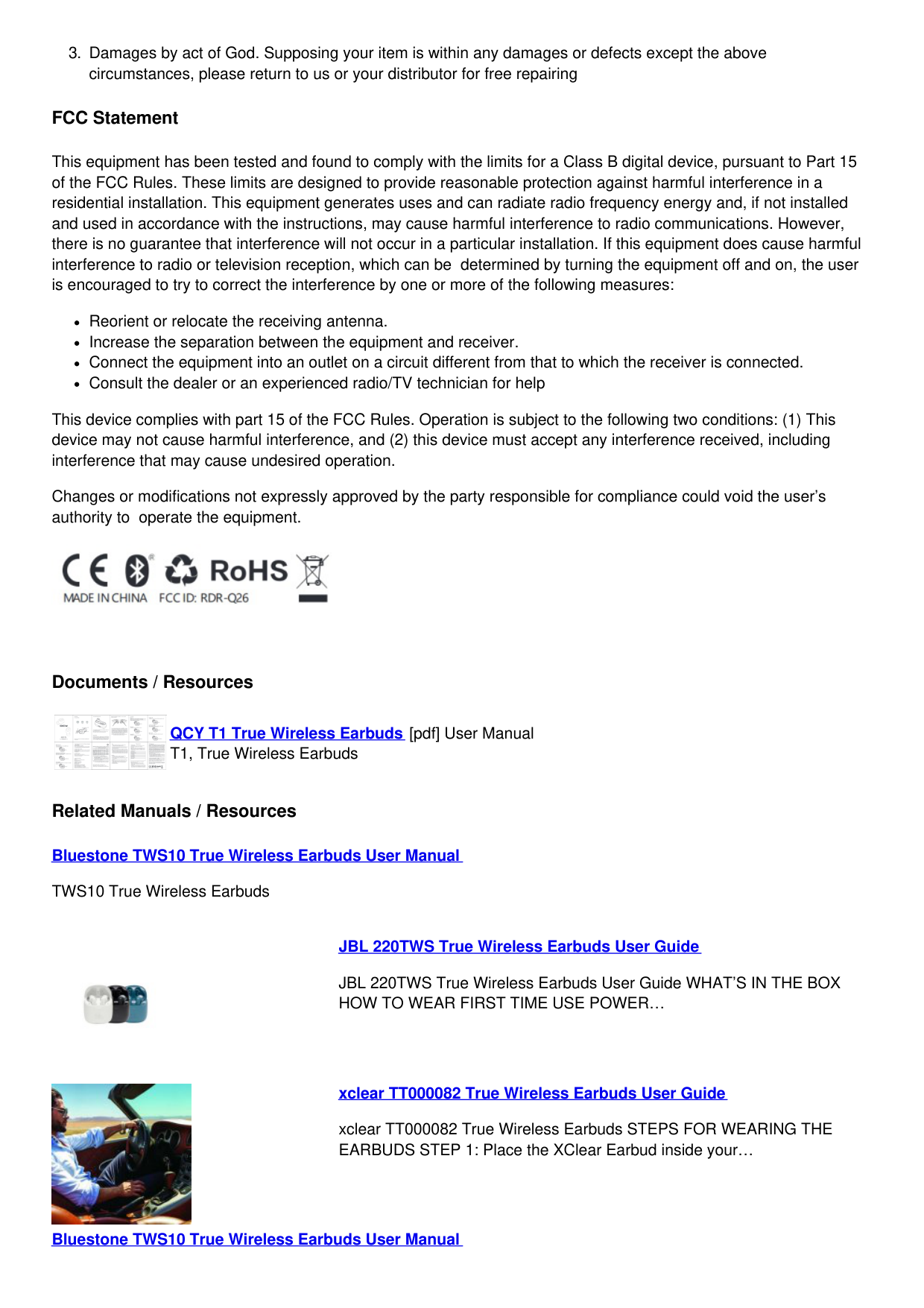
Voice Assistant When standby, hold MFB for 1s to activate voice assistant (like Siri).

The Following Functions Can Only be Enjoyed in Mono Mode
Single EarBud Re-connection Power on single EarBud(LED will turn on white), tap MFB to re-connect to the last device in connection records, if any.
Charge the Earphones Insert the earphones into charging case(pogo pins should be well-contacted). LED will be solid red when charging and turn to white for 60s once topped up
Charge the Case Please charge the case via USB cable. LED glows solid green when the case is being charged and turn off once topped up.
Product Parameter
Model: T1
Operation Range: 10m(with no obstacle)
Bluetooth version: V5.0
Charging time: approx. 2hr
Standby time: approx. 120hr
Music time: approx. 4hr
Battery type: li-ion
Bluetooth profiles: HFP/HSP/A2DP/AVRCP
Battery capacity(earphones): 3.7V 43mAh
Battery capacity(charging case): 3.7V 380mAh
Input parameter(charging case): 5V 500mA (All technical data shall be subject to practical performance.) Hazardous substances and their contents in the item
Part Name
Hazardous Substances
(Pb) (Hg) (Cd) (Cr(V1)) (PBB) (PBDE)
M3in body X 0 0 0 0 0
Battery 0 0 0 0 0 0
Ear tips 0 0 0 0 0 0
Accessories 0 0 0 0 0 0
Charging cable X 0 0 0 0 0
This form is made by SJ/T 11364 regulation.
Perform standard: Q/HL 1-2016 Q/HL 2-2017 Manufacturer: Dongguan Hele Electronics Co., Ltd.
Address: Daojiao Town, Dongguan City, Guangdong, China
Tips
Caveats
Warranty Card
Warranty Period 12 months after you purchase this item.(or you may inquire your local shopper for more details.)
Free Service: Supposing any defects caused by quality issues occur within the warranty period, please take this warranty card and purchase receipts to your distributor for free exchange service.
Model Number:
Date of Purchasing:
User’s Name:
User’s Phone:
User’s Address:
Shop’s Name:
Shop’s Address:
Comments:
Free exchange service will not be accessed under following circumstances:
FCC Statement
This equipment has been tested and found to comply with the limits for a Class B digital device, pursuant to Part 15 of the FCC Rules. These limits are designed to provide reasonable protection against harmful interference in a residential installation. This equipment generates uses and can radiate radio frequency energy and, if not installed and used in accordance with the instructions, may cause harmful interference to radio communications. However, there is no guarantee that interference will not occur in a particular installation. If this equipment does cause harmful interference to radio or television reception, which can be determined by turning the equipment off and on, the user is encouraged to try to correct the interference by one or more of the following measures:
Reorient or relocate the receiving antenna.
Increase the separation between the equipment and receiver.
Connect the equipment into an outlet on a circuit different from that to which the receiver is connected.
Consult the dealer or an experienced radio/TV technician for help
This device complies with part 15 of the FCC Rules. Operation is subject to the following two conditions: (1) This device may not cause harmful interference, and (2) this device must accept any interference received, including interference that may cause undesired operation.

Changes or modifications not expressly approved by the party responsible for compliance could void the user’s authority to operate the equipment.

Documents / Resources

QCY T1 True Wireless Earbuds [pdf] User Manual T1, True Wireless Earbuds
Related Manuals / Resources
Bluestone TWS10 True Wireless Earbuds User Manual TWS10 True Wireless Earbuds


JBL 220TWS True Wireless Earbuds User Guide
JBL 220TWS True Wireless Earbuds User Guide WHAT’S IN THE BOX HOW TO WEAR FIRST TIME USE POWER…
xclear TT000082 True Wireless Earbuds User Guide
xclear TT000082 True Wireless Earbuds STEPS FOR WEARING THE EARBUDS STEP 1: Place the XClear Earbud inside your…
Bluestone TWS10 True Wireless Earbuds User Manual
TWS10 True Wireless Earbuds
Manuals+,
home privacy