Ask AI
— answers from the official manualAnswers from the official manual.
Common questions
Common Questions
32 totalShould I seek professional help for mounting my TV?
Yes, you should seek professional advice if you are in doubt about mounting this product or what anchoring device to use, as different surface materials require different attachments. (Page 1)
What are the main tip-over prevention methods recommended by Samsung?
Samsung recommends three main prevention methods: mount or anchor the product to a wall or other suitable surface, check anchors regularly, and avoid placing the TV on top of furniture unless both are anchored. Additionally, use drawer locks to prevent children from climbing. (Page 1)
Why does Samsung emphasize wall mounting for the Headphones TV?
Samsung emphasizes wall mounting because serious injury or death can be caused by toppling furniture and TVs, so permanent mounting or anchoring to a wall or other suitable surface is essential for safety. (Page 1)
What should I know about surface materials when anchoring my TV?
Different surface materials require different anchoring attachments, so anchoring devices are not included with the product. You should seek professional advice to determine the appropriate anchoring method for your specific wall or surface material. (Page 1)
How can I anchor the Samsung Headphones Tv safely?
Use suitable anchoring devices specific to your wall material when mounting this product, as provided in your instruction manual. Check these regularly for safety.
Can placing furniture on top of my Samsung Headphones Tv lead to injuries?
Placing an unsecured TV on furniture can cause it to tip over, leading to serious injury or death. Ensure both the furniture and TV are safely anchored together.
Show 26 more questions
What measures should I take if there is a risk of small children climbing onto my Samsung Headphones Tv?
Do I need to anchor my Samsung Headphones Tv if it is lightweight and small?
Can I use any type of wall mount for my Samsung Headphones Tv?
Is the Samsung Headphones TV safe to place on furniture without anchoring?
What should I do to prevent my child from climbing on the TV stand?
Do anchoring devices come included with the Samsung Headphones TV?
How often should I check the TV's anchoring devices?
What is the most important safety step when setting up my Samsung Headphones TV?
Can I safely place my Samsung Headphones TV on a dresser without anchoring it?
Does this product need to be permanently mounted?
What types of surfaces can this TV be mounted to?
Do anchoring devices come included with the TV?
How can I prevent my TV from tipping over?
Is it safe to place this TV on top of a dresser or cabinet?
Can I mount this TV myself or should I hire a professional?
Is my Samsung Headphones TV safe to place on a regular TV stand without mounting?
What should I do if I'm unsure about how to mount this TV?
Should I check my TV's anchoring equipment regularly?
What safety precautions should I take with children around this TV?
What can happen if this TV is not properly anchored?
Is mounting hardware included with the Samsung Headphones TV?
Can this TV cause serious injury if not properly mounted?
How often should I check the anchoring devices?
Is it safe to place this TV on top of furniture?
What precautions should I take to protect children from TV tip-over?
What are the main steps to help prevent this TV from tipping over?
Full Manual
1 pages
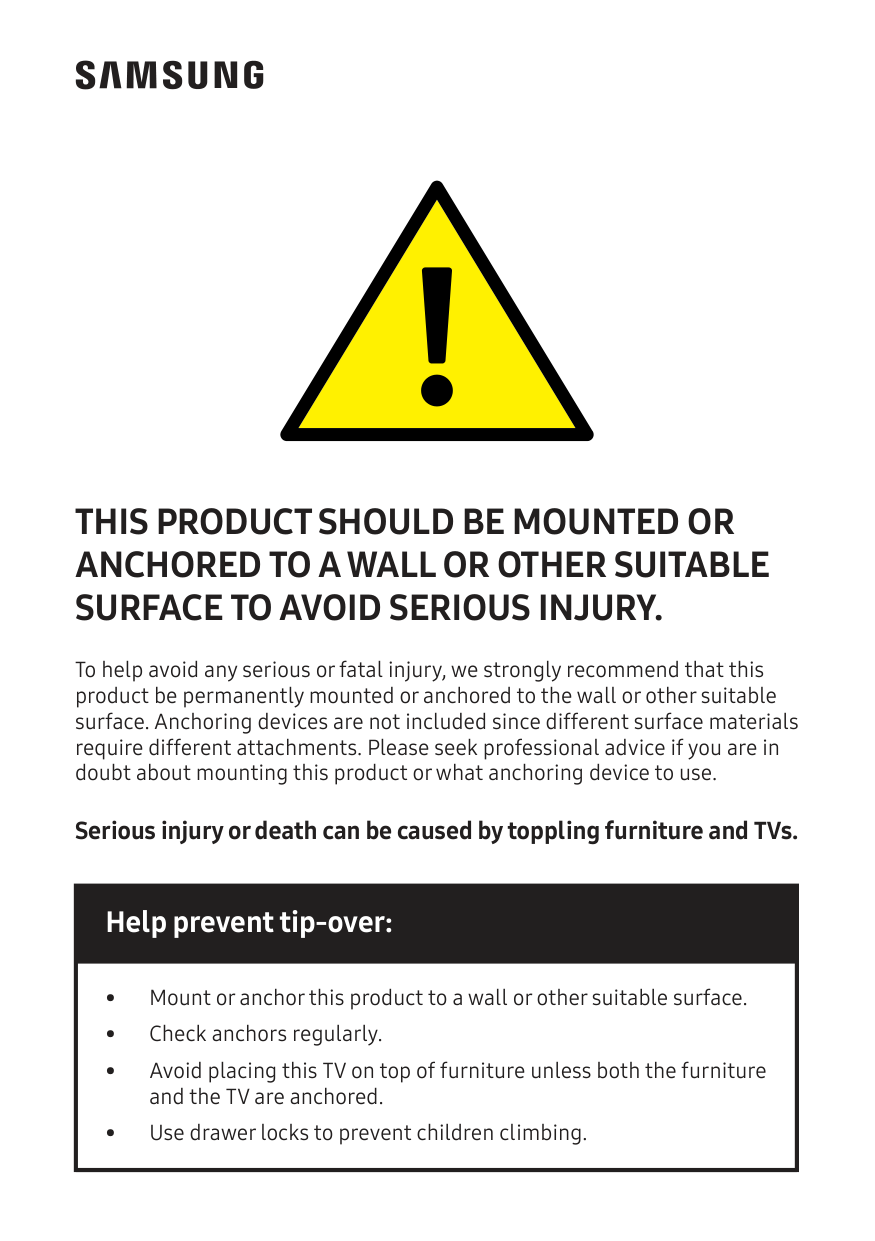
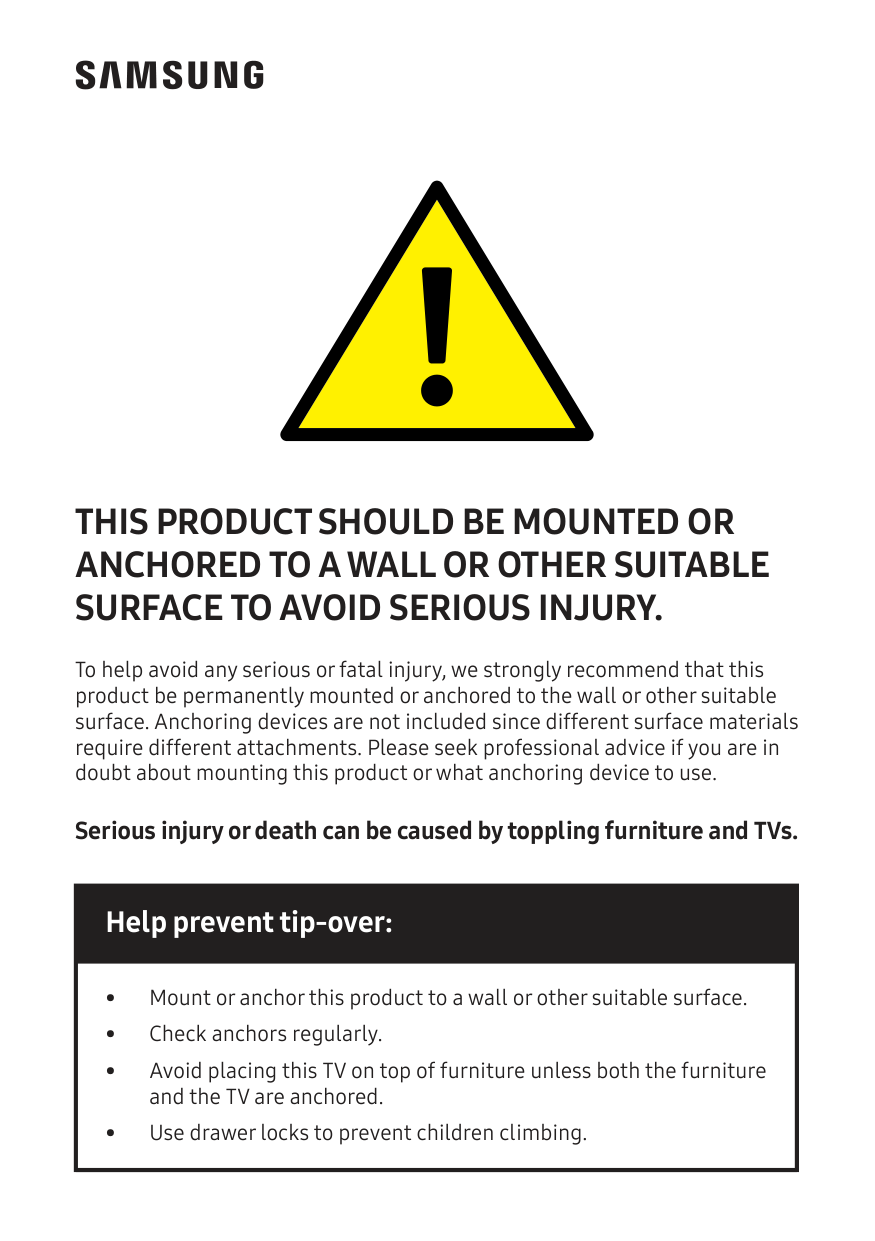
To help avoid any serious or fatal injury, we strongly recommend that this product be permanently mounted or anchored to the wall or other suitable surface. Anchoring devices are not included since different surface materials require different attachments. Please seek professional advice if you are in doubt about mounting this product or what anchoring device to use. Serious injury or death can be caused by toppling furniture and TVs.
This Product Should Be Mounted Or
Anchored To A Wall Or Other Suitable
Surface To Avoid Serious Injury.
Help prevent tip-over:• Mount or anchor this product to a wall or other suitable surface. • Check anchors regularly. • Avoid placing this TV on top of furniture unless both the furniture and the TV are anchored. • Use drawer locks to prevent children climbing.