
Ask AI
— answers from the official manualAnswers from the official manual.
Common questions
Common Questions
10 totalHow do I safely charge my TWS Bluetooth Earbuds?
Place the earbuds in their charging case with the lid closed to start the charging process. The red light will flash during charging and turn off once fully charged.
What are the safety warnings for using TWS Bluetooth Earbuds?
Avoid using earbuds while driving unless complying with national and regional regulations. Do not let children or pets access the equipment to prevent suffocation. Avoid extreme temperatures (-10°C to -45°C) as they can damage the device.
How do I perform a factory reset on my TWS Bluetooth Earbuds?
Press and hold both earbud buttons simultaneously for about 10 seconds under power-off status. The earbuds will flash alternating red and blue lights, restoring them to factory settings.
What is the auto-connection feature of TWS Bluetooth Earbuds?
Once initial pairing is complete, the earbuds automatically reconnect to your device when turned on if Bluetooth is activated on your device. (Page 6)
What should I do if my TWS Bluetooth Earbuds fail to pair properly?
For troubleshooting purposes, perform a factory reset by pressing and holding both earbud buttons simultaneously for about 10 seconds under power-off status. (Page 7)
How do I turn on my TWS Bluetooth Earbuds manually?
Press and hold the main button on each earbud simultaneously for about 3 seconds, triggering a blue flashing light followed by a 'Power On' message audibly.
Full Manual
11 pages
FCC ID: ZZ2ABH-31R
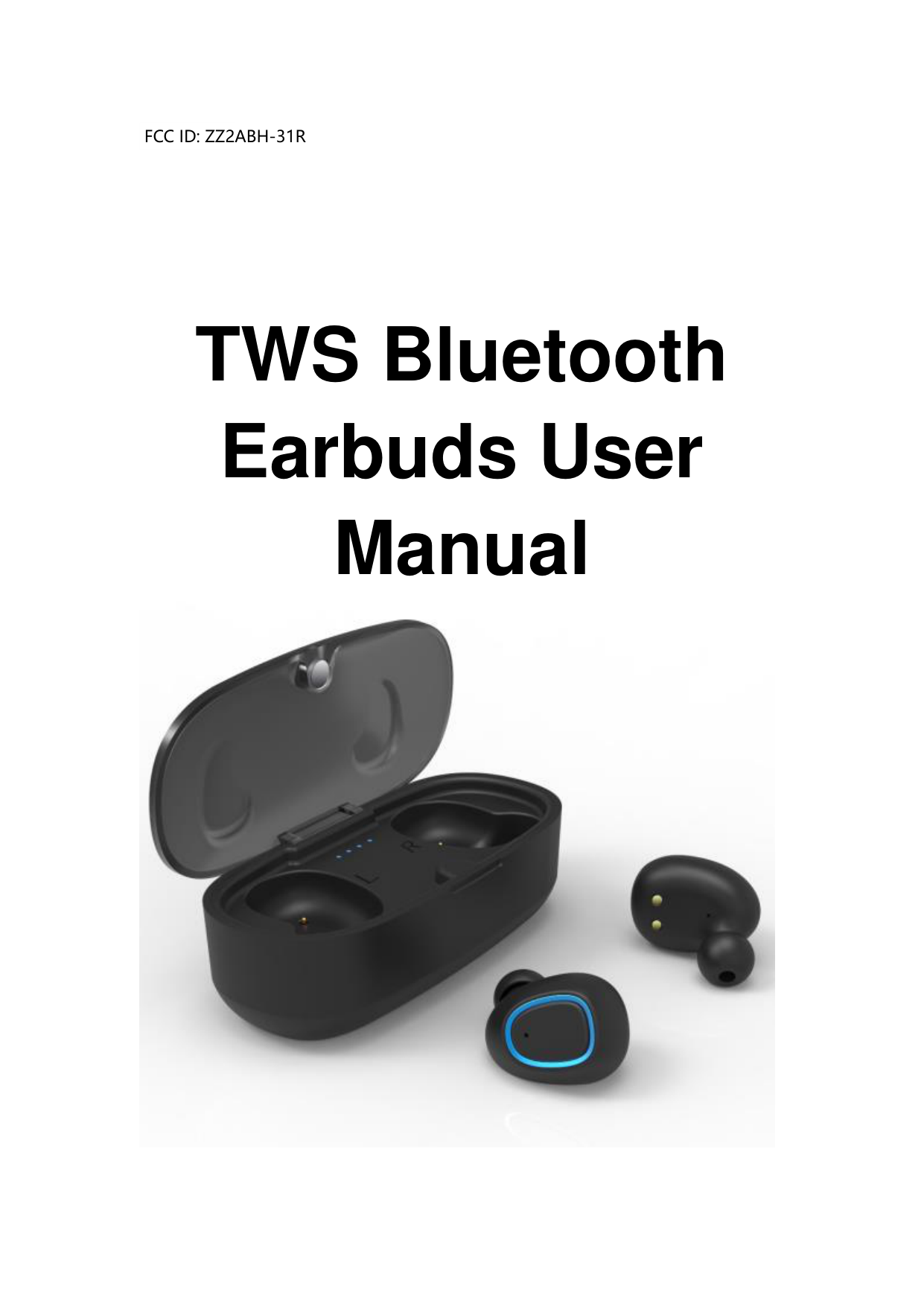
TWS Bluetooth Earbuds User Manual

SAFETY CAUTION
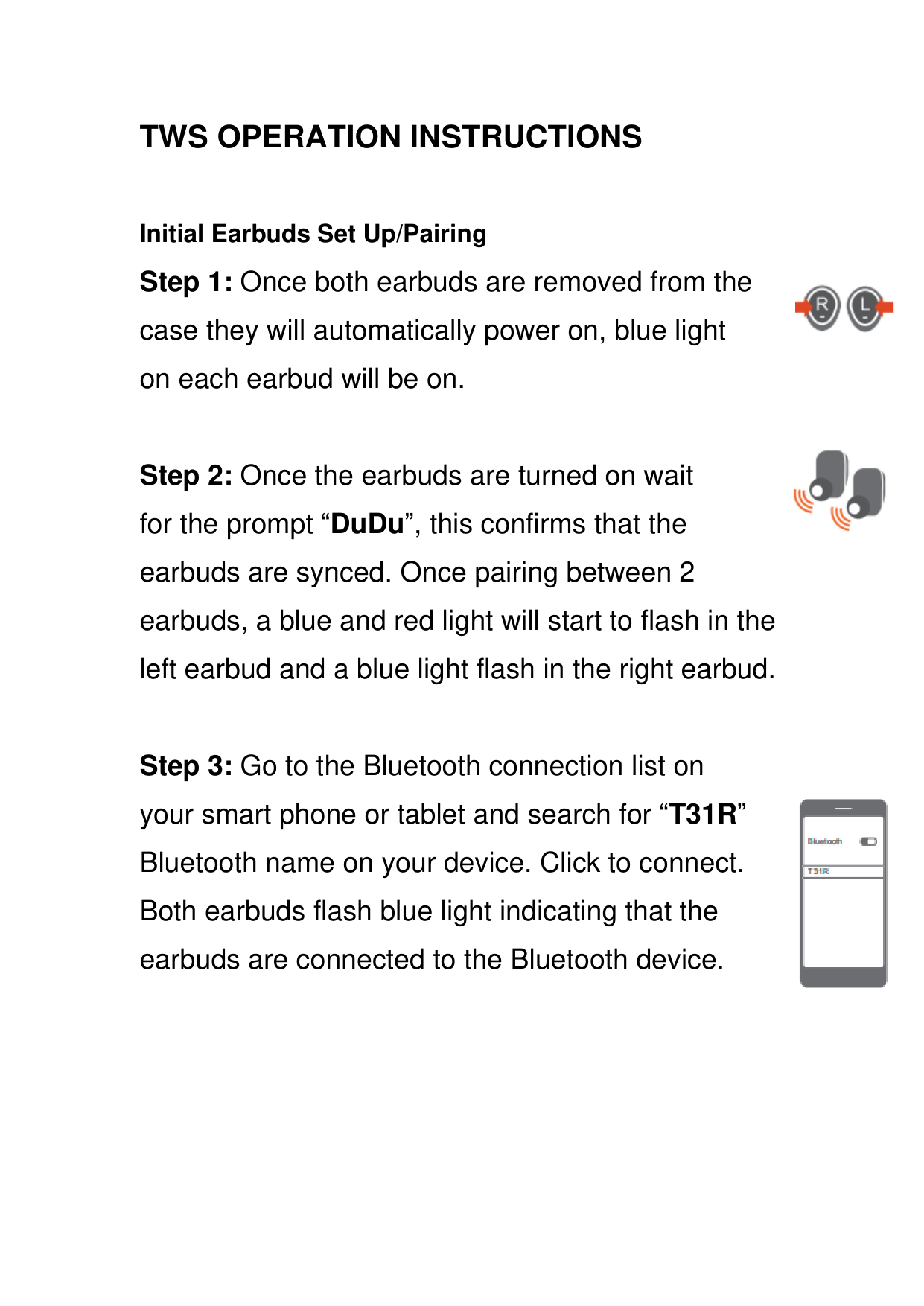
###### Initial Earbuds Set Up/Pairing



Auto Power On: Once both earbuds are removed from the case they will automatically power on, a blue light on each earbud will on about 1 second, a blue light of the left one will have 3 flashes at a time and the connection process will start.
(Note: The case must be charged timely in order for the earbuds to automatically power on. If the case is not charged, the earbuds can be manually turned on.)
Manual Power On: Press and hold the main button on the and earbud at the same time for about 3 seconds to power on. A blue light will on and begin to flash on the earbuds followed by a “Power On” message through the earbuds.


Auto Power Off: Place the earbuds back into the case and close the lid. Once they are put into the case, they will automatically power off and enter into the charged state when a red light flashing on each earbud.
Manual Power Off: Press and hold the main button on the and earbud at the same time for about 3 seconds to power off. A blue light will on and begin to flash on the earbuds followed by a “Power Off” message through the earbuds.


Music Play/Pause:Short press or button could play or pause music playing.
Music Next/Previous: Double press the main button of earbud to go to the next song. Double press the main button of earbud to go to the previous song.


Answer Call:During incoming call, once press the main button of or earbud once to answer a call.


End Call: During a call, once press the main button of or earbud to end a call.


Reject Call:During an incoming call, double press the main button of or earbud to reject a call.



Cancel Call:During the dialing state, once press or button to cancel a call.

Low Battery Clarm:When the earbuds’ power is less than 20%, they flash a red light and follow by a “Low Battery” message through the earbuds.
Low Battery Shutdown:When the earbuds run out of battery power, they will automatically shut off.
Automatic Connection:After the initial set up and connection the earbuds will automatically connect to your device next time you turn them on. (Please ensure the Bluetooth is active on your device for automatic connection.)
#### ● Restore Original Settings:Under power off status, press and hold the and buttons for about 10 seconds, both earphones can be restored to Factory Settings with alternating red and blue lights flashing on both earbuds . Then the earbuds can be reused by auto or manually power on/off. (Note: This function is suggested to be used when the earbuds can't connect to each other under the conditions of common use.)


Charging for Earbuds


Put and earbuds into the Charging Cases and close the lid to start the charging process.The charging earbuds will flash red lights until fully charged. Once fully charged the red light will turn off.
#### Case Power Indicator
##### “●●●●” 100% Power; “●●●” 75% Power; “●●” 50% Power; “●” 25% Power;

(Note: The normal Charging Case holds 400 mAh of
battery power which can charge the earbuds up to 3 times from no battery power before the case has to be charged.)
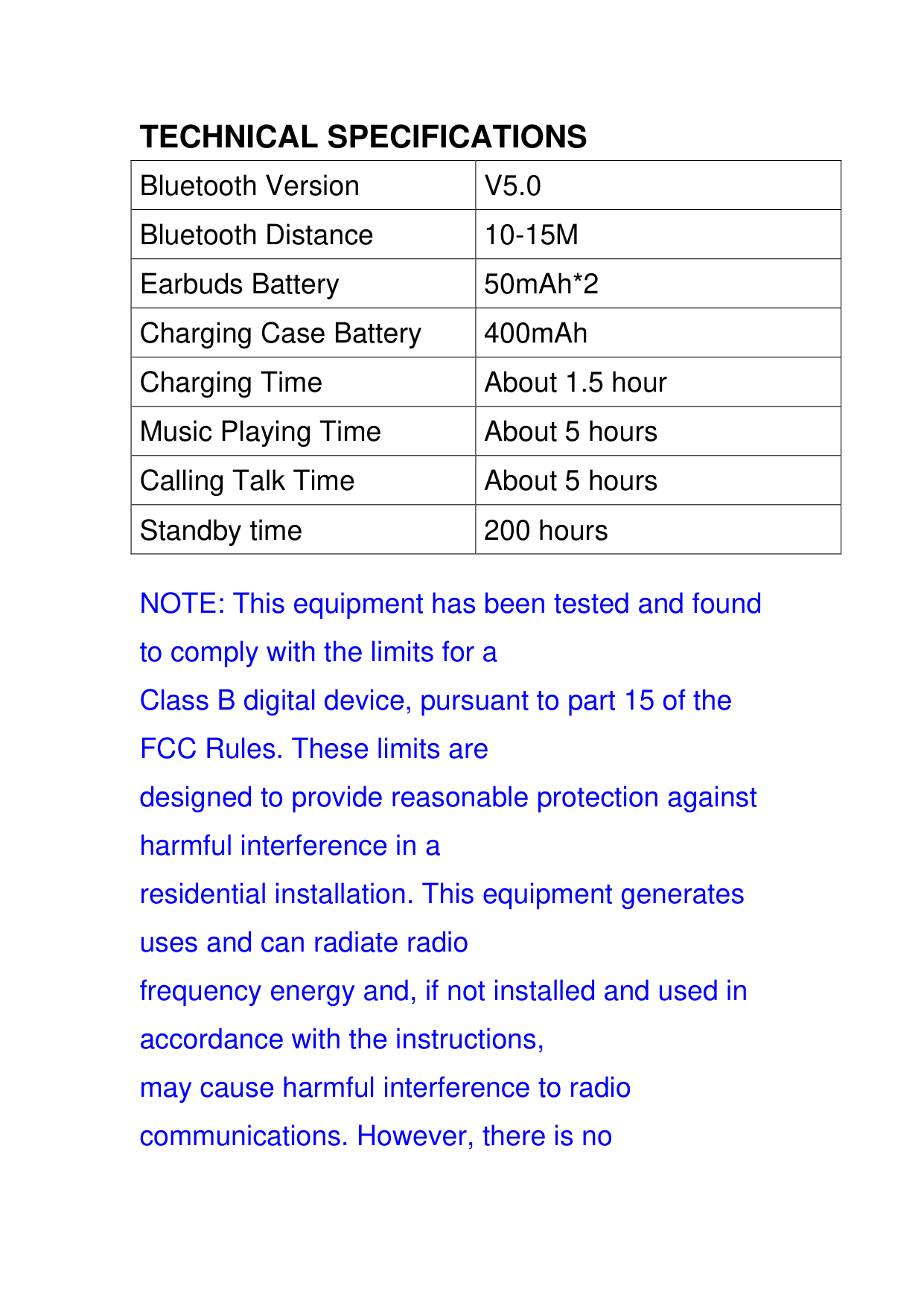
TECHNICAL SPECIFICATIONS
|Bluetooth Version|V5.0|
|---|---| |Bluetooth Distance|10-15M| |Earbuds Battery|50mAh*2| |Charging Case Battery|400mAh| |Charging Time|About 1.5 hour| |Music Playing Time|About 5 hours| |Calling Talk Time|About 5 hours| |Standby time|200 hours|
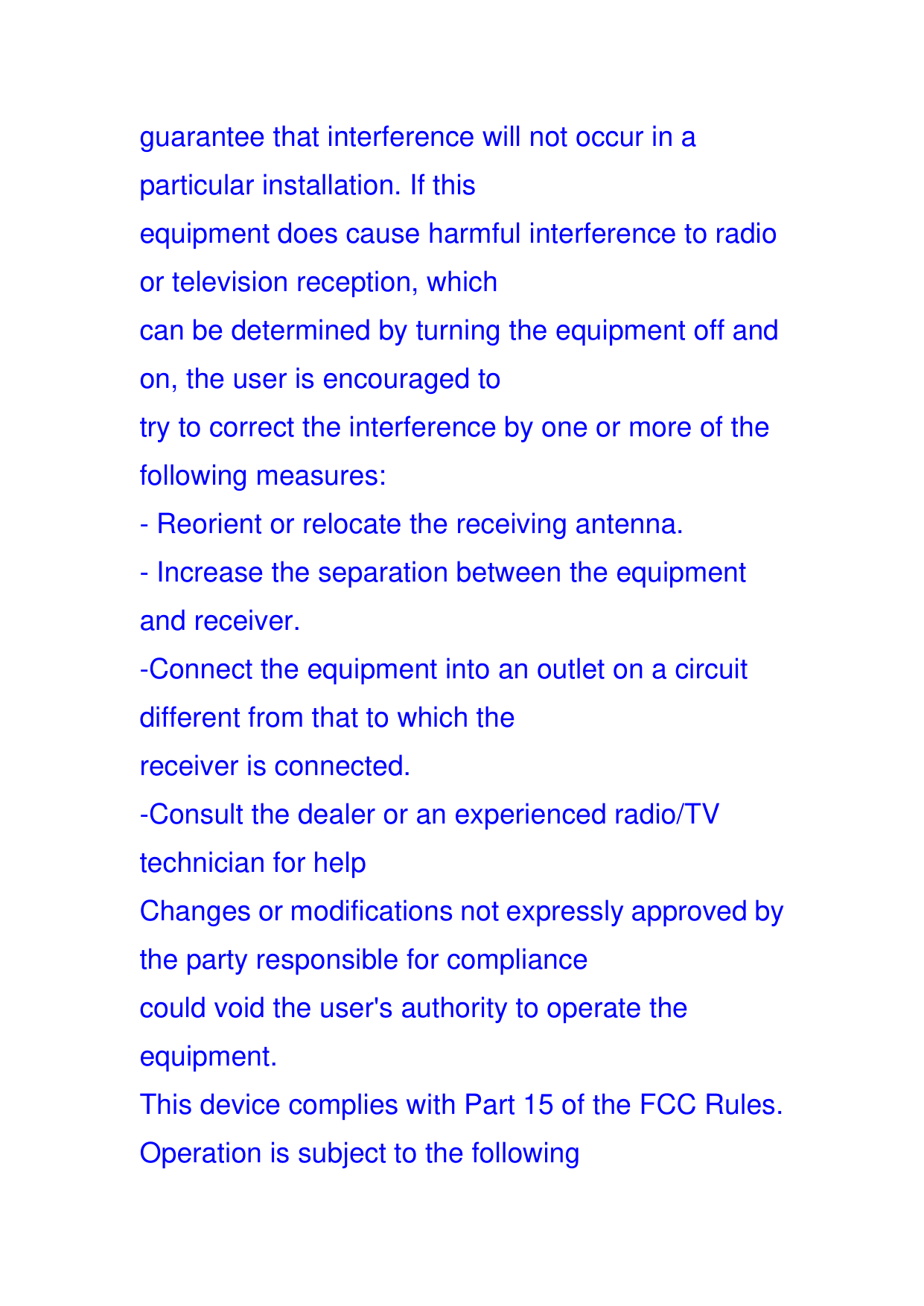
NOTE: This equipment has been tested and found to comply with the limits for a Class B digital device, pursuant to part 15 of the FCC Rules. These limits are designed to provide reasonable protection against harmful interference in a residential installation. This equipment generates uses and can radiate radio frequency energy and, if not installed and used in accordance with the instructions, may cause harmful interference to radio communications. However, there is no
guarantee that interference will not occur in a particular installation. If this equipment does cause harmful interference to radio or television reception, which can be determined by turning the equipment off and on, the user is encouraged to try to correct the interference by one or more of the following measures:
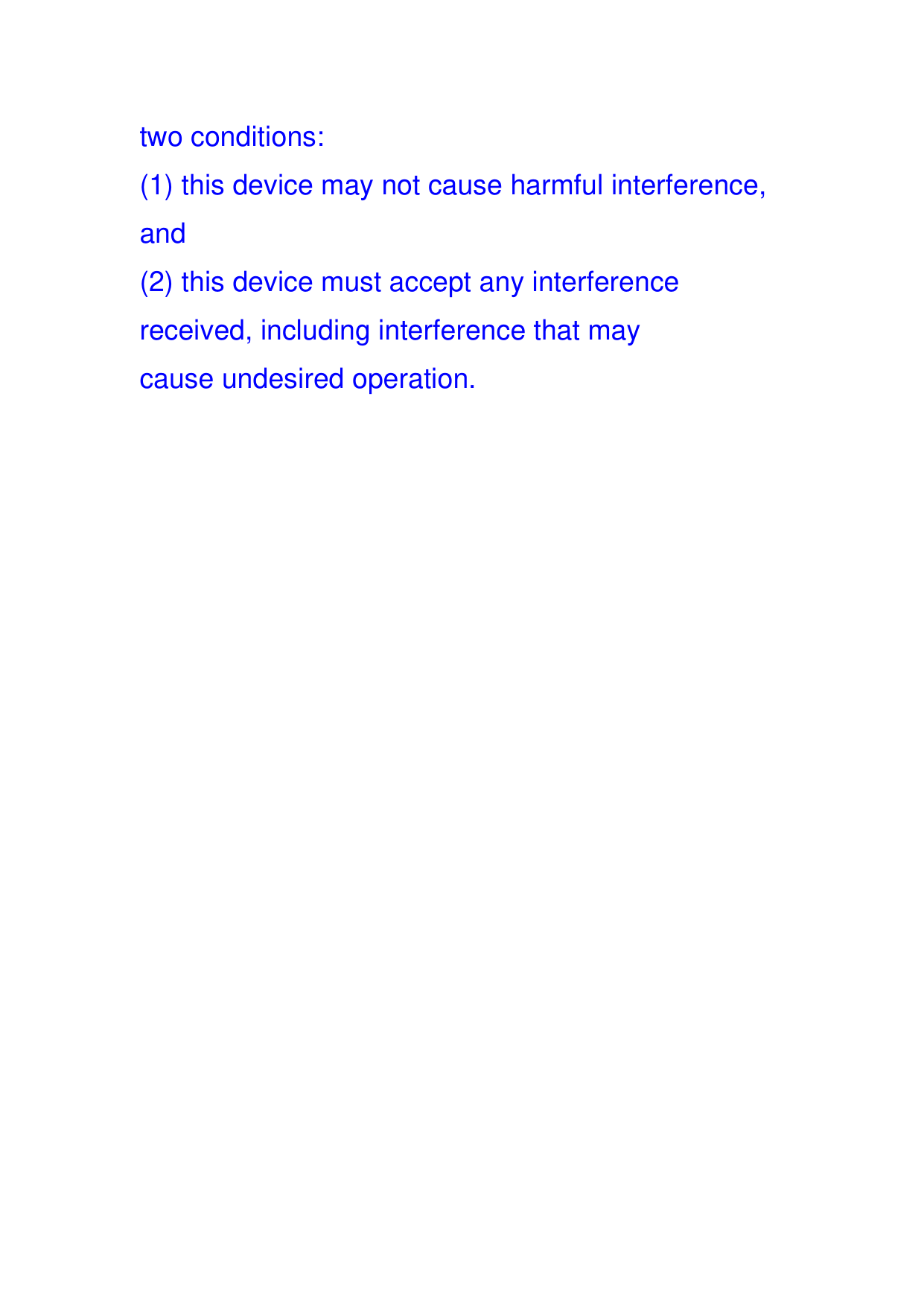
two conditions: