Tzumi Probuds V2 True Wireless Bluetooth Earbuds With Charging Case Complete Features User Instruction
Ask AI
— answers from the official manualAnswers from the official manual.
Common questions
Common Questions
19 totalHow do I initialize a call using Tzumi ProBuds V2?
To answer or end an incoming phone call, tap either the right or left earbud twice. The earbuds come with a built-in microphone and support voice assistants like Siri or Google Assistant for hands-free calls.
How long does it take to charge Tzumi ProBuds V2 when using the included charger?
The earbuds themselves fully recharge in about two hours, and recharging their protective charging case also takes approximately two hours.
What is the water resistance rating for Tzumi ProBuds V2?
The ProBuds V2 are rated IPX4 for water resistance, which means they can withstand splashes of water and sweat. However, they should not be fully submerged in water.
What should I do if my Tzumi ProBuds V2 won't connect?
First, ensure the earbuds have sufficient charge and that Bluetooth is enabled on your device. Hold down the touch panel on both earbuds for three seconds to initiate pairing mode again.
How long does the battery last on Tzumi ProBuds V2?
The battery provides up to five hours of continuous music playback time. When stored in the charging case, they have a standby time of approximately 40 hours.
How do I turn on the Tzumi Probuds V2 earbuds?
To power on, touch one of the earbuds once. You will hear a voice prompt that announces the current battery percentage if you hold and press an earbud for 2 seconds instead.
Show 13 more questions
How do I charge the Tzumi Probuds V2 earbuds?
What should I do if my Tzumi Probuds V2 earbuds are not connecting to my phone?
How do I turn off the Tzumi Probuds V2 earbuds?
How do I change the active noise-canceling setting on my Tzumi Probuds V2?
How long will a single charge last on my Tzumi Probuds V2?
How do I check my Tzumi Probuds V2 battery level?
What is the IPX4 rating for my Tzumi Probuds V2?
How do I reset my Tzumi Probuds V2 to factory settings?
What safety precautions should I follow when using my Tzumi Probuds V2?
How do I pair the Tzumi ProBuds V2 with my device?
Can I use just one Tzumi ProBud separately?
How do I control playback with Tzumi ProBuds V2?
How do I reject an incoming call with Tzumi ProBuds V2?
Full Manual
6 pages
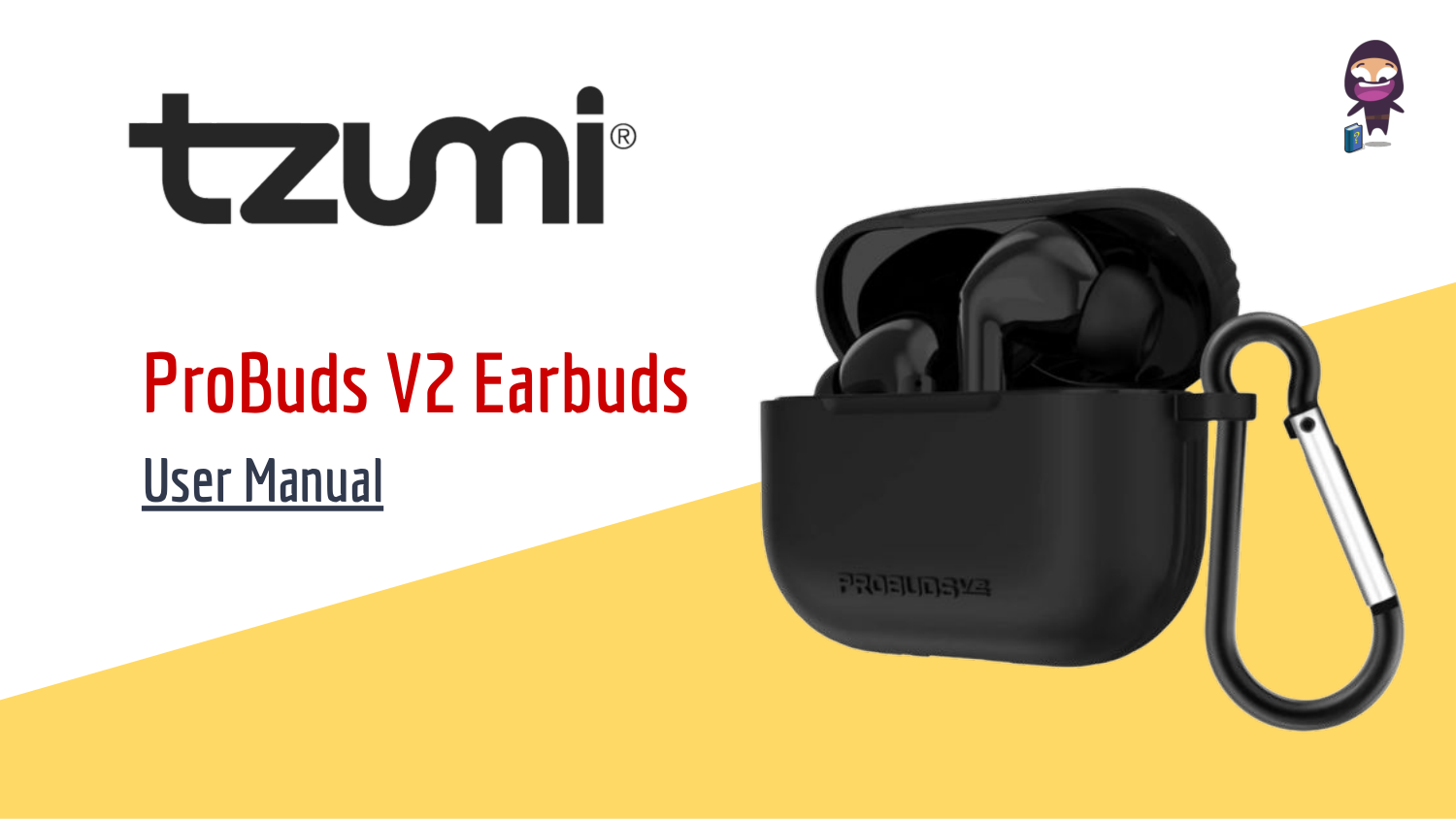

ProBuds V2 Earbuds
User Manual


Features
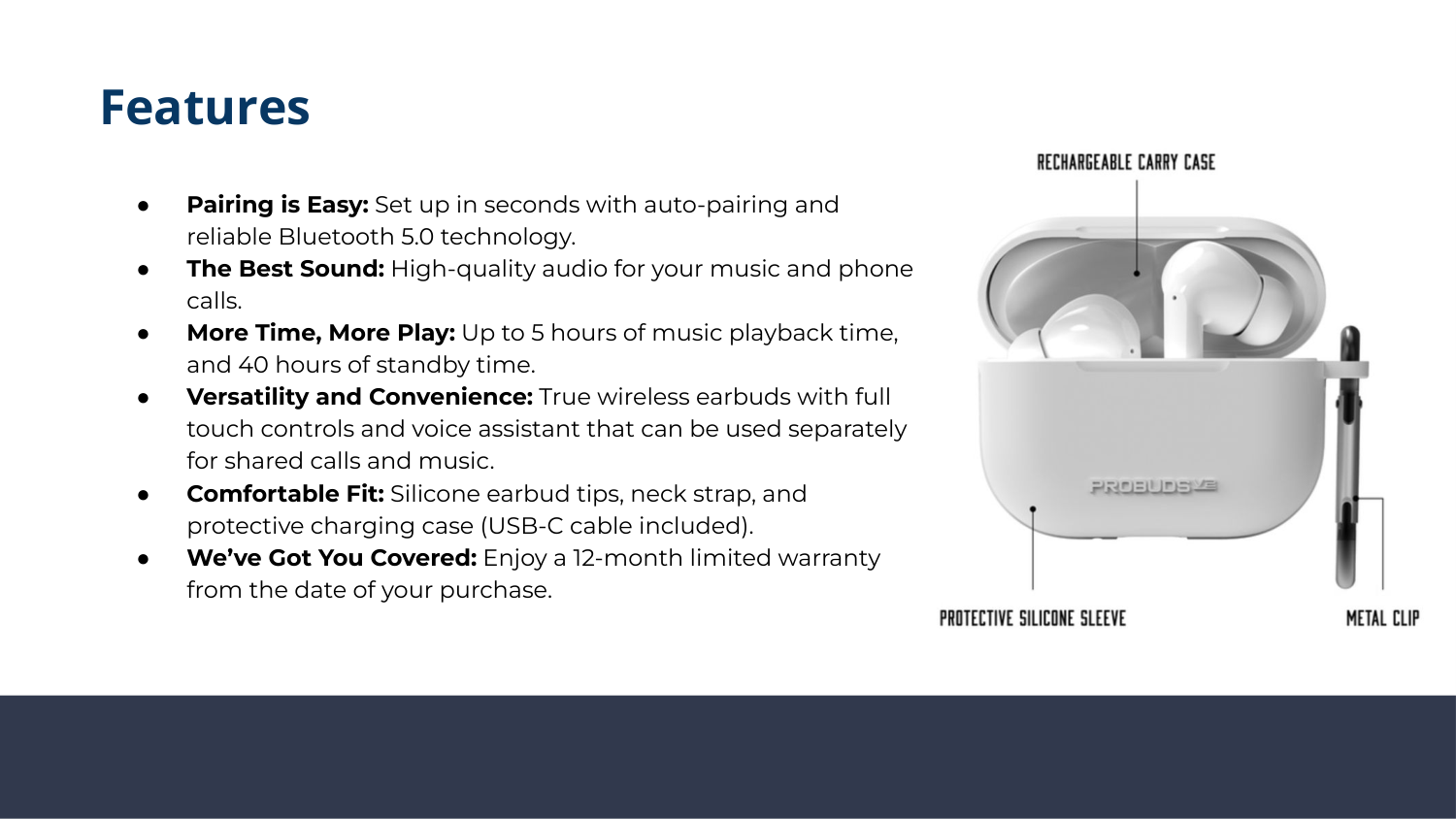

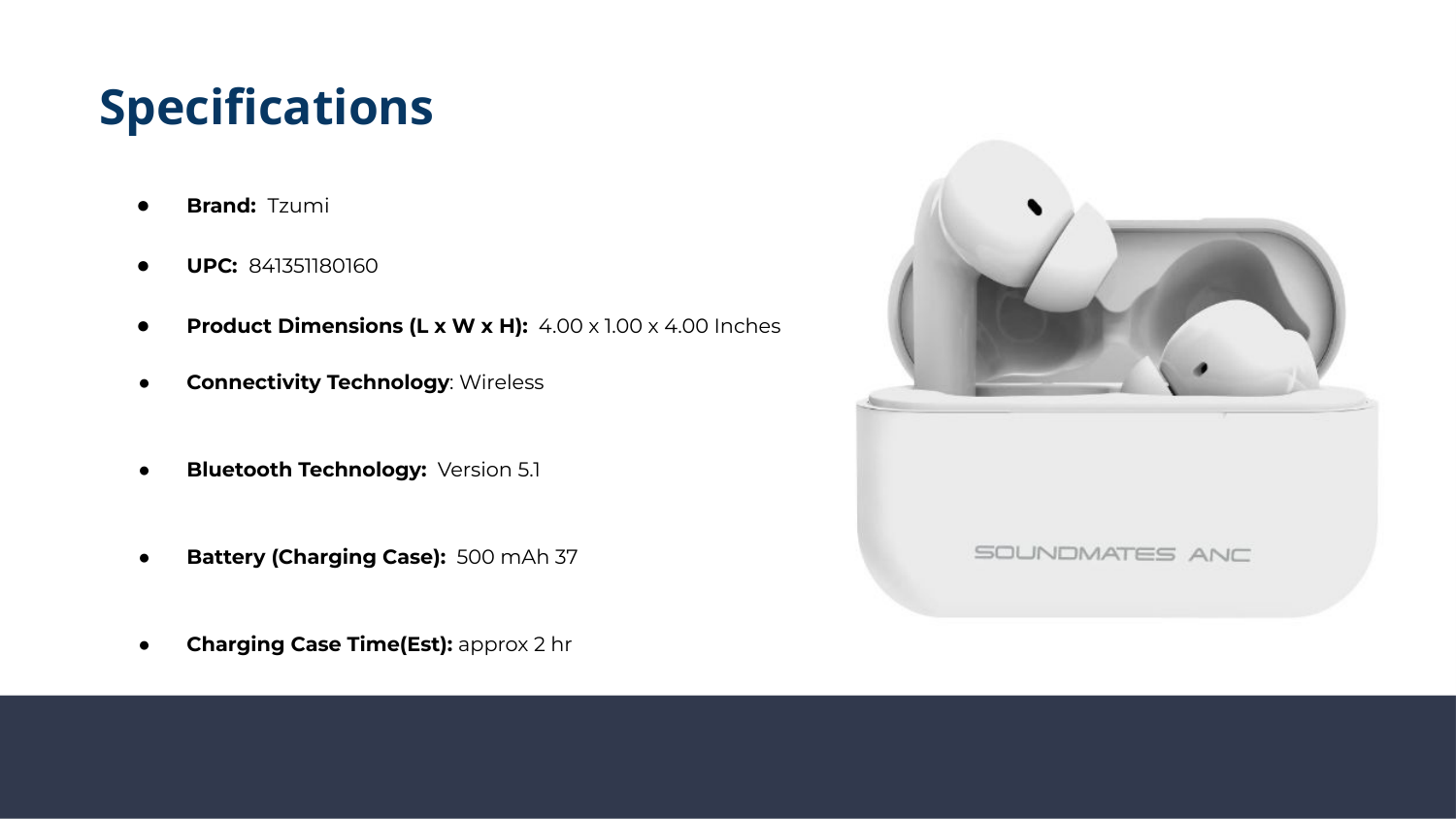
Specifications

Touch- Control Functions