
Ask AI
— answers from the official manualAnswers from the official manual.
Common questions
Common Questions
20 totalWhat touch controls can I use to skip to the next song?
Press the operation touch sensor on either the left or right earphone 2 times to skip to the next song. You can also press 3 times to go to the previous song.
How do I turn off the TWS002 earphones?
Store the earphones in the charging case to turn them off automatically. Alternatively, press and hold the operation touch sensor on the earphones for 5 seconds while powered on—the earphone LED will light red when powered off.
How do I activate the voice assistant on these earphones?
Press and hold the operation touch sensor on either the left or right earphone for 2 seconds to activate the voice assistant. This function is available on both earphones.
Will the earphones automatically reconnect to my device after turning them off?
Yes, after pairing, the earphones will automatically pair with the last connected device when turned on. This eliminates the need to manually re-pair with that device each time.
What should I avoid when using the TWS002 earphones for safety?
Never use while cycling, driving, or in places where you cannot hear ambient sound such as train crossings or construction sites. Do not use in prohibited areas like hospitals or airplanes, and avoid prolonged high-volume listening as it may cause hearing damage.
How do I perform a factory reset on the Daiso Tws002 earbuds?
To restore factory settings, quickly click the touch key three times while the earphone is in charging state. (Page 5)
Show 14 more questions
How do I connect my Daiso Tws002 earbuds to two different phones?
What should I do if my Daiso Tws002 earbuds won't power on?
Why do I see two 'W1' devices when searching my Daiso Tws002?
How far can my Daiso Tws002 earbuds connect to each other in a zero-obstacle environment?
How long does it take to fully charge the Daiso Tws002 charging box?
What should I do if my Daiso Tws002 charging box doesn't charge properly?
How can I control volume on my Daiso Tws002 earbuds?
What should I do if my Daiso Tws002 connection quality is poor?
How long can I use my Daiso Tws002 earbuds before needing a charge?
How do I turn on the TWS002 earphones?
How do I pair the TWS002 to my smartphone for the first time?
What should I do if the charging case battery is low?
How do I clean and maintain the TWS002 earphones?
How do I know when the earphones are fully charged?
Full Manual
9 pages
TWS Instruction Manual for Real Wireless Bluetooth Headset W1 (Bilateral Conversation)

Please read the instruction manual carefully when using this product
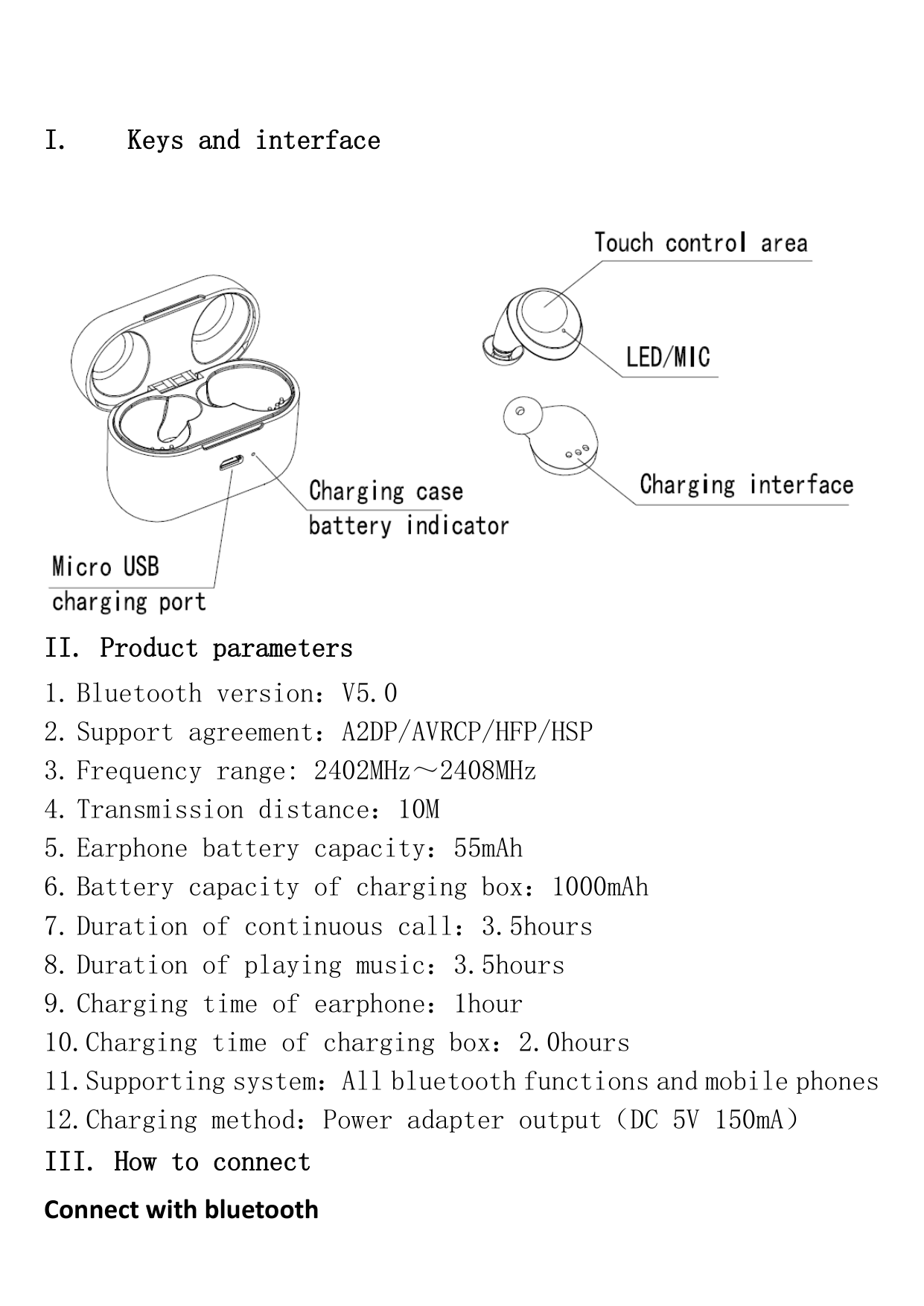

charging box, the earphones are turned on and automatically paired to stereo. After the successful connection, the host (R earphone) will flash the "red and blue light" alternately, and the auxiliary headphone indicator will slowly flash the blue light. At this point, turn on the bluetooth on mobile phone and search device "W1" to connect successfully.
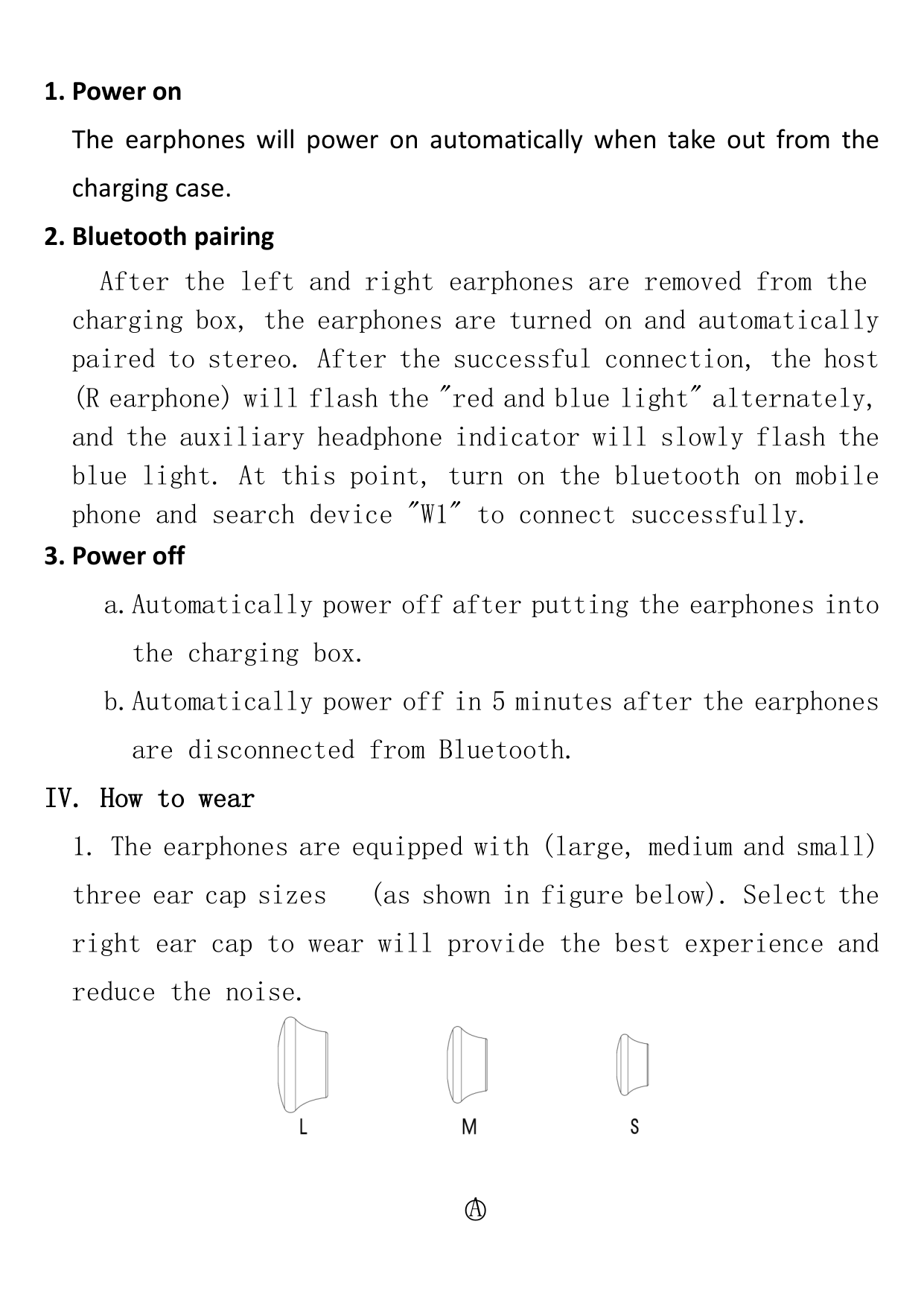
IV. How to wear

○A
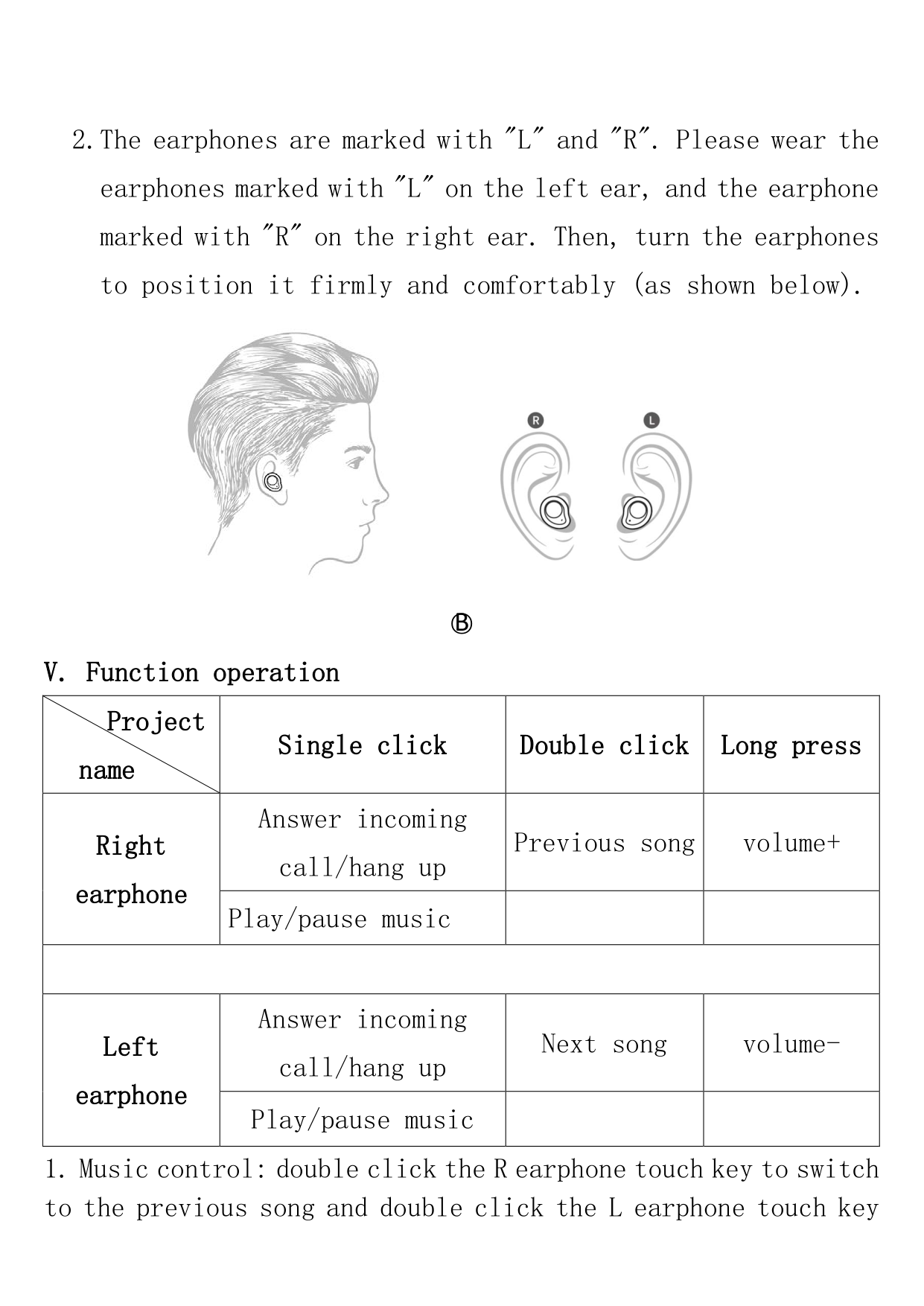


○B
V. Function operation
|Project name|Single click|Double click|Long press| |---|---|---|---| |Right earphone|Answer incoming call/hang up|Previous song|volume+| |Right earphone|Play/pause music| | | | | | | | |Left earphone|Answer incoming call/hang up|Next song|volume-| |Left earphone|Play/pause music| | |
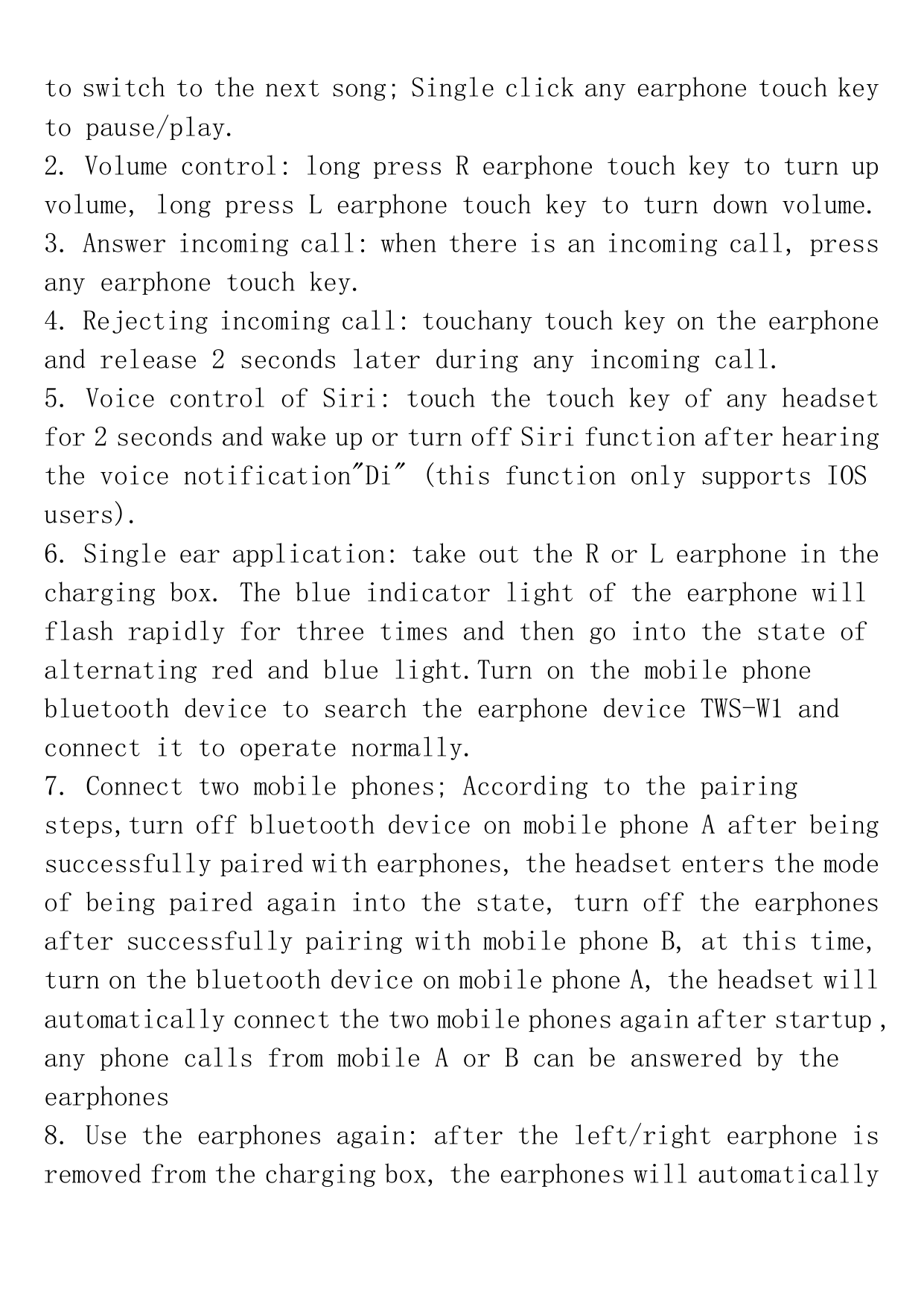
to switch to the next song; Single click any earphone touch key to pause/play.
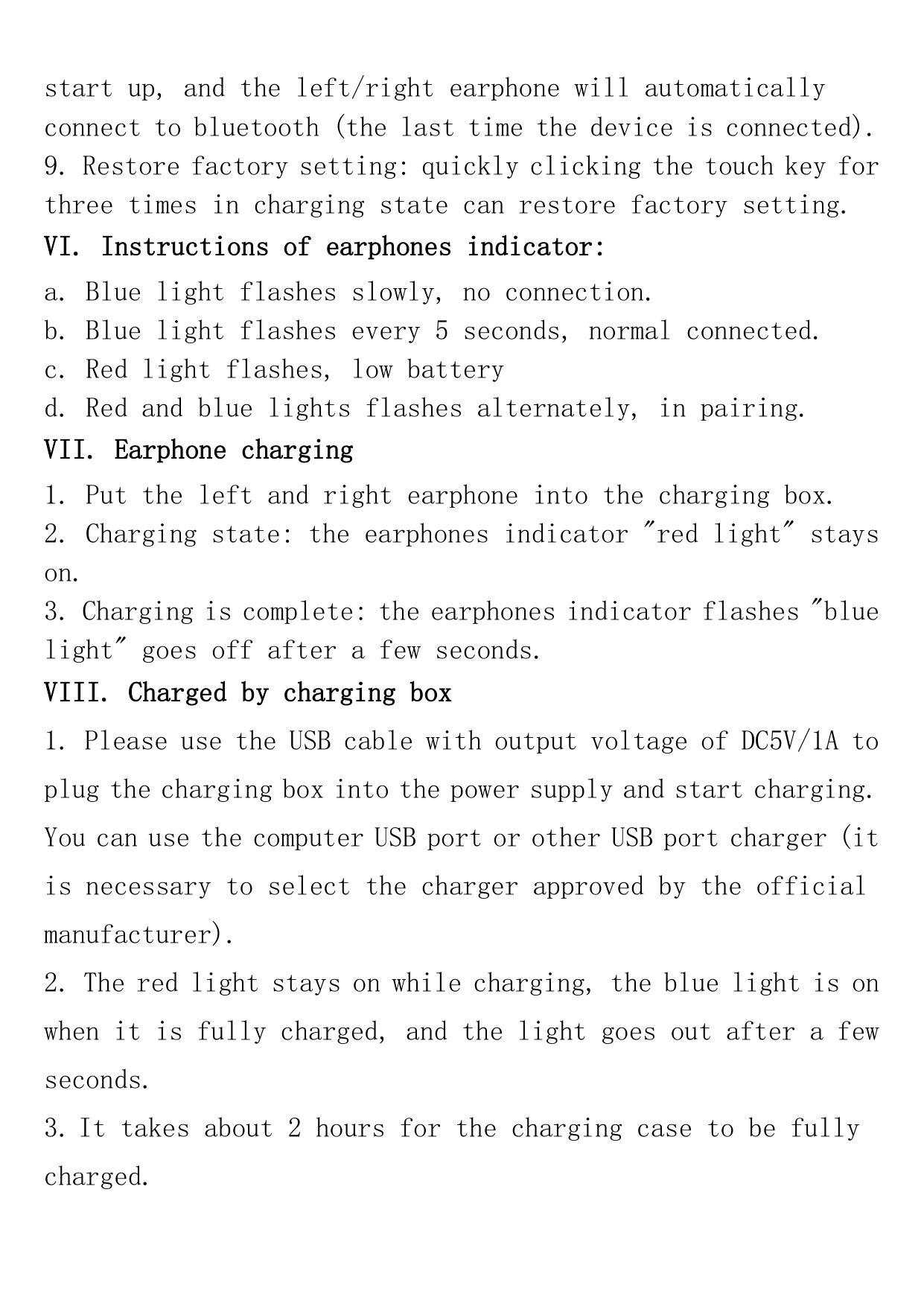
VI. Instructions of earphones indicator:
VII. Earphone charging
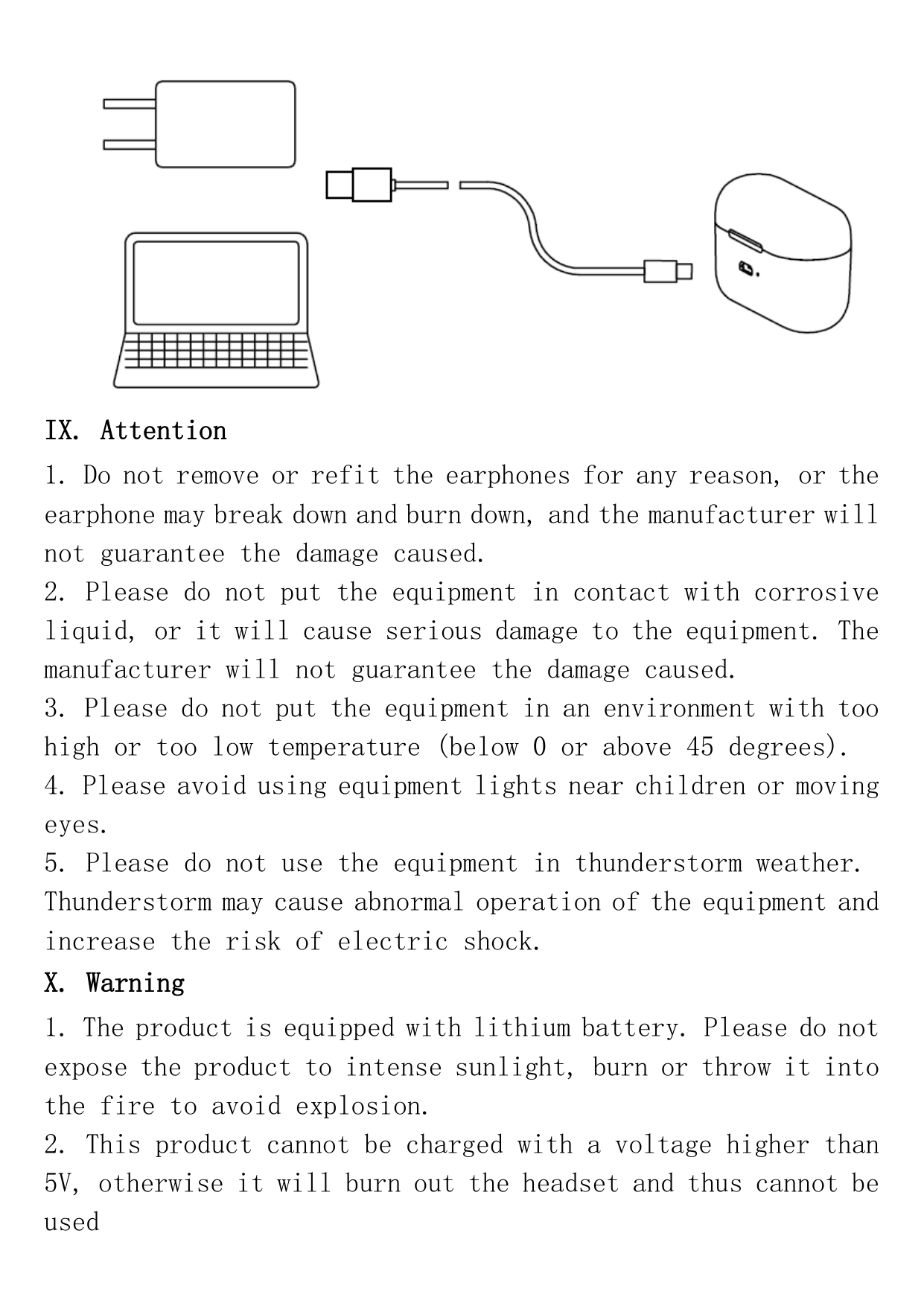
VIII. Charged by charging box

IX. Attention
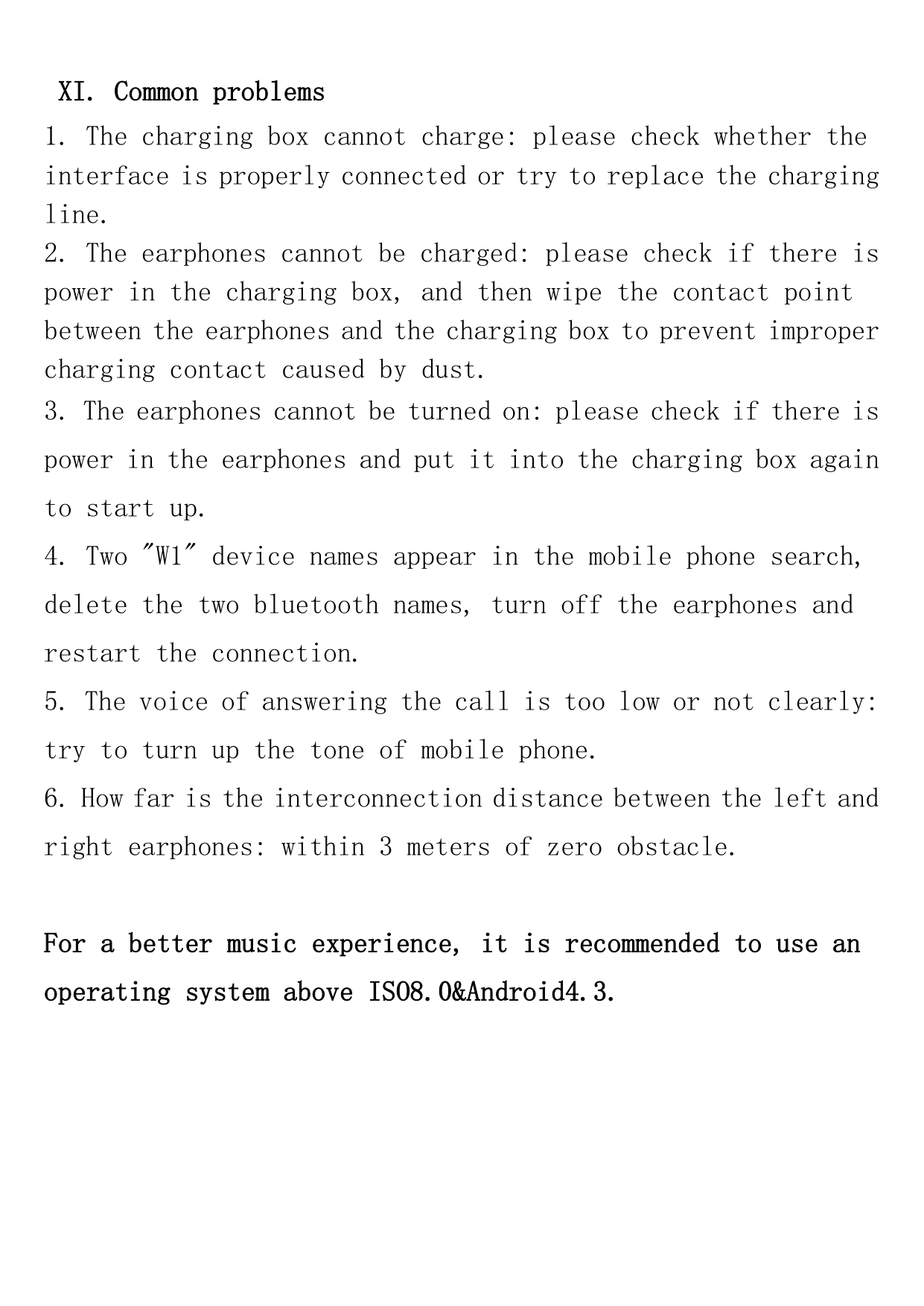
X. Warning
XI. Common problems
For a better music experience, it is recommended to use an operating system above ISO8.0&Android4.3.
FCC ID: 2ARGM-W1
Changes or modifications not expressly approved by the party responsible for compliance could void the user’s authority to operate the equipment.
This device complies with Part 15 of the FCC Rules. Operation is subject to the following two conditions: (1) this device may not cause harmful interference, and (2) this device must accept any interference received, including interference that may cause undesired operation.
This equipment has been tested and found to comply with the limits for a Class B digital device, pursuant to Part 15 of the FCC Rules. These limits are designed to provide reasonable protection against harmful interference in a residential installation. This equipment generates, uses and can radiate radio frequency energy and, if not installed and used in accordance with the instructions, may cause harmful interference to radio communications. However, there is no guarantee that interference will not occur in a particular installation. If this equipment does cause harmful interference to radio or television reception, which can be determined by turning the equipment off and on, the user is encouraged to try to correct the interference by one or more of the following measures:
-- Reorient or relocate the receiving antenna.
-- Increase the separation between the equipment and receiver.
-- Connect the equipment into an outlet on a circuit different from that to which the receiver is connected.
-- Consult the dealer or an experienced radio/TV technician for help.
This device complies with FCC RF radiation exposure limits set forth for an uncontrolled environment. This transmitter must not be co-located or operating in conjunction with any other antenna or transmitter