Ask AI
— answers from the official manualAnswers from the official manual.
Common questions
Common Questions
27 totalWhat does it mean when the VOC indicator light turns red?
A red indicator light means a high level of VOCs has been detected in the room, and the air purifier will automatically operate at the Allergen setting. The unit will continue to monitor VOC levels and adjust the cleaning level as necessary. (Page 5)
How do I remove the protective wrapping from the filters before first use?
Before using your new air purifier, make sure it is OFF and unplugged, then press the two hand symbols on the front grille to release it and pull the grille toward you to remove it. Grasp the sides of the filter frame near its top end and pull outward, then remove the protective wrap from the filters including the pre-filter. Repeat for the second and third filters if applicable. (Page 3)
How often should I replace the HEPA filters and the Odor Reducing Pre-filter?
The Certified HEPA Filters should be replaced every 12 months, and the Odor Reducing Pre-filter should be replaced every 3 months. These are guidelines only — if your home has heavy odors, smoking, or high levels of particles, filters may need to be replaced sooner. (Page 7)
My air purifier is making more noise and the airflow seems reduced — what could be causing this?
The filters are likely dirty, as high amounts of contaminants can block the pores in the filter and restrict airflow. You should replace the HEPA filters and the pre-filter, and to ensure proper performance, replace them with Genuine Honeywell filters. (Page 7)
Can I wash the HEPA filters or the pre-filter to clean them?
No, none of the filters are washable. Washing either filter will ruin it, and you should never immerse them in water. (Pages 6–7)
How do I adjust or turn off the LED brightness on the control panel?
Tap the Dimmer icon once to dim the lights to LOW, tap it twice to shut the lights OFF (the air purifier will not shut off), and tap it a third time to return brightness to HIGH. Note that the Power and Bluetooth icons will always remain illuminated regardless of the dimmer setting. (Page 5)
Show 21 more questions
What safety precautions should I follow when using the HPA8350 Air Purifier?
How should I store the air purifier if it won't be used for more than 30 days?
How do I set up the HPA8350 for first use?
How do I reset the filter change indicator light after replacing the filters?
What do the VOC sensor indicator light colors mean?
Why did my air purifier suddenly switch to a higher cleaning setting on its own?
Can I wash the HEPA filters or pre-filter?
What are the safety precautions I should follow when using the HPA8350?
How do I store the air purifier if I won't be using it for more than 30 days?
How do I reset the filter change indicator light after replacing the HEPA filter or pre-filter?
How do I use the timer to automatically shut off the air purifier?
My air purifier is making more noise and the airflow seems reduced — what should I do?
How often should I replace the filters?
How do I reset the electronic filter check reminder lights?
What should I do if my air purifier is making noise and has reduced air output?
Can I wash the filters in my air purifier?
What are VOCs and how does the VOC function work?
How do I adjust the brightness of the control panel LEDs?
What cleaning levels are available and when should I use each one?
How long should I run my air purifier and can it run 24 hours a day?
How should I clean and store my air purifier?
Full Manual
11 pages
Important
Safety Instructions
Read And Save These Safety
Instructions Before Using This
Air Purifier
When using electrical appliances, basic precautions should always be followed to reduce the risk of fire, electric shock, and injury to persons, including the following:The Doctor’S Choice
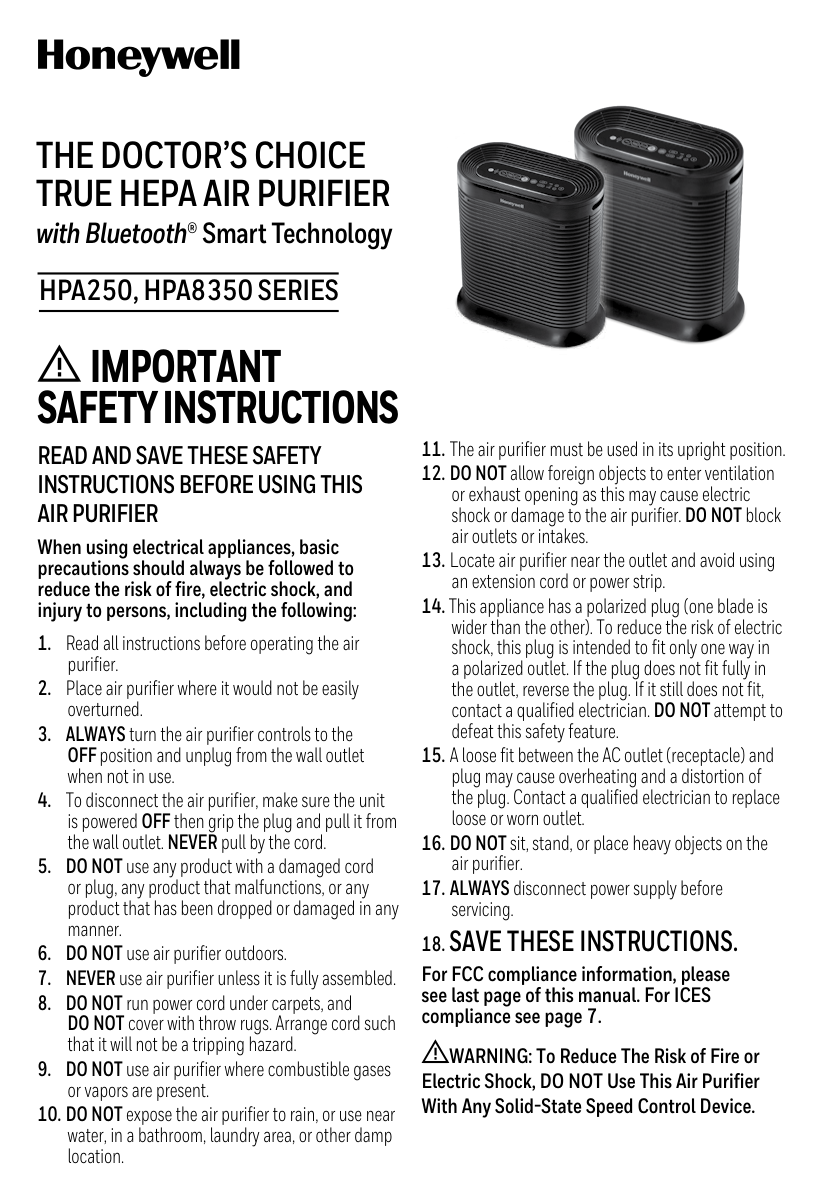
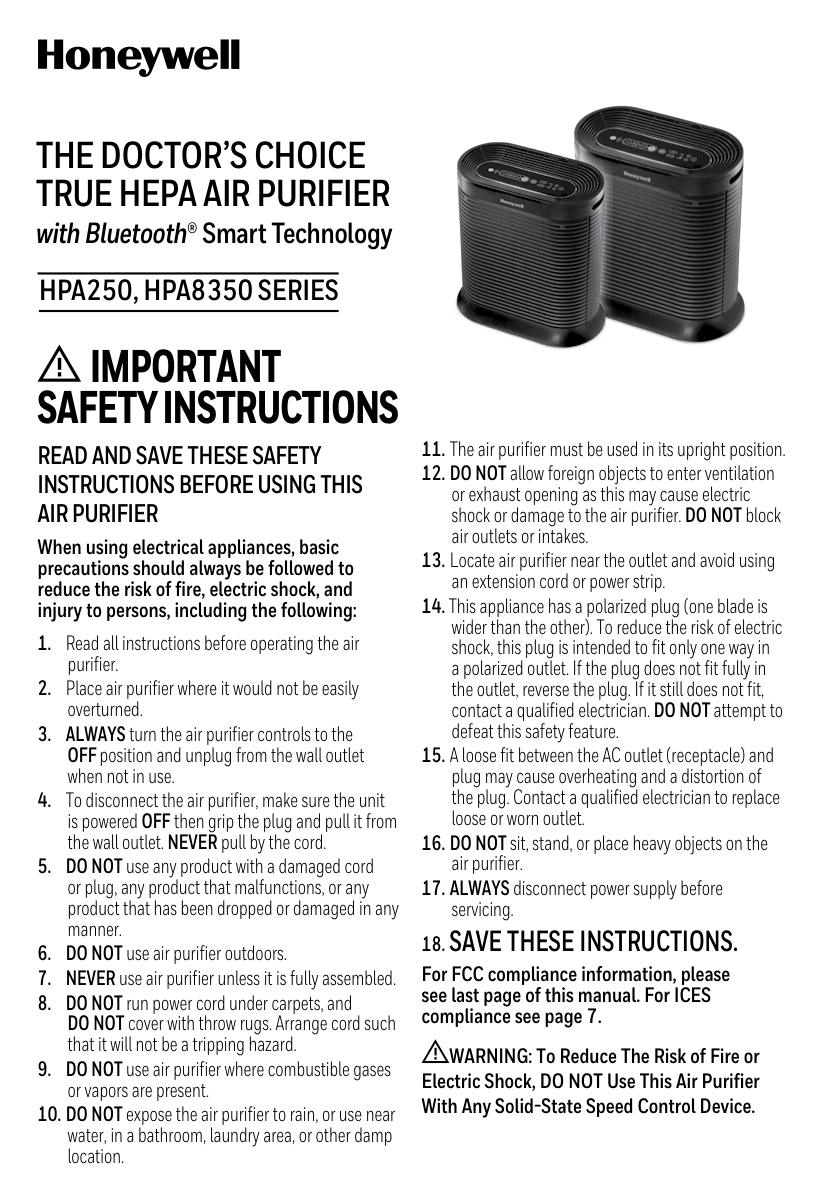
True Hepa Air Purifier
with Bluetooth® Smart Technology18. Save These Instructions.
For FCC compliance information, please see last page of this manual. For ICES compliance see page 7. WARNING: To Reduce The Risk of Fire or Electric Shock, DO NOT Use This Air Purifier With Any Solid-State Speed Control Device.Hpa250, Hpa8350 Series

2 Type A Odor Reducing Pre-Filter Front Grille
Your Air Purifier
Control PanelHow Your Air Purifier Works
This model air purifier incorporates a 2-stage cleaning system to help clean the air that passes through the filter in the unit (Fig. 1). Stage 1: Odor Reducing Pre-filter Stage 2: Certified HEPA Filters capture particles as small as 0.3 micron or larger* *From the air that passes through the filter 2 Filters Odor Reducing Pre-FilterStage 1
Stage 2
Fig. 1 Filters: HPA8350 Series Type R Certified HEPA Filters HPA250 Series
3
Set-Up
Install Hepa Filters And Odor Reducing Pre-Filter
Fig. 2
4 Air Purifier Operation
Turbo (
) for power cleaning or fast odor reduction.Operation

5 Using the Dimmer Option The Dimmer Option ( ) allows you to adjust the brightness of the LEDs on the control panel (Fig. 4). You may wish to adjust the brightness depending on the room where the unit is placed. The unit always turns on with the brightness on HIGH. To adjust brightness:
Electronic Filter Change Reminder
Fig. 6 Will illuminate when it is time to change HEPA filters and pre-filter
6 We recommend that you clean the air purifier at least once every 3 months and before extended storage. Use only a dry cloth to wipe the external surfaces of the air purifier.
Do Not Use Water, Wax Polish, Or Any Chemical Solution.
If your Air Purifier will not be used for more than 30 days, we recommend that you:Cleaning And Storage
Replacing The True Hepa Filters
See INSTALLATION INSTRUCTIONS on page 3 of this manual. See ACCESSORIES AND REPLACEMENT FILTERS on page 7 of this manual for replacement filter information. To RESET Either Electronic Filter Check: After you have replaced the appropriate filters, plug the unit back in. The “Check Filters” or “Check Pre-Filter” light will remain on until it is reset. With the unit powered OFF, press the lighted button and hold for approximately 3 seconds until the light turns off. The electronic filter check is now reset. Depending on individual usage (environment and hours used), you may need to replace filters more or less frequently. NOTE: If you change the Pre-filter or HEPA Filter before the Electronic Filter Check lights are illuminated, you should still reset the indicator. With the unit plugged in and powered off, press and hold the appropriate “Filters” or “Pre-Filter” button for 5 seconds. The light will flash red twice to signal that the indicator has been reset. These cleaning intervals are intended as guidelines only. Performance of any filter media is dependent upon the concentration of contaminants going through the system. High concentrations of contaminants such as dust, pet dander, and smoking will reduce the useful performance of the filter. NOTE: None of the filters are washable. DO NOT immerse them in water. ELECTRONIC FILTER CHANGE REMINDER (continued)
7
Accessories And Replacement Filters
To ensure stated product performance, use only Genuine Honeywell Replacement Filters. The Certified HEPA Filters should be replaced every 12 months and the Odor Reducing Pre-filter should be replaced every 3 months, especially if there have been heavy odors and particles in the home. You may purchase Genuine Honeywell Replacement Filters at the retailer where you purchased your air purifier or order directly from www.replacementfilters.com.(Source: http://www.epa.gov/iaq/voc.html) Why did my Air Purifier suddenly turn on a higher setting? Is the air purifier set to VOC Mode, or Auto-Set mode from the App? If it is, the unit may have sensed a higher level of VOCs or Allergens and have adjusted the cleaning level accordingly.
Frequently Asked Questions
This Device Complies With Industry Canada License-Exempt Rss-210
Operation is subject to the following two conditions: (1) this device may not cause interference, and (2) this device must accept any interference, including interference that may cause undesired operation of the device.
8 You should first read all instructions before attempting to use this product. A. This 5 year limited warranty applies to repair or replacement of product found to be defective in material or workmanship. This warranty does not apply to damage resulting from commercial, abusive, unreasonable use or supplemental damage. Defects that are the result of normal wear and tear will not be considered manufacturing defects under this warranty. KAZ IS NOT LIABLE FOR INCIDENTAL
Or Consequential Damages Of Any
Nature, Any Implied Warranty Of
Merchantability Or Fitness For A
Particular Purpose On This Product
Is Limited In Duration To The Duration
OF THIS WARRANTY. Some jurisdictions do not allow the exclusion or limitation of incidental or consequential damages or limitations on how long an implied warranty lasts, so the above limitations or exclusions may not apply to you. This warranty gives you specific legal rights, and you also may have other rights which vary from jurisdiction to jurisdiction. This warranty applies only to the original purchaser of this product from the original date of purchase. B. At its option, Kaz will repair or replace this product if it is found to be defective in material or workmanship. C. This warranty does not cover damage resulting from any unauthorized attempts to repair or from any use not in accordance with the instruction manual. D. This warranty does not cover the HEPA filters or the pre-filters, except for material or workmanship defects.5 Year Limited Warranty
Consumer Relations
NOTE: IF YOU EXPERIENCE A PROBLEM, PLEASE CONTACT CONSUMER RELATIONS FIRST OR SEE YOUR WARRANTY. DO NOT RETURN TO THE UNIT TO THE ORIGINAL PLACE OF PURCHASE. DO NOTAttempt To Open The Motor Housing Yourself, Doing So May Void Your Warranty And
Cause Damage To The Air Purifier Or Personal Injury.
Call us toll-free at: 1-800-477-0457 E-mail: consumerrelations@kaz.com Or visit our website at: www.HoneywellPluggedIn.com Please be sure to specify a model number.
9
Fcc Compliance / Conformité Fcc / Cumplimiento De La Fcc
NOTE: This equipment has been tested and found to comply with the limits for a Class B digital device, pursuant to Part 15 of the FCC Rules. These limits are designed to provide reasonable protection against harmful interference in a residential installation. This equipment generates, uses, and can radiate radio frequency energy and, if not installed and used in accordance with the instructions, may cause harmful interference to radio communications. However, there is no guarantee that interference will not occur in a particular installation. If this equipment does cause harmful interference to radio or television reception, which can be determined by turning the equipment off and on, the user is encouraged to try to correct the interference by one or more of the following measures:
©2018 All Rights Reserved.
A002307R0
032618 © 2018 All Rights Reserved. Kaz USA, Inc., a Helen of Troy Company 400 Donald Lynch Blvd., Suite 300, Marlborough, MA 01752 Honeywell is a trademark of Honeywell International Inc., used under license by Helen of Troy Limited. The ENERGY STAR® name and mark are registered trademarks owned by the U.S. EPA. The Bluetooth® word mark and logos are registered trademarks owned by Bluetooth SIG, Inc. and any use of such marks by Kaz USA, Inc. is under license. Other trademarks and trade names are those of their respective owners. Distributed by: Kaz Canada, Inc., a Helen of Troy Company 6700 Century Avenue, Suite 210, Mississauga, Ontario L5N 6A4 Contact us at 1-800-477-0457 or www.HoneywellPluggedIn.com © 2018 Tous droits réservés. Kaz USA, Inc., une société de Helen of Troy 400 Donald Lynch Blvd., Suite 300, Marlborough, MA 01752 Honeywell est une marque de commerce de Honeywell International, Inc. qu’utilise Helen of Troy Limited sous licence. Le nom et la marque ENERGY STARMD sont des marques déposées propriété de l’EPA des États-Unis. La marque verbale et les logos BluetoothMD sont des marques déposées propriété de Bluetooth SIG, Inc. et toute utilisation de ces marques par Kaz USA, Inc. est effectuée sous licence. Les autres marques de commerce et noms commerciaux sont ceux de leurs propriétaires respectifs. Distribué par : Kaz Canada, Inc., une société de Helen of Troy 6700 Century Avenue, Suite 210, Mississauga, Ontario L5N 6A4 Pour nous joindre, composez le 1 800 477-0457 ou visitez www.HoneywellPluggedIn.com © 2018 Todos los Derechos Reservados Kaz USA, Inc., una Empresa de Helen of Troy 400 Donald Lynch Blvd., Suite 300, Marlborough, MA 01752 Honeywell es una marca registrada de Honeywell International Inc., utilizada bajo licencia por Helen of Troy Limited. El nombre y la marca ENERGY STAR® son marcas registradas propiedad de U.S. EPA. La marca y los logotipos Bluetooth® son marcas registradas propiedad de Bluetooth SIG, Inc. y cualquier uso de tales marcas por Kaz USA, Inc. está bajo licencia. Otras marcas registradas y nombres comerciales son los de sus respectivos propietarios. Distribuido por Kaz Canada, Inc., una Empresa de Helen of Troy 6700 Century Avenue, Suite 210, Mississauga, Ontario L5N 6A4 Contáctenos al teléfono 1-800-477-0457 o al sitio web www.HoneywellPluggedIn.com For Responsible recycling, please visit: www.RecycleNation.com Para reciclar responsablemente, por favor visite: www.RecycleNation.com
Brand:
Honeywell Category: Air Purifier Model: HPA250/ 8350 Series Subject: Owners Manual Artwork Part #:
A002307R0
Die Line Part #:N/A
Region:Us
Flat Size: MM: W279.4 x H203.2 IN: W11 x H8 Folded Size: MM: W139.7 x H203.2 IN: W5.5 x H8 Material: Page count: 10 24# white textRevision:
6 Release Date: 27MAR18 Rerelease Date: Date: 27MAR18 Scale: 1/1
Colors: Special Instructions: Dielines (Do not print) Black 100% Kaz USA, Inc., a Helen of Troy Company Creative Services Marlborough, 01752 MA, USA +1 508 490 7000 Quality Requiement of Artwork and Quality Clarification Pocess of Artwork Printing: Meet Eng-QS-06&02