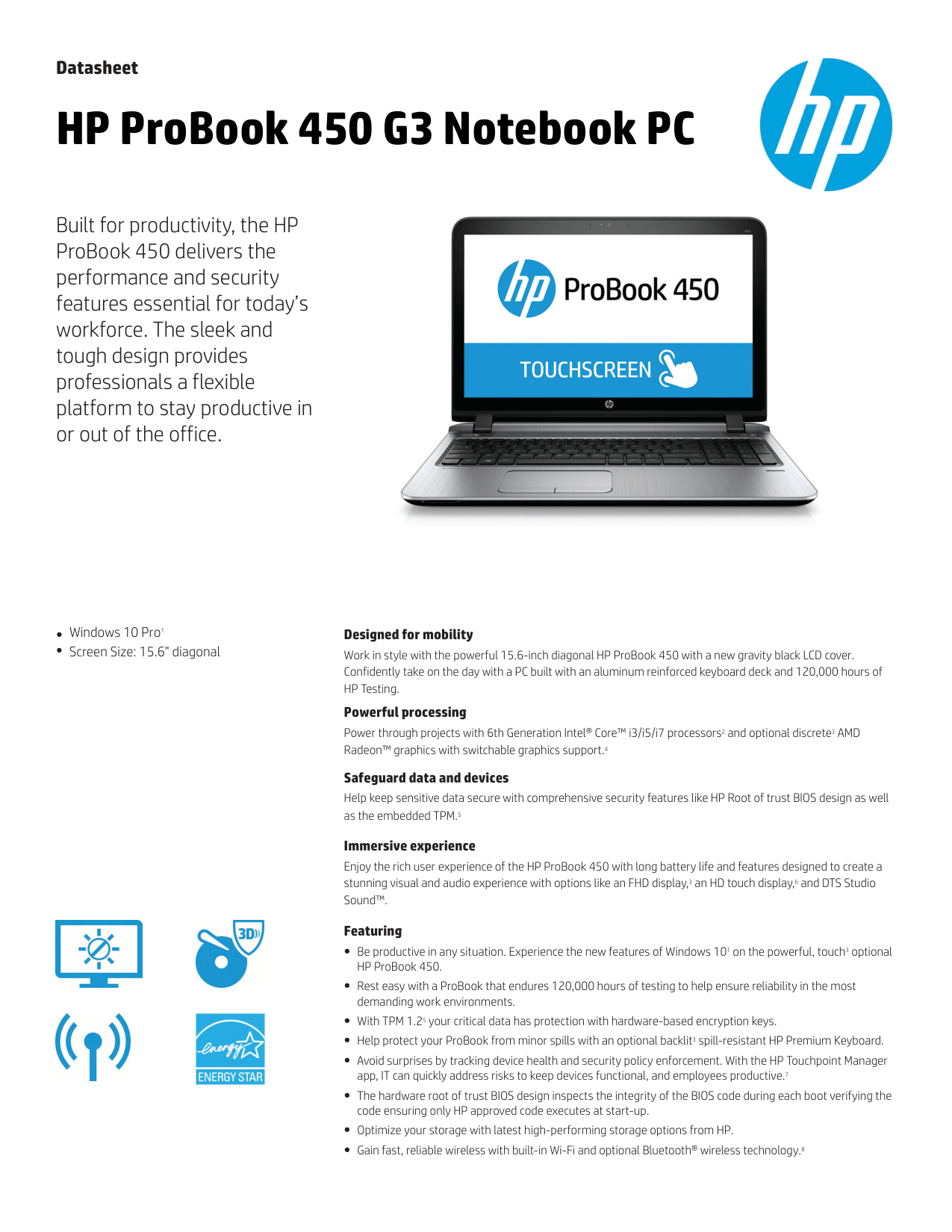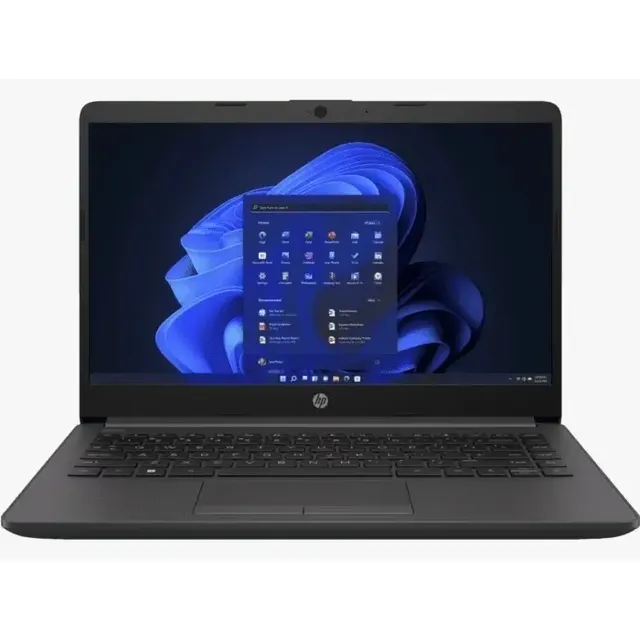
The HP 240 G8 is HP's budget business laptop, released around 2020 (10th-gen Intel) and refreshed with 11th-gen Intel SKUs in the years after. It was the entry into HP's corporate fleet stack at this size. If you're reading this, you probably bought one as a personal machine, inherited one from work, or are looking at a used listing. This isn't a glamorous laptop. It's a thin, light, 14-inch machine that runs an Intel Core i3 or i5, and it does everyday work well enough that companies bought a lot of them.
Two things to understand up front: it's not upgradeable, and it's not a repair-friendly chassis. The 240 G8 is the opposite of the EliteBook line. HP designed this for a deploy-and-replace lifecycle, not a service-and-extend one.
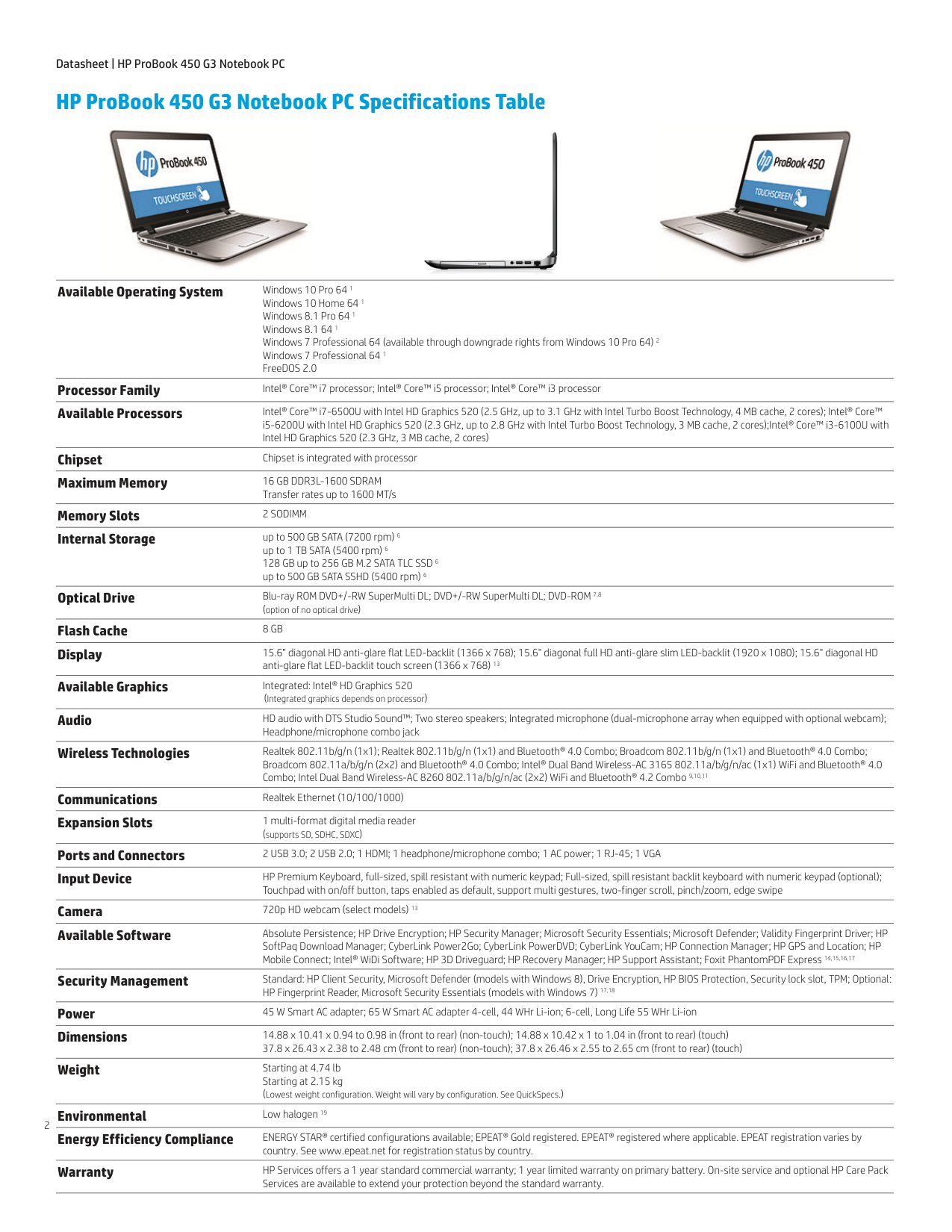
What you're getting
- CPU: Intel Celeron, Pentium Silver, or 10th/11th-gen Core i3 / i5 / i7 (varies by SKU). The Core i5 11th-gen is the sweet spot — meaningfully faster than the Celeron variants if you have the choice.
- RAM: Up to 16GB DDR4-3200 across 2 SODIMM slots. Not user-upgradeable. HP's spec sheet calls the slots "non-customer accessible." You buy what you buy.
- Storage: Up to 512GB Intel NVMe QLC SSD. Some SKUs include 32GB Intel Optane memory (H10) for cached acceleration. M.2 form factor — technically swap-able if you're willing to ignore the warranty and crack the chassis.
- Display: 14-inch (35.6 cm) at either 1366×768 (HD) or 1920×1080 (FHD), IPS micro-edge anti-glare. Get the FHD if you can. The HD panel is genuinely cheap-feeling.
- Battery: HP Long Life 3-cell 41 Wh Li-ion, rated 10 hours. Real-world use lands closer to 6-7 hours.
- Weight: 1.47 kg starting (3.24 lb).
- Dimensions: 32.4 × 22.59 × 1.99 cm.
Source: HP 240 G8 data sheet, page 2
Ports
Two USB Type-A 3.0 ports (5 Gbps), one USB Type-C 3.0 port (5 Gbps, data only — no DisplayPort Alt Mode, no Power Delivery), gigabit Ethernet, headphone/mic combo, HDMI 1.4b, microSD reader, AC adapter port.
The USB-C port deserves attention because the 240 G8's port is unusually limited for a 2020+ laptop. It's USB 3.0 data only. You can't drive an external monitor through it, you can't charge the laptop through it. If you're planning to use a USB-C dock with this, the dock will work as a USB hub only — displays go through HDMI directly.
Wireless and security
Realtek 802.11ac (2×2 or 1×1 depending on SKU) plus Bluetooth 5. No Wi-Fi 6 unless you got a specific upgraded SKU.
Security is the firmware Trusted Platform Module 2.0. Standard for the era, sufficient for Windows 11 Pro hardware-encryption requirements, fine for most small-business security policies.
Where this laptop is good
- Browser-based work, productivity apps, video calls. The 11th-gen i5 SKU handles these without complaint.
- Light Windows 11 Pro use in a corporate fleet. This is what HP sold it for. It works.
- Travel laptop with a budget. 1.47 kg in a 14-inch chassis is fine for a backpack.
Where this laptop is not good
- Anything CPU-intensive. No Quadro/RTX, integrated graphics only (Intel UHD or Iris Xe depending on SKU). Photoshop is OK; Lightroom panels stutter; Premiere is rough.
- Sustained heavy multitasking on the 4GB SKU. If your machine has 4GB RAM, it's already maxed out by Edge with five tabs and Teams. The 8GB minimum is the real floor.
- Future-proofing. No upgrade path. You can't add RAM, and the warranty on storage swap is a coin-flip with HP.
Battery life realism
The 10-hour rating assumes a low-brightness, low-CPU workload. Real-world mixed use (Edge, Teams, Office, occasional video) typically runs shorter on a 41 Wh battery — closer to a normal workday than to ten hours. Heavy use shortens it further. Expect the battery to degrade noticeably after the first few years; the 41 Wh cells aren't exceptional.
Operating systems
The 240 G8 ships with Windows 10 Pro / Home or Windows 11 Pro / Home, depending on when in the production run yours was made. All 240 G8 SKUs are Windows 11 compatible — the firmware TPM 2.0 + 10th/11th-gen CPUs satisfy Microsoft's compatibility requirements. If yours is on Windows 10 and Microsoft's end-of-support date is approaching, the upgrade is free.
There are also FreeDOS and Linux SKUs HP shipped overseas. If yours boots to FreeDOS, that's your install-Windows trigger.
Buying it used
If you're shopping a used 240 G8:
- i5 SKU, 8GB RAM minimum. The Celeron and 4GB SKUs are not worth the savings.
- FHD display, not HD. The HD panel is the deal-breaker on this chassis.
- Check battery health before buying. HP doesn't make replacement batteries trivially available, and aftermarket cells are inconsistent — a degraded battery is hard to remedy after the fact.
- Check that the trackpad doesn't click loose. Owner reports cite this as a wear point on this generation.
Alternatives if 240 G8 is overkill or underkill
- HP 250 G8 Notebook PC — 15.6-inch sibling, same internals, larger screen, slightly heavier
- HP ProBook 450 G5 — older but has actual upgradeable RAM and SSD
- HP EliteBook 840 G3 — older still, but field-serviceable everything
Manual and support
The HP 240 G8 product support page is at https://support.hp.com/us-en/product/details/hp-240-g8-notebook-pc.